|
VOOZH | about |
|
VOOZH | about |
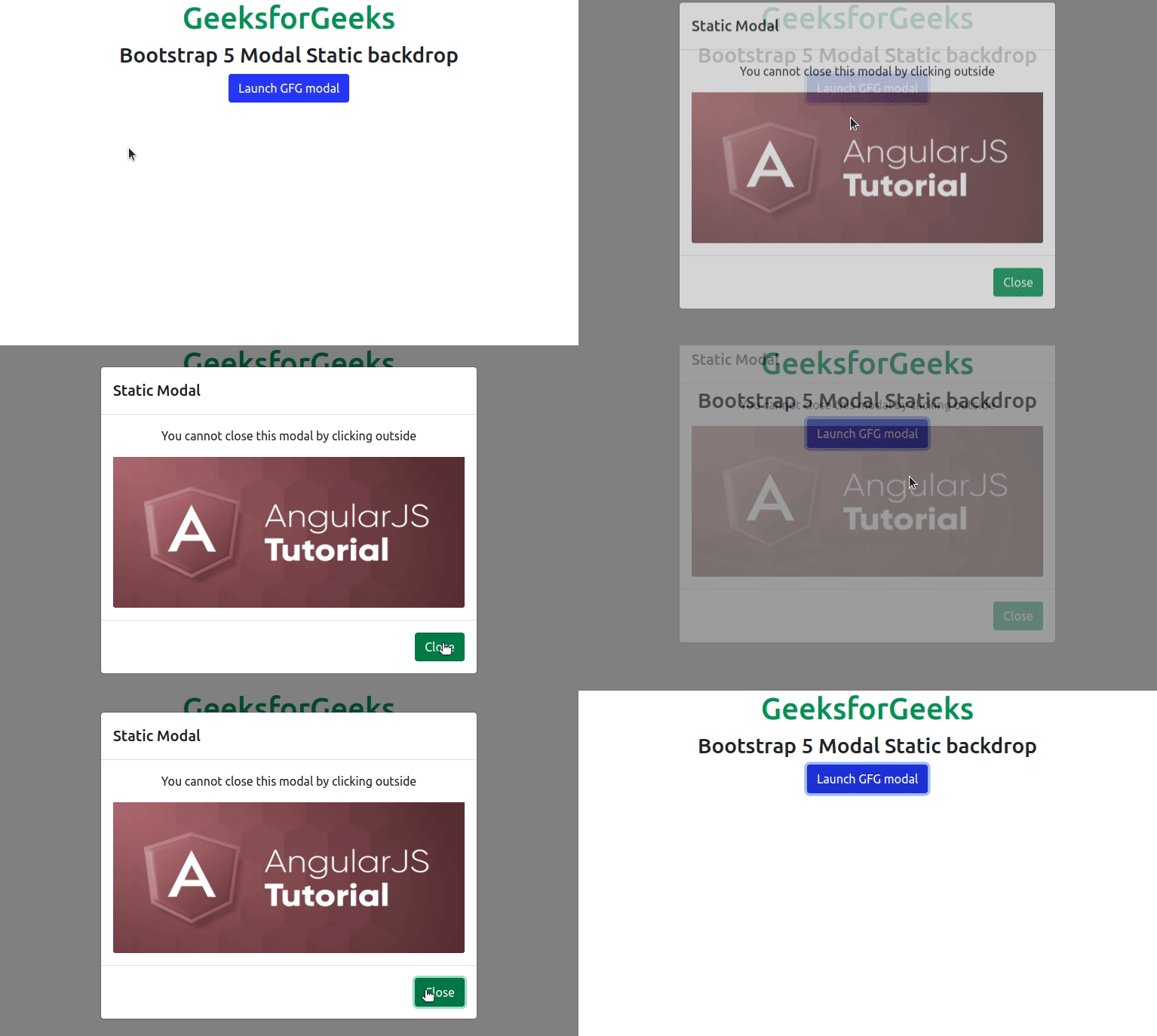
Bootstrap 5 Modal Static backdrop facilitates the modal that will not be going to be closed while clicking outside of the modal, by setting the backdrop to static.
Modal Static backdrop Classes: There are no specific classes used in Modal Static backdrop. Although, we can create the modal using Modal components classes.
Modal Static backdrop attribute:
Syntax:
<div class="modal"
 data-bs-backdrop="static" >
 ...
<div>
Example 1: This example describes the basic usage of the Modal Static backdrop in Bootstrap 5, where we will create a static modal and use an image in the body.
Output:
Example 2: This is another example that describes the basic usage of the Modal Static backdrop in Bootstrap 5, where we added a close button & removed the cross-mark(X) to close the Modal.
Output:
Reference: https://getbootstrap.com/docs/5.0/components/modal/#static-backdrop