|
VOOZH | about |
|
VOOZH | about |
In Bootstrap, you can easily disable input in a form and stop it from interacting by using the disabled attribute. This is mainly used in forms where some fields are not available for all users to fill in. Although buttons are visibly disabled with this attribute you need to add the tabindex="-1" to completely discourage it from being focused by the keyboard. If we add the disabled attribute inside a <fieldset> tag will disable the whole page from taking inputs and interacting.
Syntax:
<input class="..." id="..." disabled>Used Attributes:
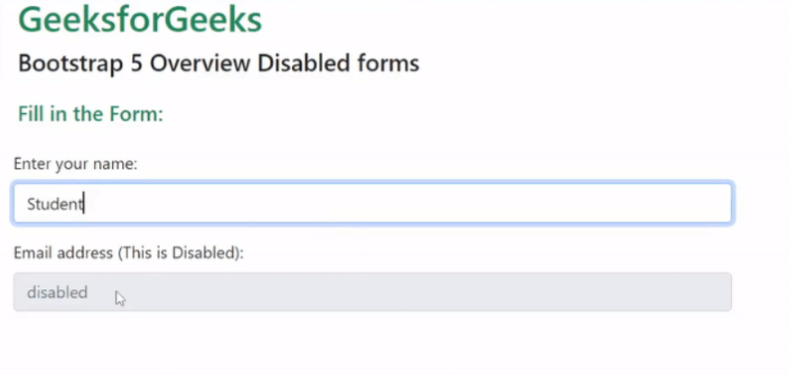
Example 1: The code example below demonstrates how we can use the disabled attribute to disable an input field and have a Disabled Form.
Output:
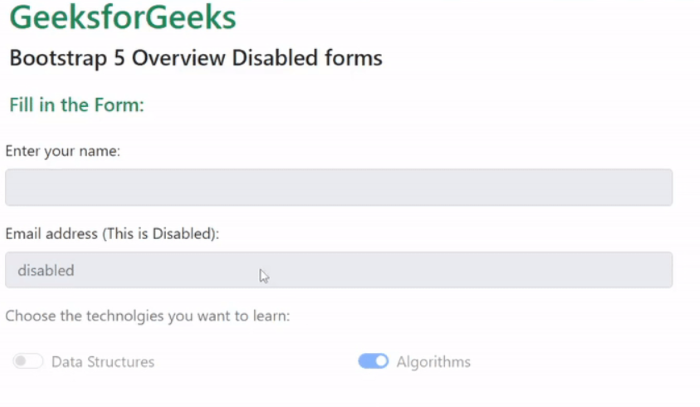
Example 2: The code below demonstrates how you can add disabled to a fieldset enclosing a form will lead to disabling all the inputs of the form:
Output:
Reference:https://getbootstrap.com/docs/5.0/forms/overview/#disabled-forms