|
VOOZH | about |
|
VOOZH | about |
Bootstrap 5 Position Center elements facilitate aligning the elements to the absolute center by implementing the transform utility class .translate-middle, which implements the transformations translateX(-50%) & translateY(-50%) to the element, along with combining the edge positioning utilities. Bootstrap 5 provides the 3 different transform utility classes that help to align the elements to the center.
Position Center elements Classes:
| Class | Description |
|---|---|
| translate-middle | Align the element to the center vertically and horizontally. |
| translate-middle-x | Positions the element horizontally to the center while maintaining its vertical position. |
| translate-middle-y | Positions the element vertically to the center while maintaining its horizontal position. |
Syntax:
<div class="position-relative">
 ...
</div>
Example 1: This example describes the Bootstrap Position Center Elements by implementing classes like position-absolute top-50 start-50 translate-middle.
Output:
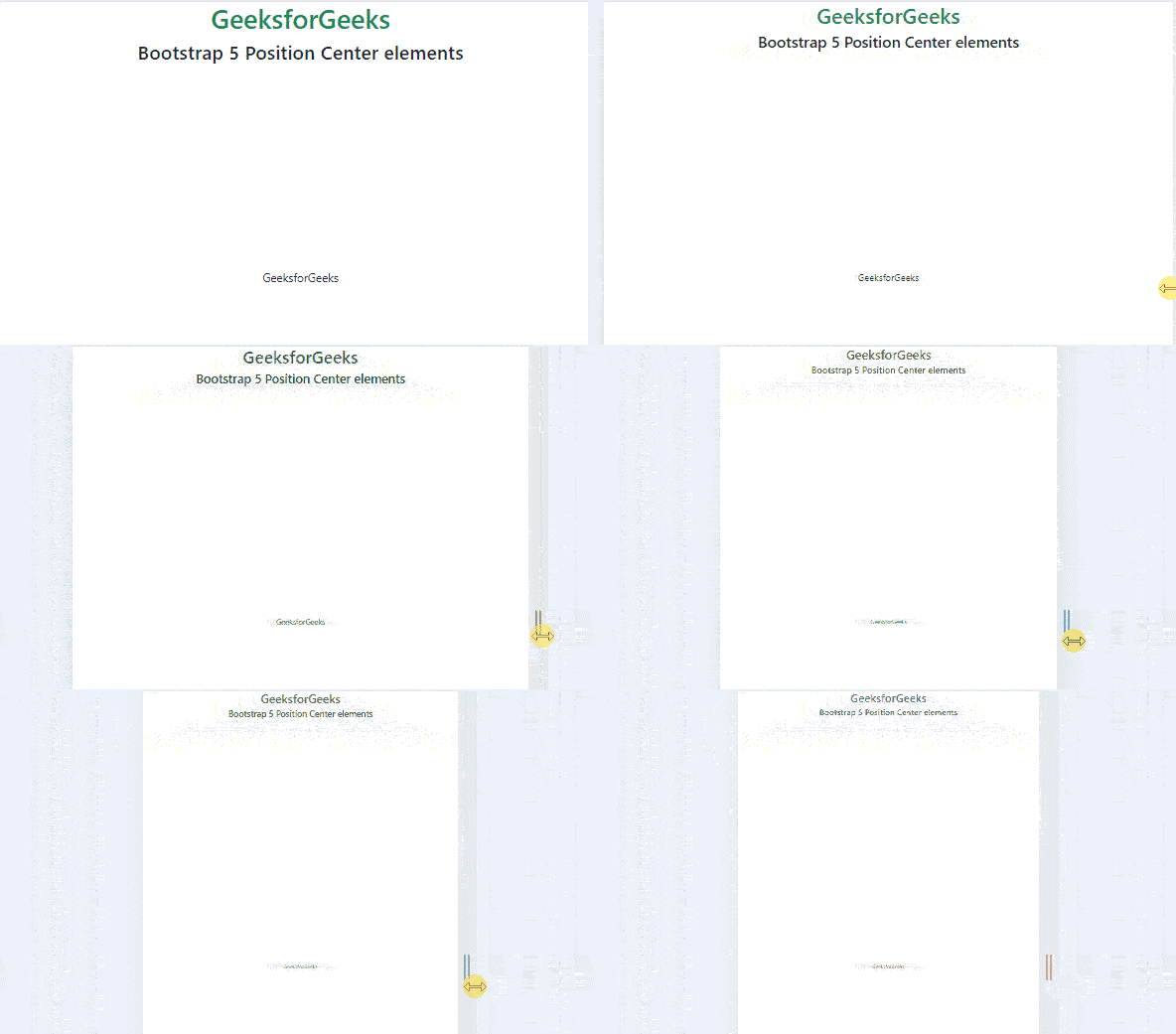
Example 2: This example describes the use of the Position Center elements in Bootstrap5, by implementing the .translate-middle, .translate-middle-x, & .translate-middle-y classes.
Output: