|
VOOZH | about |
|
VOOZH | about |
Bootstrap 5 Position Fixed bottom is used to set the position of the element to the bottom of the viewport. We can use some CSS property to display the effect of position fixed bottom.
Position Fixed Bottom Class:
Syntax:
<div class="fixed-bottom">
 Content
</div>
Example 1: In this example, we will create a div element of fixed width and height, and set its position to the fixed bottom.
Output:
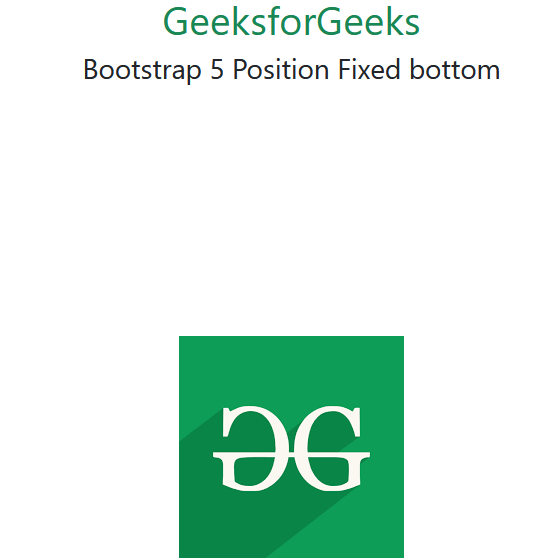
Example 2: In this example, we will create an image element of fixed width and height, and set its position to the fixed bottom.
Output:
Reference: https://getbootstrap.com/docs/5.0/helpers/position/#fixed-bottom