|
VOOZH | about |
|
VOOZH | about |
Bootstrap 5 position-sticky class fixes an element at the top of the viewport when scrolling down. If not fully supported, alternatives like `position: fixed` or JavaScript solutions can mimic the sticky effect.
Position Sticky Top Class:
Syntax:
<div class="sticky-top">
 Content
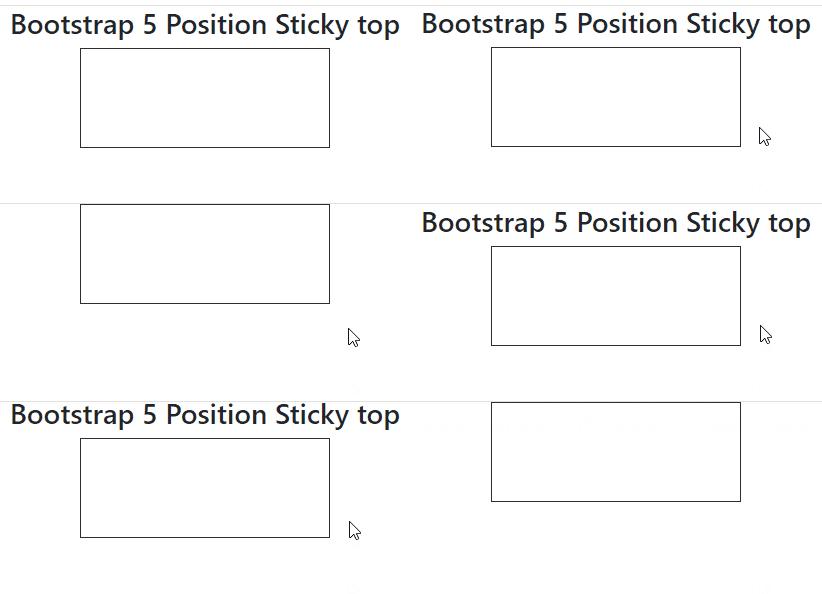
</div>Example 1: In this example, we will create a div element of fixed width and height, and set its class to sticky-top to make the div sticky on the top of the page.
Output:
Example 2: In this example, we will create an image element of fixed width and height, and set its class to sticky-top to make the image sticky on the top of the page.
Output: