|
VOOZH | about |
|
VOOZH | about |
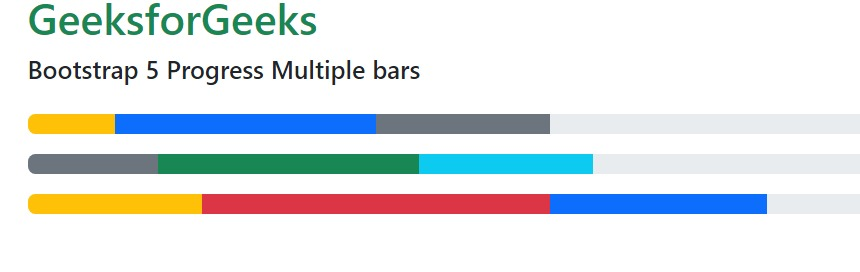
Bootstrap 5 Progress Multiple bars is used to put multiple bars in a single progress bar you can include multiple progress bars in a progress component giving them different colors and styling using bootstrap 5 classes.
Bootstrap 5 Progress Multiple bars Class: There is no class to create multiple progress bars, we just need to include multiple progress bars in the progress component.
Syntax: Here * can be any value.
<div class="progress">
 <div class="progress-bar ..."
 style="width: "
 aria-valuenow="*"
 aria-valuemin="*"
 aria-valuemax="*">
 </div>
 <div class="progress-bar ..."
 style="width: "
 aria-valuenow="*"
 aria-valuemin="*"
 aria-valuemax="*">
 </div>
</div>
Below example illustrate the Bootstrap 5 Progress Multiple bars:
Example1:In this example, we set the different width progress classes adding different colors and backgrounds.
Output:
Example 2: In this example, we set the height and width progress classes stripped with the background color.
Output:
Reference: https://getbootstrap.com/docs/5.0/components/progress/#multiple-bars