|
VOOZH | about |
|
VOOZH | about |
Bootstrap 5, Bootstrap Scrollspy is a feature that automatically updates navigation links based on scroll position. It's particularly useful for long content-heavy pages where we want to keep the user informed about their current section in the document.
Bootstrap 5 Scrollspy with list-group classes: There is no specific class used to scrollspy with list-group. To create a list, we use the .list-group, and to create a list of items, we use the list-group-item.
Syntax:
<div id="list-example" class="list-group ">
 <a class="list-group-item
 list-group-item-action" href="#list-item-1">
 ....
 </a>
 <a class="list-group-item list-group-item-action"
 href="#list-item-2">
 ....
 </a>
</div>
<div class="col-*">
 <div data-bs-spy="scroll" data-bs-target="#list-example"
 data-bs-smooth-scroll="true" class="scrollspy-example"
 tabindex="0">
 <h4 id="list-item-1">....</h4>
 <p>.....</p>
 </div>
</div>
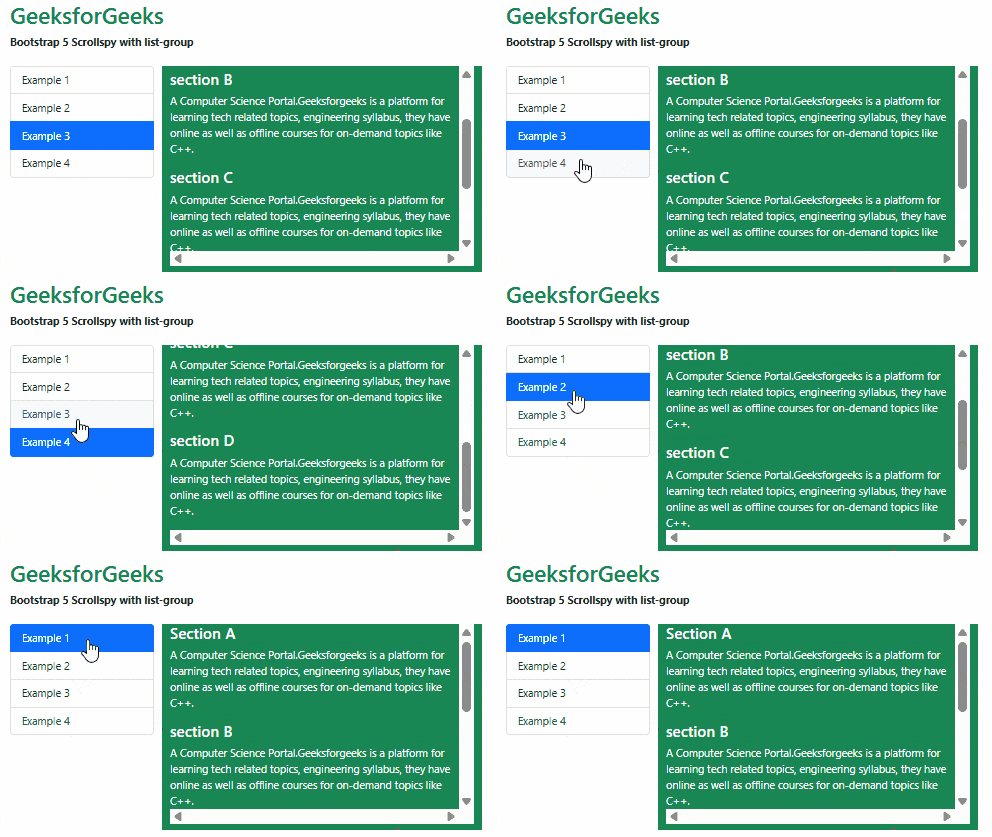
Example 1: In this example, we set the items that automatically highlight the links based on the scroll using the .list-groups classes.
Output:
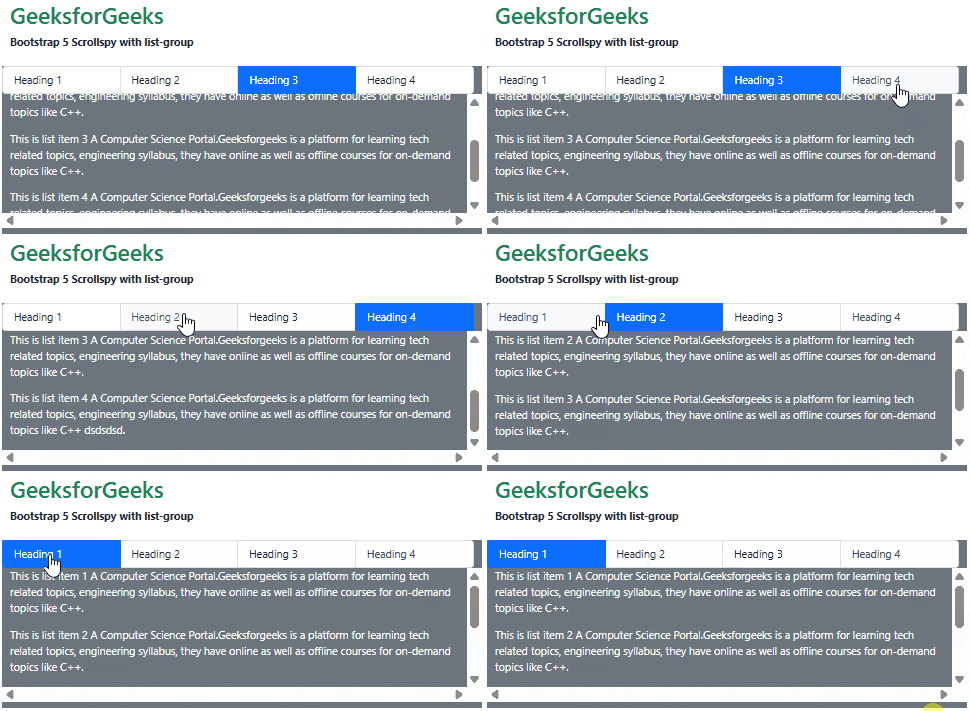
Example 2: In this example, we set the items horizontally that automatically highlight the links based on the scroll position.
Output:
Reference: https://getbootstrap.com/docs/5.0/components/scrollspy/#example-with-list-group