|
VOOZH | about |
|
VOOZH | about |
Bootstrap 5 Select Default stylizes dropdown menus, enhancing user experience. However, limitations exist in modifying option styles due to browser constraints, despite offering various customization options for select elements.
Bootstrap 5 Select Default Class:
Syntax:
<select class="form-select">
 <option value="...">Option1</option>
 ...
</select>
Below examples illustrate the Bootstrap 5 Select Default:
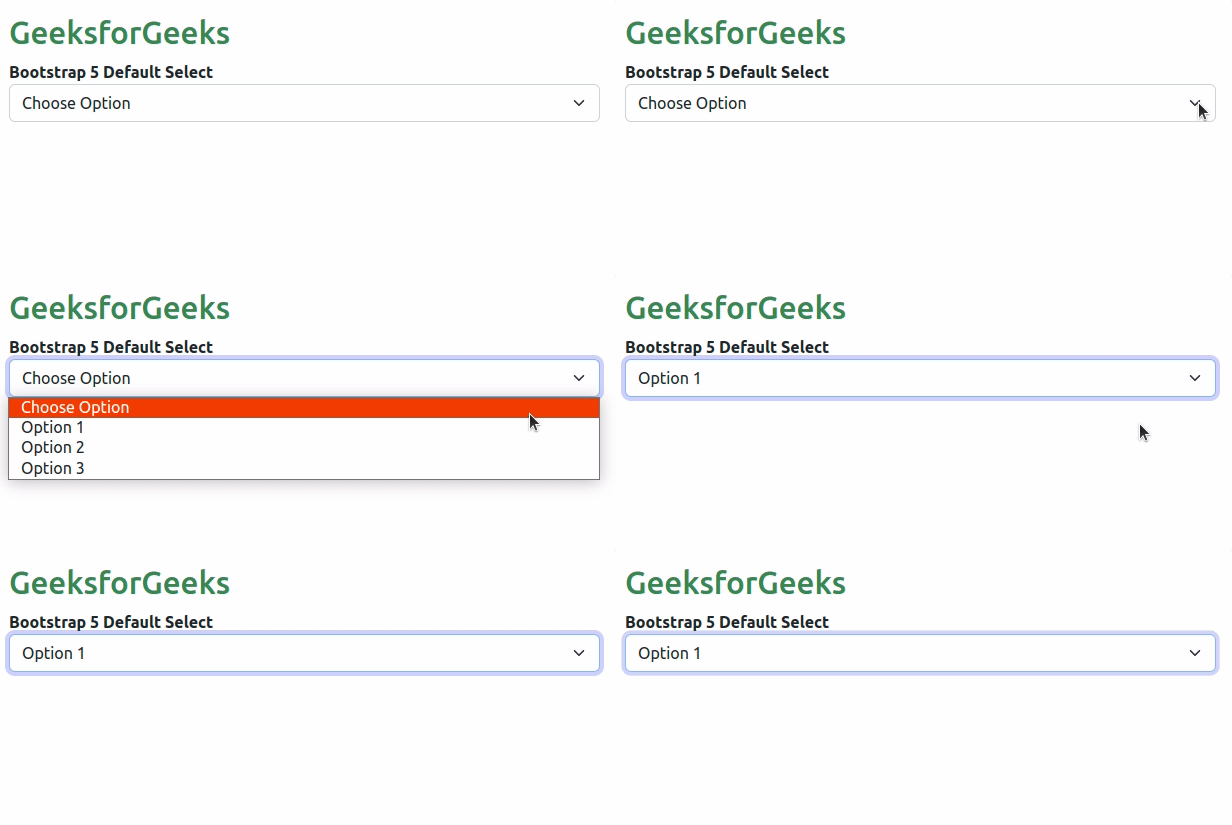
Example 1: In this example, we used the Bootstrap 5 select element by applying the form-select class to the HTML <select> element.
Output:
Example 2: In this example, we used the select attribute of the select any particular option as default.
Output: