|
VOOZH | about |
|
VOOZH | about |
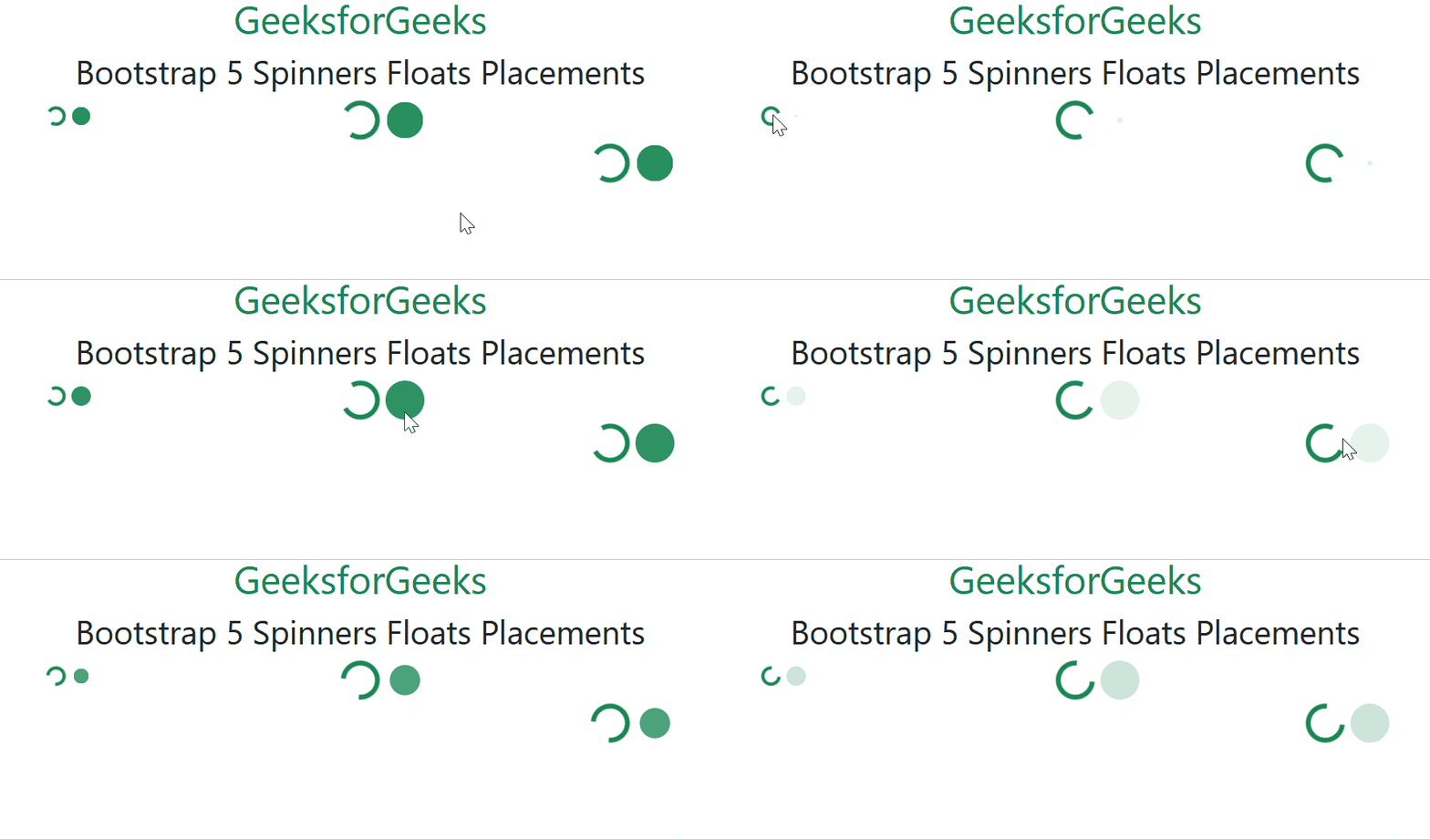
Bootstrap 5 Spinners Float Placements are used to set the position of spinner elements to left, right, or none depending on the requirements. It is mostly used for responsive design.
Spinners Floats Placements used Classes:
Syntax:
<div class="clearfix">
 <div class="spinner-border float-end" role="status">
 <span class="visually-hidden">Loading...</span>
 </div>
</div>
Example 1: In this example, we will create the spinner and set its position using the float placements.
Output:
Example 2: In this example, we will create the button spinner and set its position using the float placements.
Output:
Reference: https://getbootstrap.com/docs/5.0/components/spinners/#floats