VOOZH about

URL: https://www.geeksforgeeks.org/bootstrap/bootstrap-5-spinners-margin/

⇱ Bootstrap 5 Spinners Margin - GeeksforGeeks


  • Courses
  • Tutorials
  • Interview Prep

Bootstrap 5 Spinners Margin

Last Updated : 21 Nov, 2022

Bootstrap 5 Spinners Margin is used to create spinners in different margins. For margin spinners, we will use .m class with five different sizes from 0 to 5. Also, auto is used for margin auto. For different sides of the margin, we will use t (for top), b (for bottom), s (for start), e (for end), x (for both left and right), y (for top and bottom), and blank (for all sides).

The following syntax are used in the various classes for adding spacing: 

  • (property)(sides)-(size) for xs
  • (property)(sides)-(breakpoint)-(size) for sm, md, lg, and xl.

Property: There are two ways of adding spacing to the elements.

  • m: This property defines the margin. Margin provides an edge or border.
 

Sides: This allows users to add spacing in content to a specific side wherever required.

  • t: margin-top/padding-top.
  • b: margin-bottom/padding-bottom.
  • l: margin-left/padding-left.
  • r: margin-right/padding-right.
  • x: for padding-left and padding-right/margin-left and margin-right.
  • y: for padding-top and padding-bottom/margin-top and margin-bottom.
  • blank: margin/padding on all sides of the element.

Size: This allows users to add a specific amount of spacing to a level. 

  • 0 – 0px margin/padding.
  • 1 – 4px margin/padding.
  • 2 – 8px margin/padding.
  • 3 – 16px margin/padding.
  • 4 – 24px margin/padding.
  • 5 – 48px margin/padding.
  • auto – auto margin.

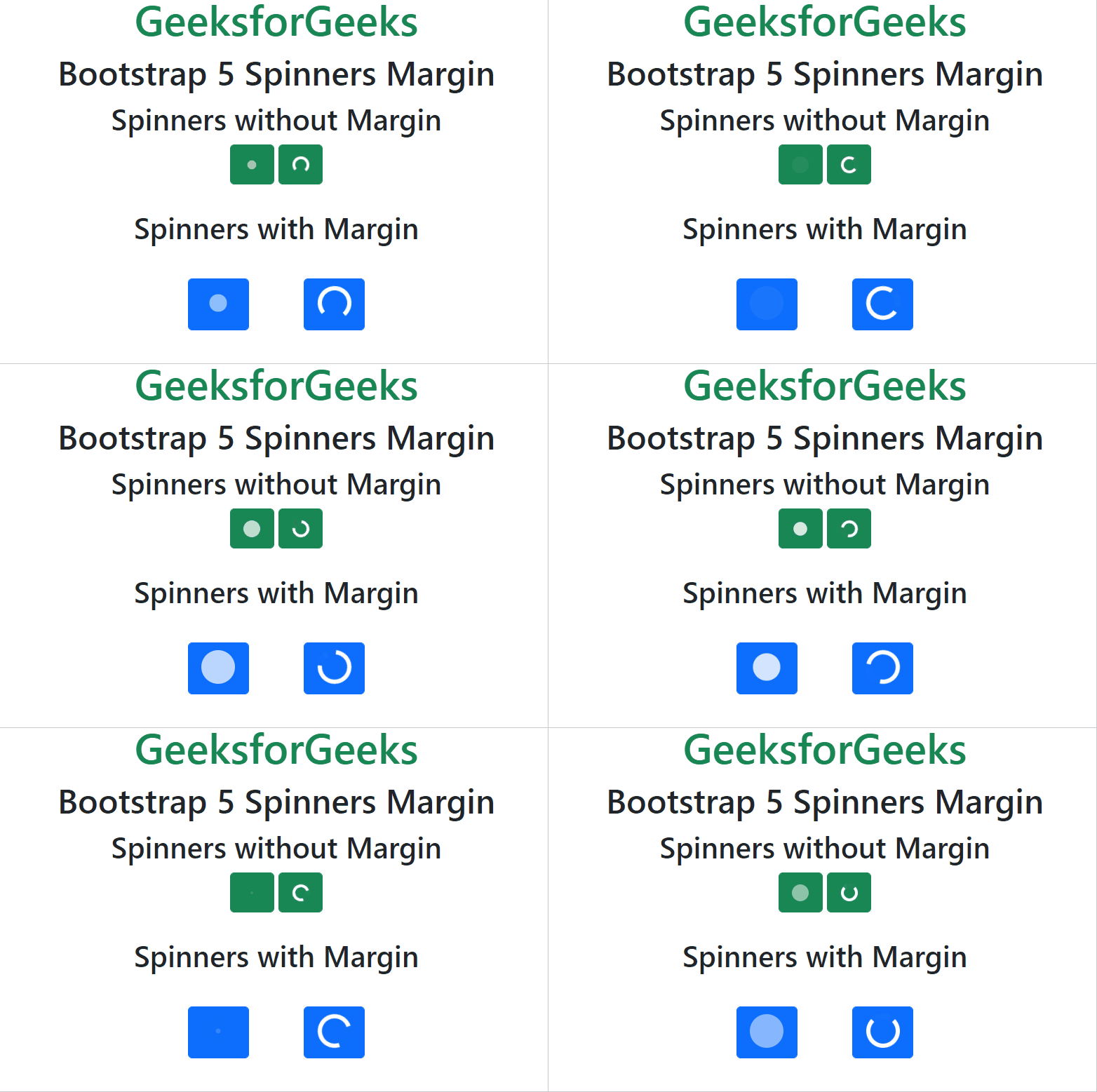
Example 1: In this example, we will add a margin to the spinners element.

Output:

👁 Image
 

Example 2: In this example, we will add a margin to the spinners element.

Output:

👁 Image
 

Reference: https://getbootstrap.com/docs/5.0/components/spinners/#margin

Comment

Explore