|
VOOZH | about |
|
VOOZH | about |
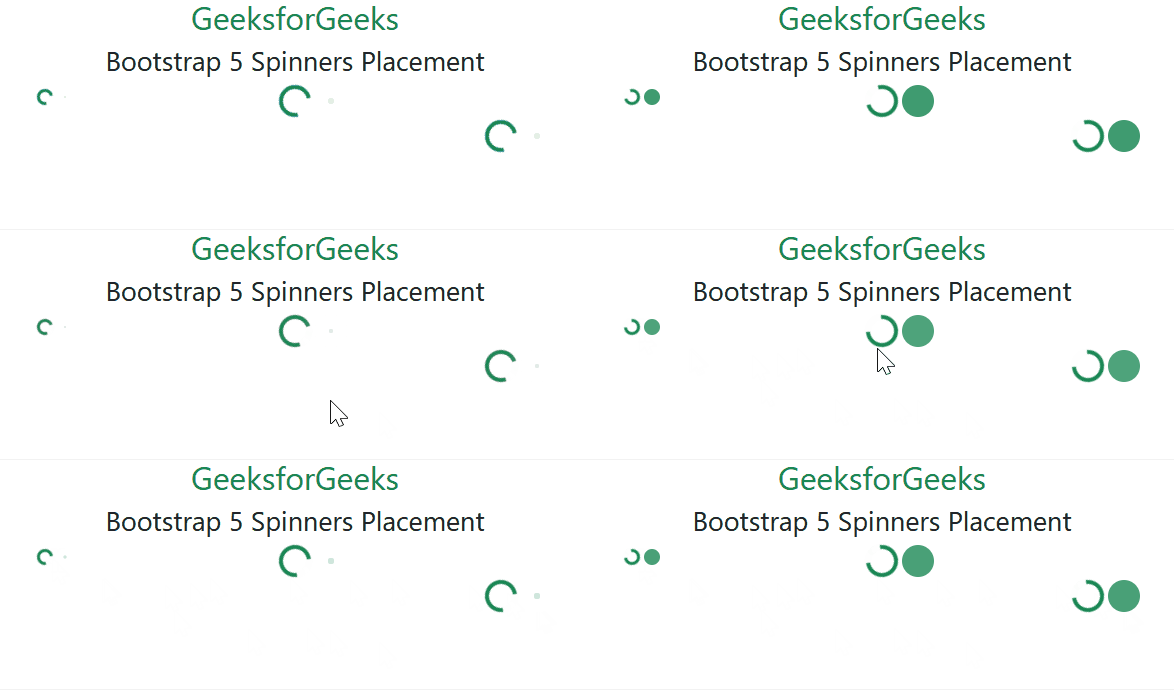
Bootstrap 5 Spinners Placement is used to set the position of spinners where you want to place them according to the need. It uses three utilities flexbox utilities, float utilities, or text alignment to place the items.
Placement Utilities:
Syntax:
<div class="d-flex">
 <div class="spinner-border" role="status">
 </div>
 ...
</div>
<div class="clearfix">
 <div class="spinner-border float-*" role="status">
 </div>
 ...
</div>
<div class="text-*">
 <div class="spinner-border" role="status">
 </div>
 ...
</div>
Example 1: In this example, we will use flexbox placement classes to place the spinner elements.
Output:
Example 2: In this example, we will use float placement classes to place the spinner elements.
Output:
Example 3: In this example, we will use text-align placement classes to place the spinner elements.
Output:
Reference: https://getbootstrap.com/docs/5.0/components/spinners/#placement