|
VOOZH | about |
|
VOOZH | about |
Bootstrap 5 Table head class is used to set the thead elements' background color. Sometimes we need a table with a dark header for a better-suited situation. We can use these classes to change the background color of the thead section of a table.
Bootstrap 5 Table head Classes:
Syntax: The * is replaceable with light and dark.
<table class="table">
 <thead class="table-*">
 ...
 </thead>
 <tbody>
 ...
 </tbody>
</table>
Example 1: In this example, we will create a light header table.
Output:
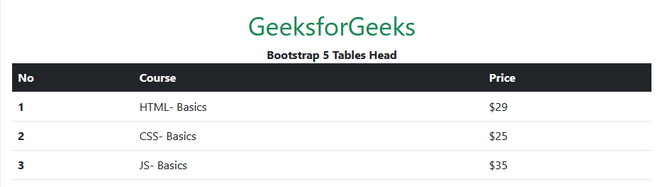
Example 2: In this example, we will create a dark header table.
Output:
Reference: https://getbootstrap.com/docs/5.0/content/tables/#table-head