|
VOOZH | about |
|
VOOZH | about |
Bootstrap 5 Text transform classes modify the appearance of text by altering its capitalization. These classes provide options like lowercase, uppercase, and capitalize, enabling consistent styling across various components and layouts.
Bootstrap 5 Text Transform Classes:
| Class Name | Description |
|---|---|
| text-lowercase | Sets the text to lowercase. |
| text-uppercase | Sets the text to uppercase. |
| text-capitalize | Sets the text to capitalize each word. |
Syntax:
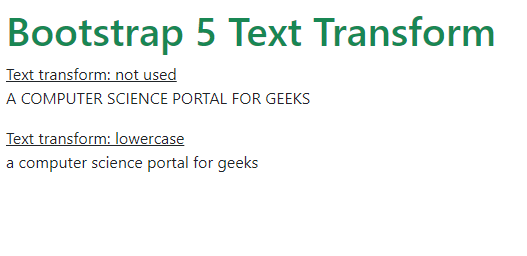
<tag class="text-*">...</tag>Example 1: In this example, we demonstrates the usage of Bootstrap 5's text transform utility classes to modify the case of text content, showcasing both the default and lowercase transformations.
Output:
Example 2: In this example, we use Bootstrap 5's text transform utility classes: text-lowercase, text-uppercase, and text-capitalize, demonstrating various case transformations applied to text content.
Output: