|
VOOZH | about |
|
VOOZH | about |
Bootstrap 5 Toasts Basic feature showcases brief alert notifications, resembling mobile and desktop push notifications. It elaborates on fundamental toast functionality, providing a user-friendly way to display important information to users.
Bootstrap 5 Toasts Basic Class: No special classes are used in Toasts Basic. The usage of display: flex in toast headers makes it simple to align content. You just need to have knowledge of Bootstrap 5 Toasts.
<div class="toast" role="alert">
 <div class="toast-header">
 <img src="..." class="rounded me-2" alt="...">
 <button type="button" class="btn-close"
 data-bs-dismiss="toast">
 </button>
 </div>
 <div class="toast-body">...</div>
</div>
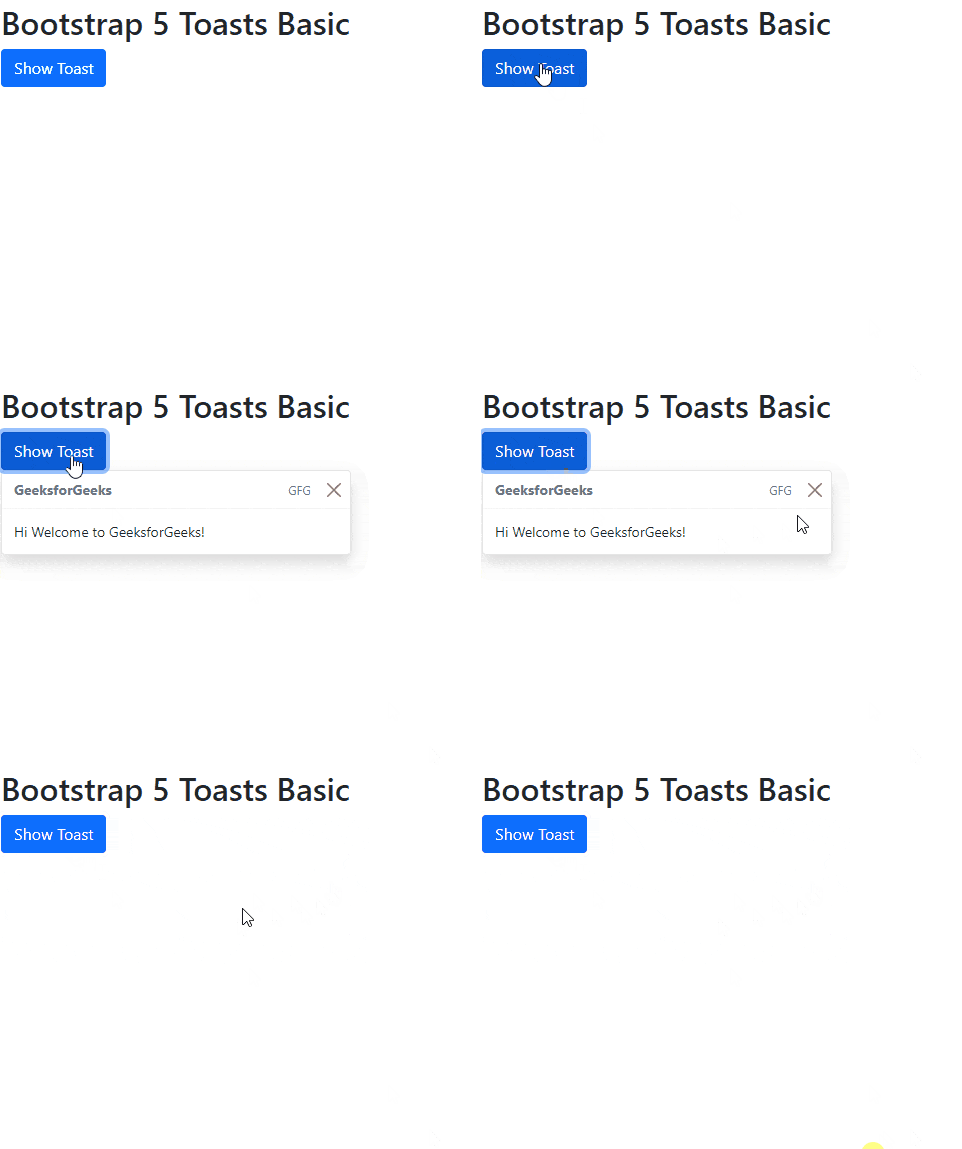
Example 1: The following code demonstrates the Toasts basic using the Toasts Basic Bootstrap 5 properties.
Output:
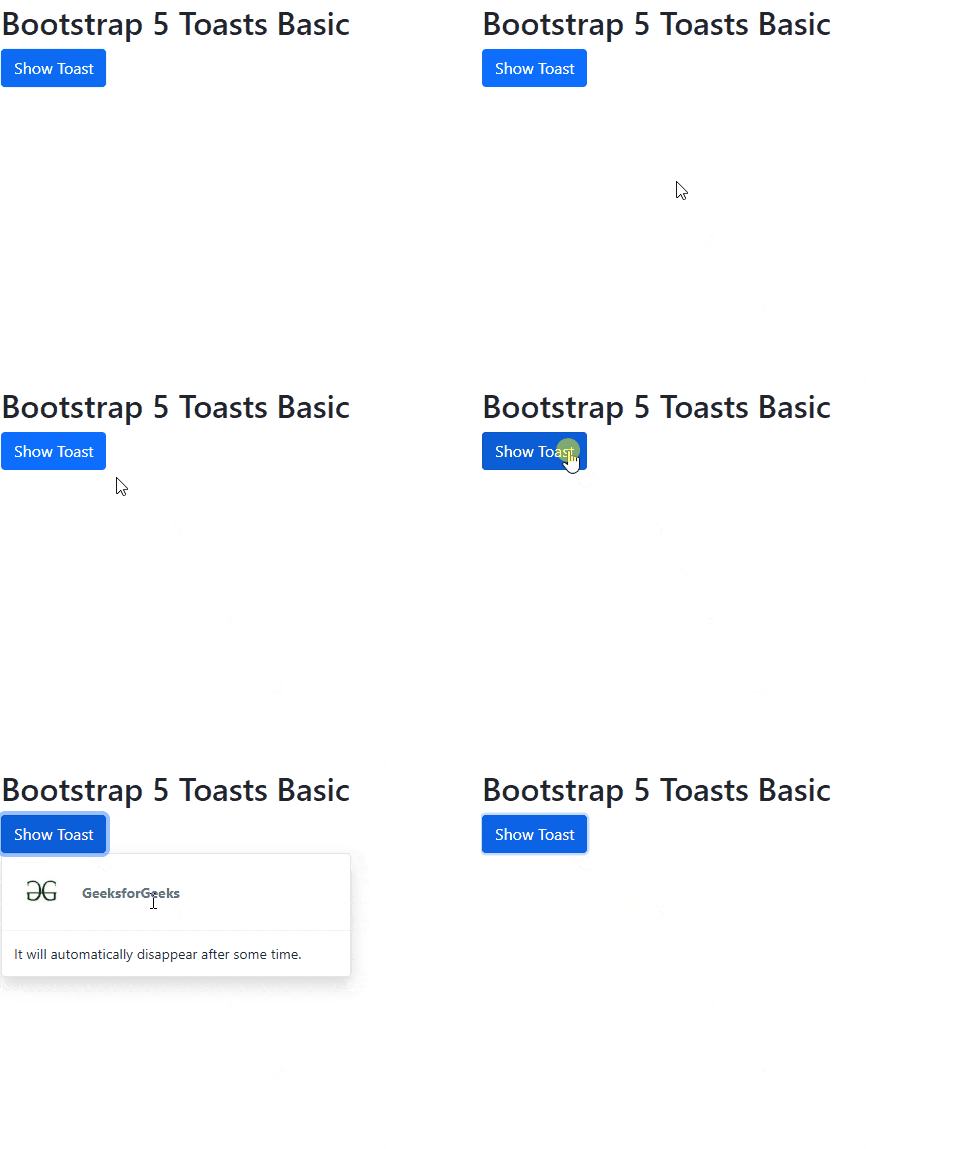
Example 2: The following code demonstrates the Toasts basic with an image icon for a specific period of time using the Toasts Basic Bootstrap 5 properties.
Output: