|
VOOZH | about |
|
VOOZH | about |
Bootstrap 5 Toasts Options available a few features like enable/disable, auto-hide, etc. A toast is used to create something like an alert box that is only shown for a couple of seconds when something happens. When the user clicks on a button, submits a form, etc. then a lightweight and easily customizable alert message is shown for a few seconds.
Bootstrap 5 Toasts Options Attributes:
Syntax:
<div class="toast" data-bs-autohide="false">
 <div class="toast-header">
 ...
 </div>
 <div class="toast-body">
 ...
 </div>
</div>
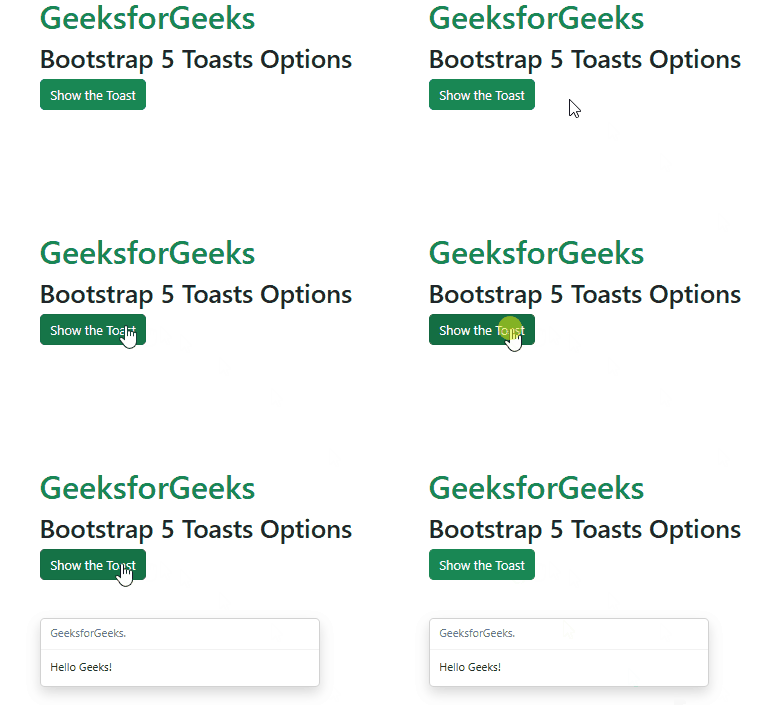
Example 1. In this example, we set the animation option to false to disable the in-and-out animation of the toast.
Output:
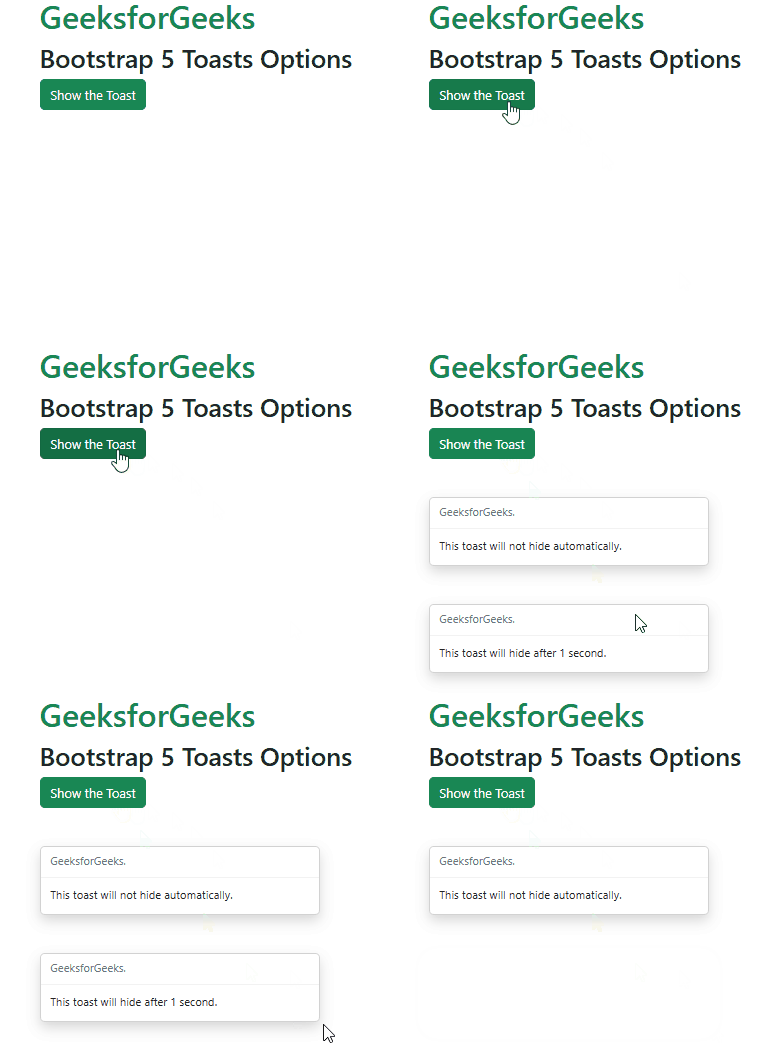
Example 2. In this example, we set the autohide option to false for the first toast message, and for the second option we set the delay option to 1 second By default, the delay option is set to 5 seconds.
Output:
\Reference:https://getbootstrap.com/docs/5.0/components/toasts/#options