|
VOOZH | about |
|
VOOZH | about |
Bootstrap 5 Tooltip is used to show additional information about an element when it is hovered by the user or comes into focus. There are five events that can be triggered by the tooltip in its lifecycle. These events are listed below.
Bootstrap 5 Tooltips Events:
Syntax:
tooltip.addEventListener('tooltip-event', () => {
 ....
})
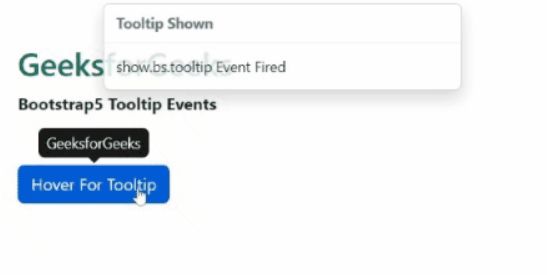
Example 1: In this example, we used the show.bs.tooltip event of the tooltip to show a toast message when this event is fired.
Output:
Example 2: This example illustrates the use of the hidden.bs.tooltip event to show a toast message when the tooltip is completely hidden from the user.
Output:
Reference:https://getbootstrap.com/docs/5.2/components/tooltips/#events