|
VOOZH | about |
|
VOOZH | about |
Bootstrap 5 Tooltip is used to show some extra information to the user when the user hovers over the element or when the element with the tooltip is in focus. The update() method is used to update a tooltip instance after we have done setting its configuration and position etc i.e it is used to refresh the tooltip.
Syntax:
tooltip.update();Return Value: No value is returned by the update() Method.
Example 1: In the below example we update the direction of the tooltip to "top".
Output:
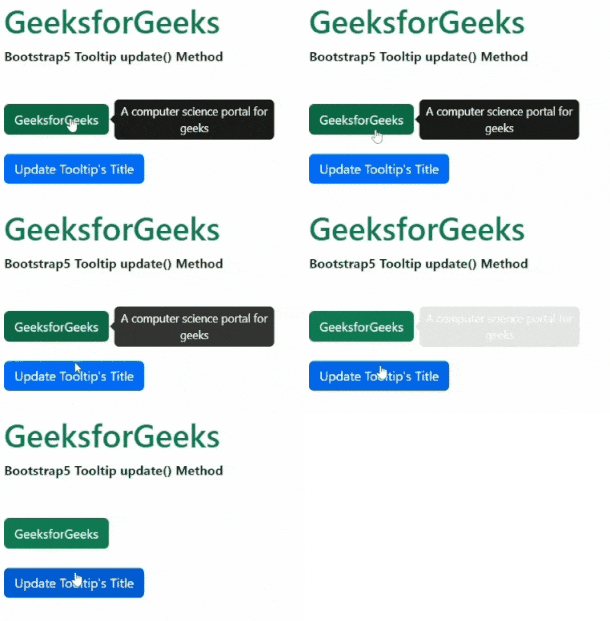
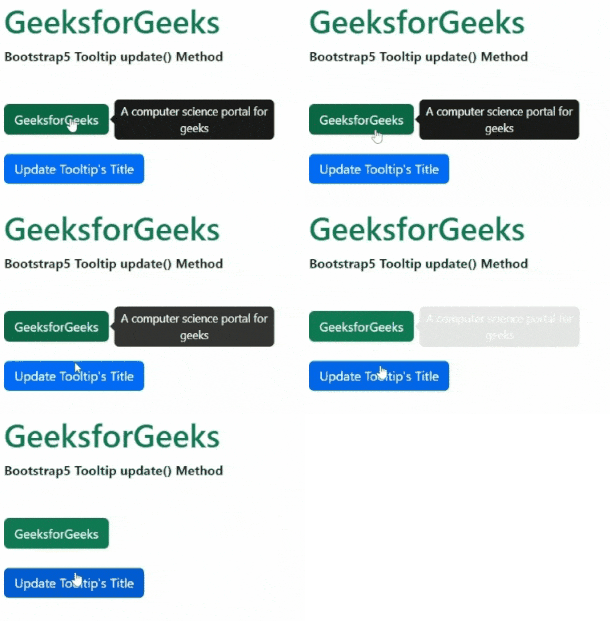
Example 2: In this example, we update the title of the tooltip and then call its update() method.
Output:
Reference: https://getbootstrap.com/docs/5.0/components/tooltips/#update