How to Create Responsive Card with a Video Background in Bootstrap?
Last Updated : 23 Jul, 2025
Cards are very useful things in web development. Cards can hold various types of content, such as text, images, and links, making them perfect for displaying information in a structured format. And the background video can enhance the style of the web page. In this tutorial, we will focus on how to create a responsive card with a video background in Bootstrap 5.
After that create a div for the background video and use the bootsrap class like "w-100" , "h-100" to provide it full width and height.
And Insive the div you can add any video like if you want to add the youtube video the use the <iframe> page or if you want to use the online other video the use the <source> tag and set it's type like type="video/mp4".
Inside this container, create a div for the card with Bootstrap's "card" class and add some content inside it. To give a color to the card use the "bg-dark" class and set it's opacity using "bg-opacity-75".
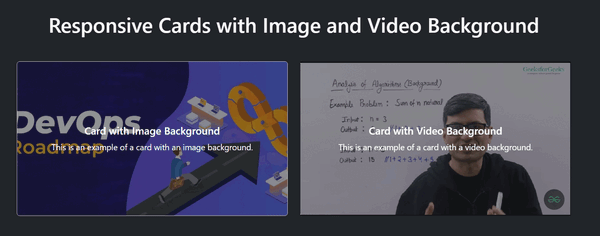
Example: To demonstrate creating a responsive card with a video background in bootstrap 5.