|
VOOZH | about |
|
VOOZH | about |
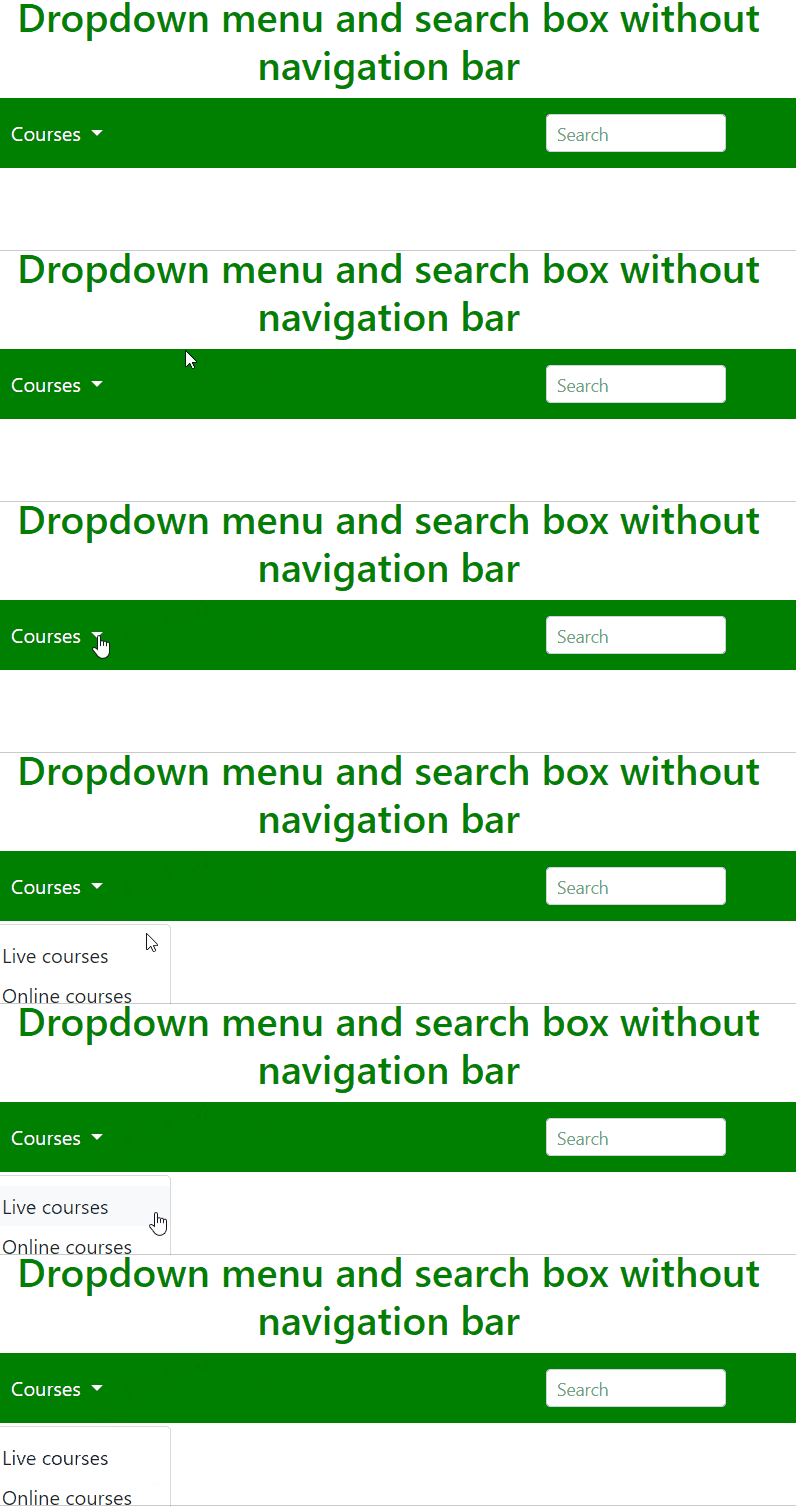
A dropdown menu is a type of menu, by using the dropdown menu user can select something from the given predefined set. It is a toggleable menu, which means it appears when the user clicks on the menu. A search box is a type of box in which you can write the string that you want to search. The main aim is to align the dropdown menu and search box in a straight line.
<head> section includes meta tags for character encoding and viewport settings, linking to Bootstrap and Font Awesome CSS libraries for styling, and jQuery, Popper.js, and Bootstrap JavaScript libraries for functionality.<nav> element initializes a dark-themed Bootstrap navigation bar containing the website title "Geeks For Geeks."Example 1: We will create a navigation bar and create a dropdown menu and a search box, which will initially not appear in a straight line. We can use the unordered list "ul" of HTML structure which is in the form of a list.
Output:
Example 2: The example shows how to set dropdown and search box in same line using Bootstrap
Output: