|
VOOZH | about |
|
VOOZH | about |
In this article, we will discuss the process of creating an Age and Gender Predictor using OpenCV.
Let's divide the task into 2 parts:
The main problems in this project are the quality of the camera, brightness in the room, the background of the person, the boy cut in the case of girls/the long hair of boys.
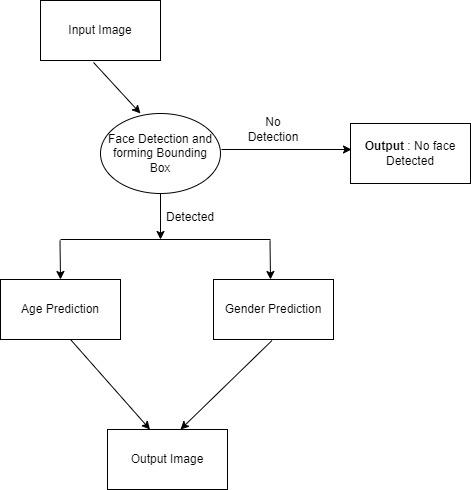
The solution to this problem is quite simple, instead of predicting an exact image, we will work on the face of the person only. The flowchart below shows the flow of code.
Now that we have clarity of our problem, let’s go ahead and start with the code.
To import the image we will be using OpenCV.
To download the below pre-trained models follow this link.
Defining the categories of age and gender in the list.
Copying the image so that we can further use it for demonstrating the final output.
Now as we are all set. Let's start identifying the face blob from the image.
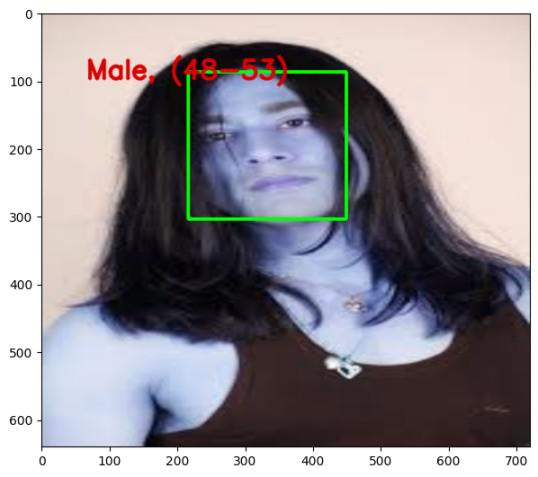
Create the bounding box so that further use it in the output image. (For better understanding)
Output :
[[216, 87, 449, 304]]Finally, implementing the gender and age detection on the face extracted.
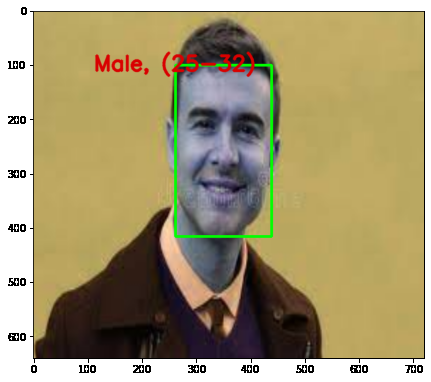
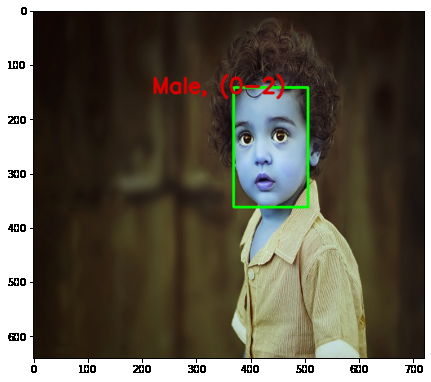
Output :
We can use another pre-trained model like YOLOv5.
Get the complete notebook and dataset link here:
Notebook link : click here.
Dataset link : click here