|
VOOZH | about |
|
VOOZH | about |
In today's digital age, the need for efficient File sharing platforms has become increasingly prevalent. Whether it's sharing documents for collaboration or distributing media files, having a reliable solution can greatly enhance productivity and convenience. In this article, we'll explore how to create a file-sharing platform using Node.js and Express.js, two powerful technologies for building web applications.
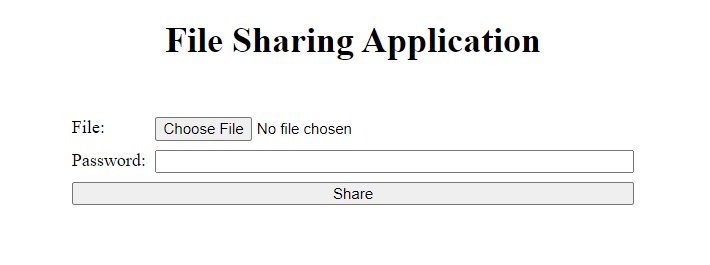
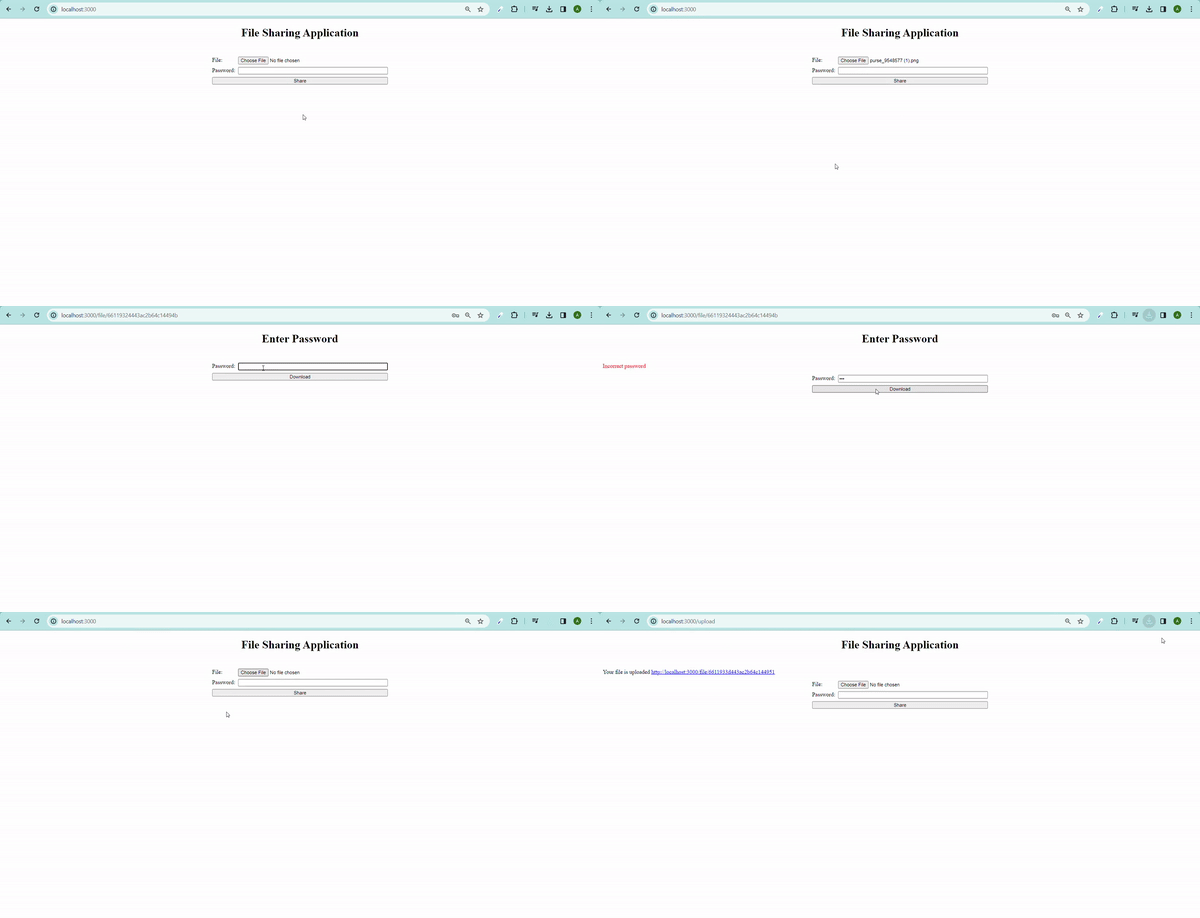
Output Preview:
Step 1: Type the following command in the terminal to initialize the nodejs project.
npm init -yStep 2: Install the necessary packages:
npm i bcrypt nodemon express multer dotenv ejs mongooseStep 3: Define the start scripts in package.json file:
"scripts": {
 "start": "nodemon server.js"
 },
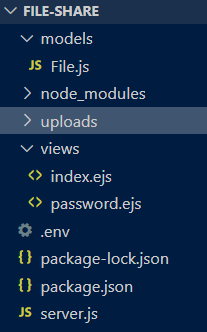
Step 4: Create a .env file and add the mongo db connection URI as well as define your PORT. I have kept it 3000.
MONGO = your mongodb URI
PORT = 3000
The updated dependencies in package.json file will look like:
"dependencies": {
 "bcrypt": "^5.1.1",
 "dotenv": "^16.4.5",
 "ejs": "^3.1.9",
 "express": "^4.19.2",
 "mongoose": "^8.3.1",
 "multer": "^1.4.5-lts.1",
 "nodemon": "^3.1.0",
 "pug": "^3.0.2"
 }
Example: Implementation to show the code for file sharing platform
Step to Run Application: Run the application using the following command from the root directory of the project
node server.jsOutput: Your project will be shown in the URL http://localhost:3000/