|
VOOZH | about |
|
VOOZH | about |
Express.js is a lightweight Node.js framework that simplifies building web applications and APIs, offering routing, middleware, and easy database integration.
Before adding Express to your project, ensure that NodeJS is installed on your system. For detailed installation instructions, you can refer to this guide: --> Here
Here are the steps to set up Express in your Node.js project:
Open your terminal or command prompt and move to your project's root directory
cd path-to-your-porjectSet up your project by creating a package.json file
npm init -yThis command initializes the project with default settings, creating a package.json file that manages your project's dependencies and metadata.
Add ExpressJS to your project
npm install expressThis installs the ExpressJS framework and adds it to the dependencies section of your package.json.
In your project directory, create a file named app.js and add the following code
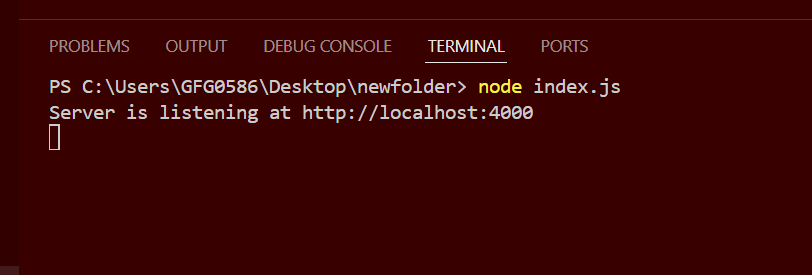
Run your server with the following command
node server.js
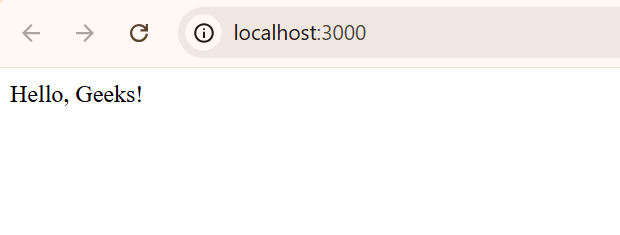
When you navigate to http://localhost:3000 in your web browser, you should see: