|
VOOZH | about |
|
VOOZH | about |
Class-Based Views (CBVs) in Django are Python classes that handle web requests and send responses in a structured and reusable way.
Consider a project named ‘geeksforgeeks’ having an app named ‘geeks’. After setting up the project and app, create a Class-Based List View to display instances of a model, along with the model for which these instances will be created and shown through the view.
In geeks/models.py:
After creating this model, we need to run two commands in order to create Database.
python manage.py makemigrations
python manage.py migrate
Create instances of this model using the Django shell by running the following command in the terminal:
python manage.py shell
Enter following commands:
from geeks.models import GeeksModel
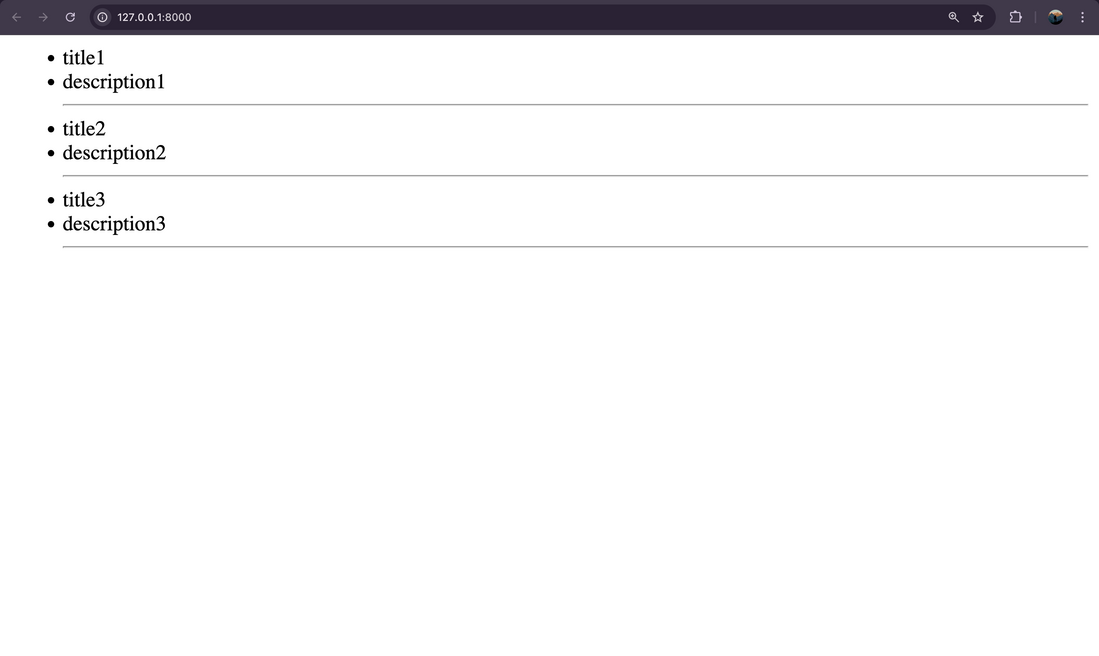
GeeksModel.objects.create(title="title1", description="description1")
GeeksModel.objects.create(title="title2", description="description2")
GeeksModel.objects.create(title="title3", description="description3")
Create the Class-Based ListView. In geeks/views.py:
Now, create a URL path to map the view. In geeks/urls.py:
Include app URLs in project URLs. In geeksforgeeks/urls.py:
Create a template in geeks/templates/geeks/geeksmodel_list.html:
Visit development server: http://localhost:8000/
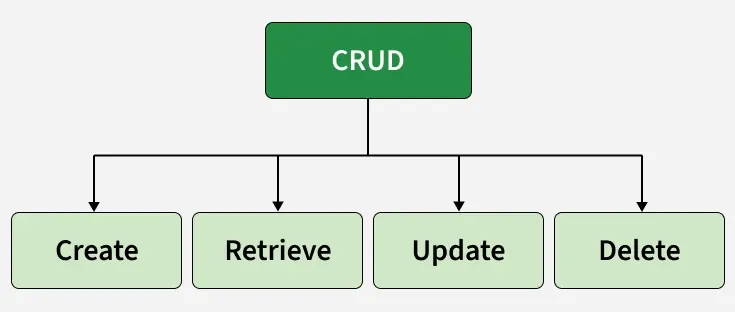
Similarly, class based views can be implemented with logics for create, update, retrieve and delete views.
Django Class-Based Views (CBVs) make it easier to implement CRUD operations (Create, Read, Update, Delete) by providing built-in generic views. These views save time by handling common patterns with minimal code.
These operations power common features like user management, blog posts, and product catalogs, making Class-Based Views a powerful and reusable way to build dynamic web applications