|
VOOZH | about |
|
VOOZH | about |
Function-Based Views (FBVs) in Django are Python functions used to handle web requests and send back web responses.
Consider a project named 'geeksforgeeks' having an app named 'geeks'. After setting up the project and app, let's create a function-based List View to display instances of a model. First, define the model whose instances will be displayed through this view.
In geeks/models.py:
After creating this model, we need to run two commands listed below in order to create Database for the same:
python manage.py makemigrations
python manage.py migrate
Now, create instances of this model using the Django shell by running the following command in the terminal:
python manage.py shell
And enter the following commands:
>>> from geeks.models import GeeksModel
>>> GeeksModel.objects.create( title="title1", description="description1")
>>> GeeksModel.objects.create(title="title2", description="description2")
>>> GeeksModel.objects.create(title="title3", description="description3")
Next, register the model to view it and its data in the Django admin panel.
To manage your data through the Django Admin interface, administrative privileges are needed. By default, no user is created, so superuser account must be created. Run the following command in your terminal:
python manage.py createsuperuser
In geeks/admin.py:
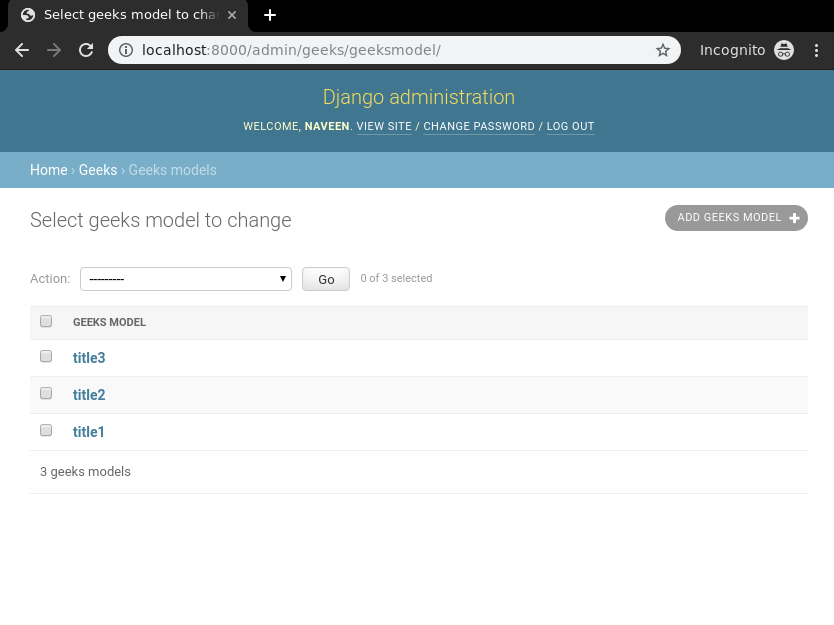
With the backend setup complete, verify that instances have been created by visiting: http://localhost:8000/admin/geeks/geeksmodel/
Create a view and template to display and handle the form. Templates are HTML files used to display data.
In geeks/views.py:
Map the view to a specific URL so that Django knows which function to execute when a user visits a link.
Create a template in geeks/templates/list_view.html:
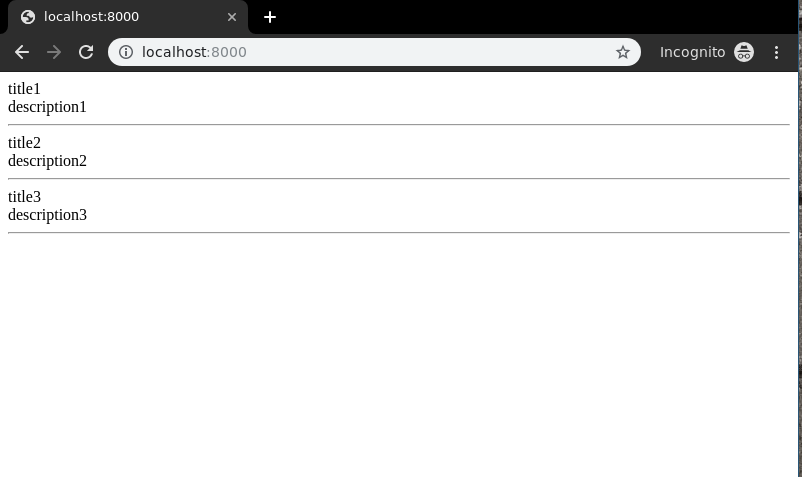
Visit: http://localhost:8000/
Similarly, function based views can be implemented with logics for create, update, retrieve and delete views.
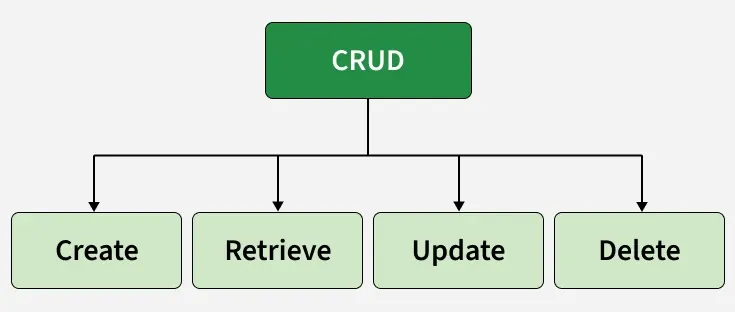
Function-Based Views in Django also support CRUD operations (Create, Retrieve, Update and Delete), allowing you to interact with database models to perform common web application tasks.
These operations power common features like user management, blog posts, and product catalogs, making Function-Based Views essential for building dynamic web applications.