|
VOOZH | about |
|
VOOZH | about |
When using Django forms, we may want to automatically fill in some fields with default values. This is called initial data and it's different from placeholders because it actually fills the fields. When the form is submitted, this data is treated just like anything the user types in.
Django offers multiple ways to set initial data for forms. The most common is passing a dictionary of initial values when initializing the form in your view. Other options include setting initial values directly on form fields or overriding the form’s __init__ method for more dynamic behavior.
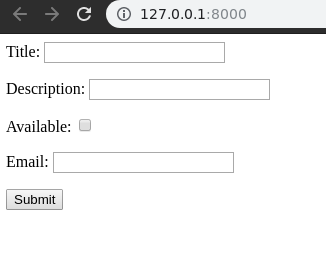
Let’s explore how to set initial data in a Django form using a simple example. Assume we have a project called geeksforgeeks and an app called geeks.
Refer to the following articles to check how to create a project and an app in Django.
In geeks/forms.py, define a basic Django form:
In geeks/views.py, create a view to display the form:
In templates/home.html, add the form rendering code:
Run the Django development server:
python manage.py runserver
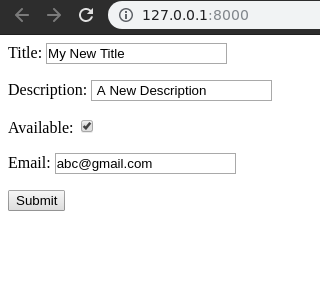
You can pass a dictionary with initial field values when instantiating the form in your view:
Now open http://127.0.0.1:8000/. This method is senior of all and will override any data provided during other methods.
Explanation:
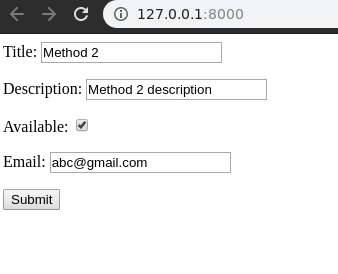
Alternatively, you can specify initial values directly when defining fields in your form class:
Now visit, http://127.0.0.1:8000/. One can see the data being updated to method 2.
Explanation:
Read Next: form field custom widgets