Prerequisites : Excel file using openpyxl
writing |
reading
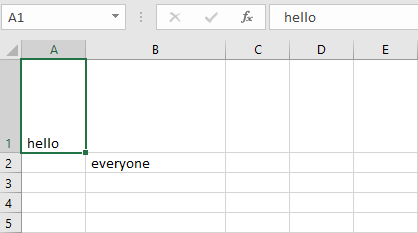
Set the height and width of the cells:
Worksheet objects have
row_dimensions and
column_dimensions attributes that control row heights and column widths. A sheet’s
row_dimensions and
column_dimensions are dictionary-like values; row_dimensions contains RowDimension objects and column_dimensions contains ColumnDimension objects. In row_dimensions, one can access one of the objects using the number of the row (in this case, 1 or 2). In column_dimensions, one can access one of the objects using the letter of the column (in this case, A or B).
Code #1 : Program to set the dimensions of the cells.
Output:
👁 Image
Merging the cells:
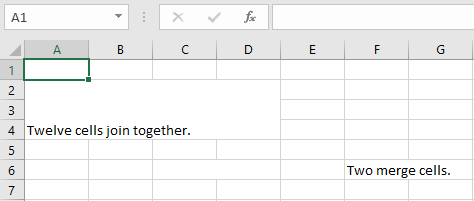
A rectangular area of cells can be merged into a single cell with the merge_cells() sheet method. The argument to
merge_cells() is a single string of the top-left and bottom-right cells of the rectangular area to be merged.
Code #2 : Program to merge the cells.
Output:
👁 Image
Unmerging the cells:
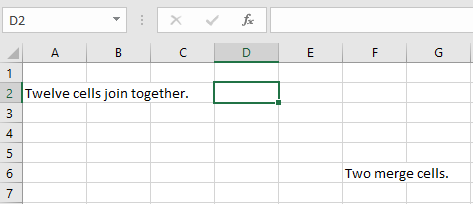
To unmerge cells, call the unmerge_cells() sheet method.
Code #3 : Program to unmerge the cells.
Output:
👁 Image
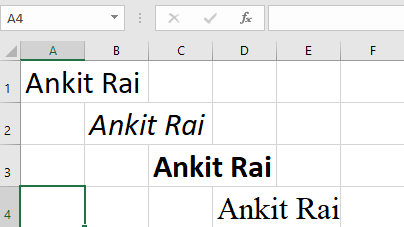
Setting the font styles of the cells:
To customize font styles in cells, important, import the Font() function from the openpyxl.styles module.
Code #4 : Program to set the font of the text.