Prerequisite: Reading & Writing to excel sheet using openpyxl
Openpyxl is a Python library using which one can perform multiple operations on excel files like reading, writing, arithmetic operations and plotting graphs. Let's see how to perform different arithmetic operations using openpyxl.
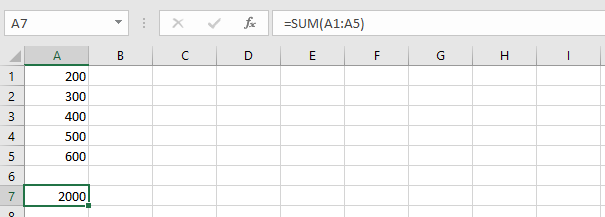
- =SUM(cell1:cell2) : Adds all the numbers in a range of cells.
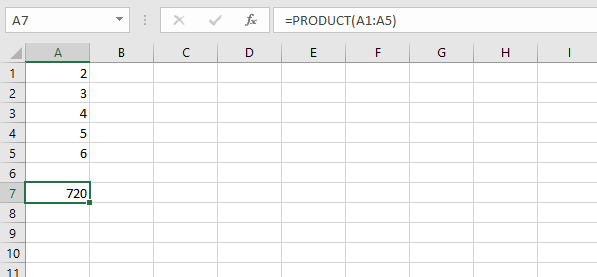
👁 Image- =PRODUCT(cell1:cell2) : Multiplies all the numbers in the range of cells.
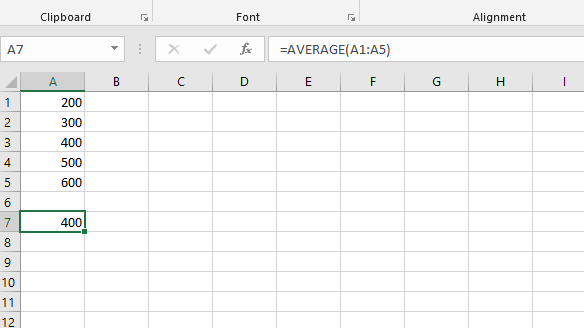
👁 Image- =AVERAGE(cell1:cell2) : It gives the average (arithmetical mean) of all the numbers which is present in the given cell range.
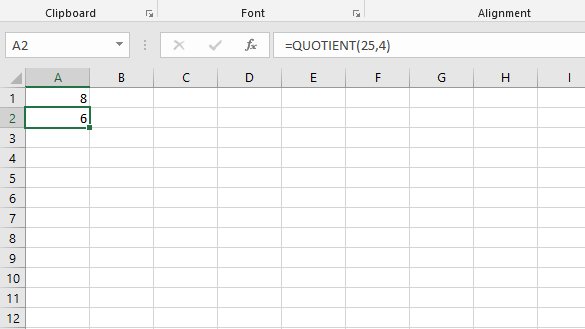
👁 average- =QUOTIENT(num1, num2) : It returns the integer portion of a division.
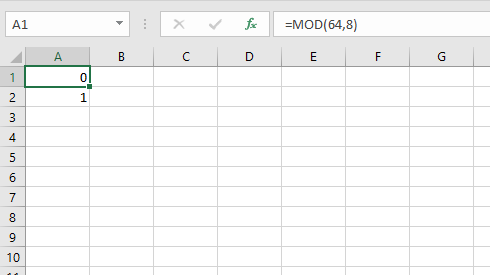
👁 quotient- =MOD(num1, num2) : Returns the remainder after a number is divided by the divisor.
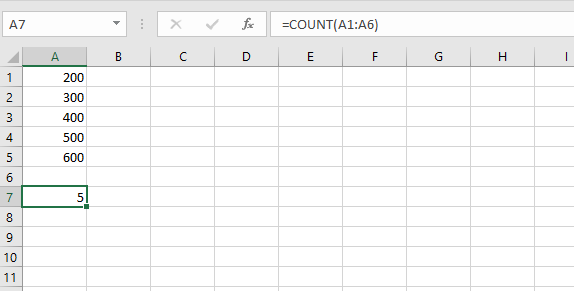
👁 modulus- =COUNT(cell1:cell2) : It counts the number of cells in a range that contain the number.