|
VOOZH | about |
|
VOOZH | about |
Postman Collections are a powerful feature that enables users to organize and manage API testing and development. Collections consist of requests, which are APIs with a request and response format. In this article, we study the creation, utilization, and execution of Postman Collections with examples.
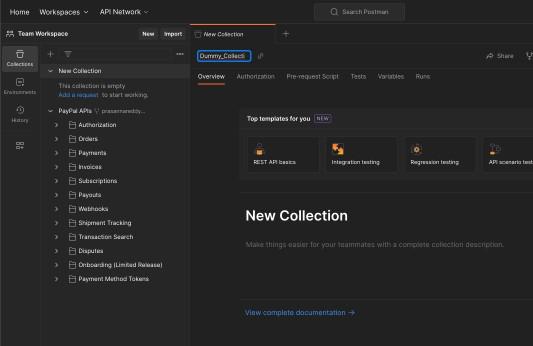
Launch the Postman application.
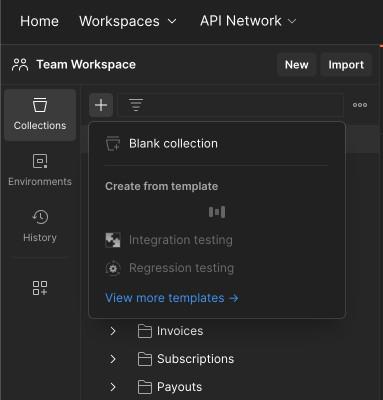
You can create a new blank collection like this:
or Choose a template for the collection like this:
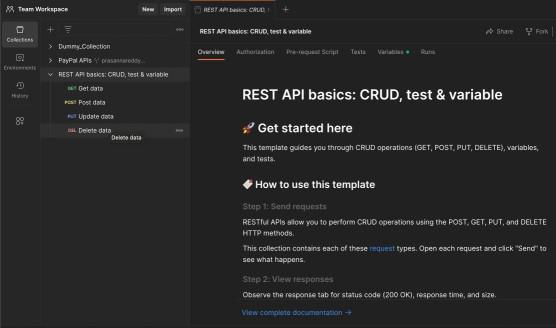
Here, we have selected Rest API Basics as the template, and what you see is a loader creating template in progress mode. This is how it looks like once the creation is completed.
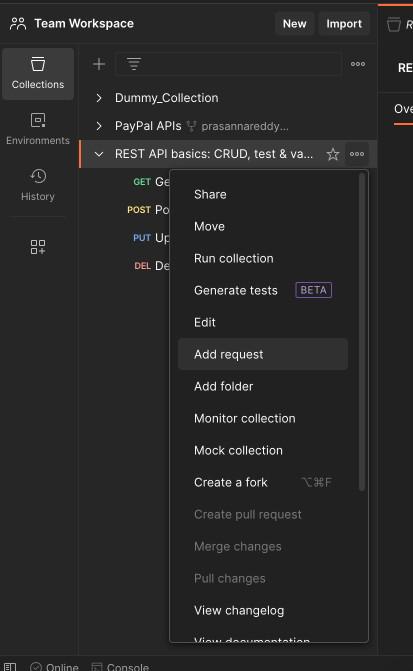
It has by default all the four requests available for you to edit and duplicate to save time.
Remember to always name your APIs depending on the resource you are accessing, how you are accessing and what action you are going to perform.
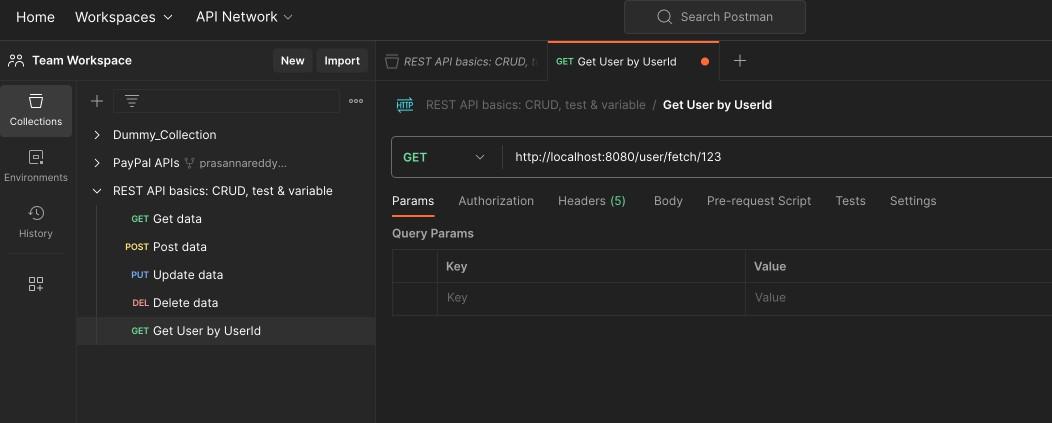
In the image show below, we are trying to fetch the user details by userId. So the route pattern is like
<Server_Url>/<resource>/<action>/<any_params>
Every one have their own internal standards or rules behind naming the routes but this is something that is most widely used among the developers in general.
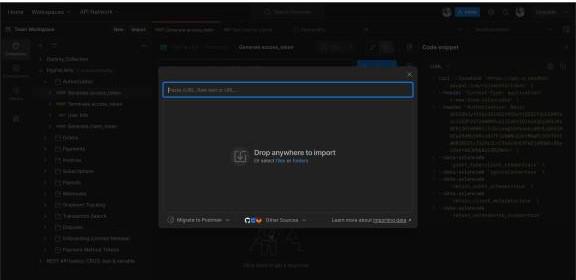
Another way to create a request is by using Import button available on top.
Copy the following lines of code and click on import button. Then you will be able to see a dialog that gets opened that says paste cURL. Paste the below code in that text box and wait:
This will create a new request and gives you the rename and save options, once this is successfully processed.
Repeat the process to add more requests to the collection if needed.
In the "Collections" tab, you'll see a list of your collections.
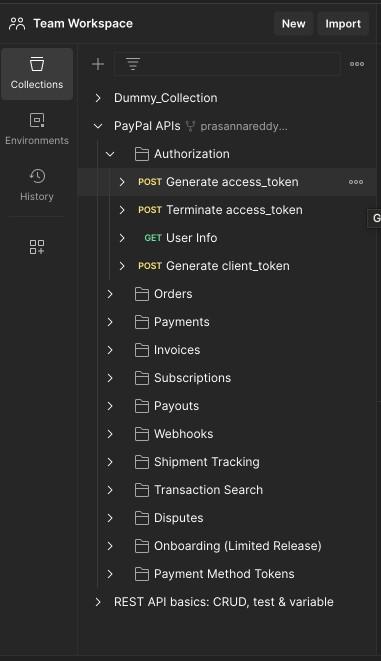
Organize requests within a collection using folders to structure your API tests logically.
Here is the public collection available over postman website showing how to organize APIs by collection and folder level. This serves as a good example for organizing the requests in postman collection
👁 Teams Workspace- using postman collection
Click on the "Runner" tab in the left sidebar.
Choose the collection you want to run from the dropdown list.
Click the "Run" button to execute all requests in the collection.
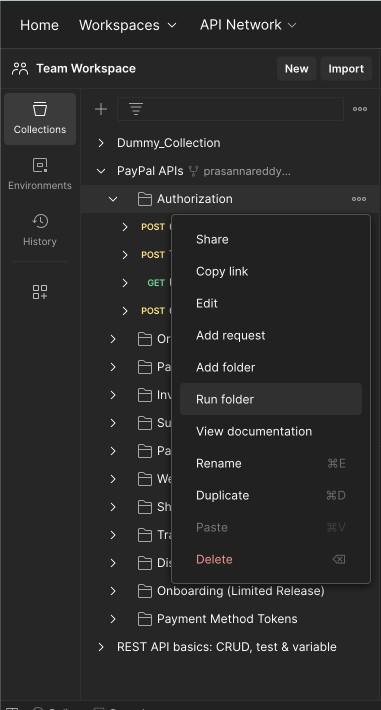
You can run all the tests in a folder and all the responses will be visible one by one
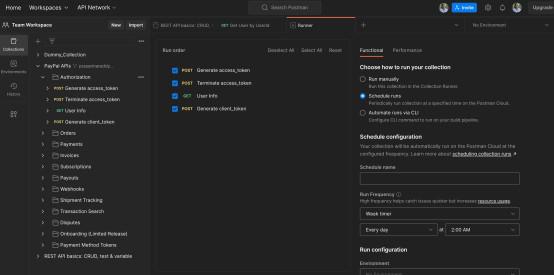
Then, a new view will be visible on the screen as shown below. Here you can choose to run manually or schedule runs at regular intervals.
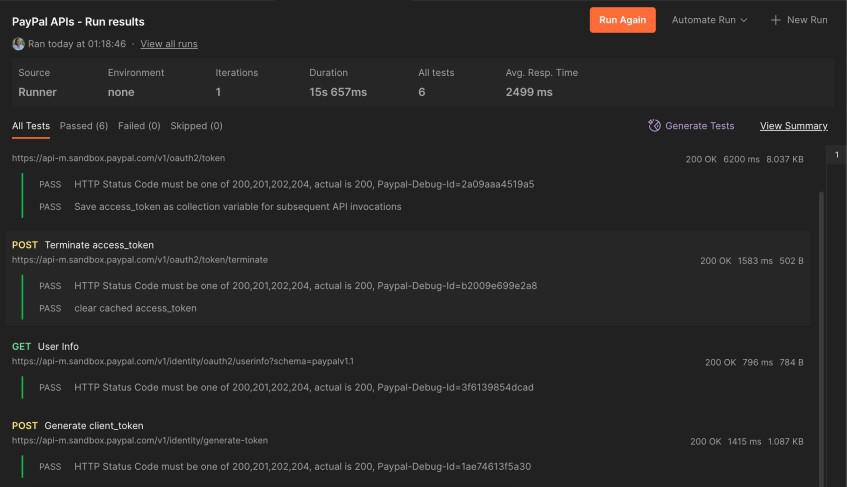
This is how it looks after all the APIs in the folder has been run
Postman collections are powerful tools for maintaining and automating API testing and development workflows. By creating, using, and running collections, you can streamline your testing process, collaborate with team members. Regularly exploring new features and staying updated on Postman plans ensures optimal utilization of this versatile tool.