|
VOOZH | about |
|
VOOZH | about |
TestNG is a powerful testing framework for Java developers, inspired by JUnit and NUnit. It supports a wide range of testing needs, from unit testing to integration testing. One of the key features of TestNG is the ability to control the execution of tests using an XML file, known as the TestNG XML file. This file defines which classes and methods should be included in the test run, allowing you to group tests, manage test configurations, and control test execution flow.
In this article, we will guide you through the process of generating these reports using Eclipse. We will start by creating a TestNG project, running test cases, and then exploring the reports generated automatically by TestNG.
Before we begin, ensure that you have the following set up:
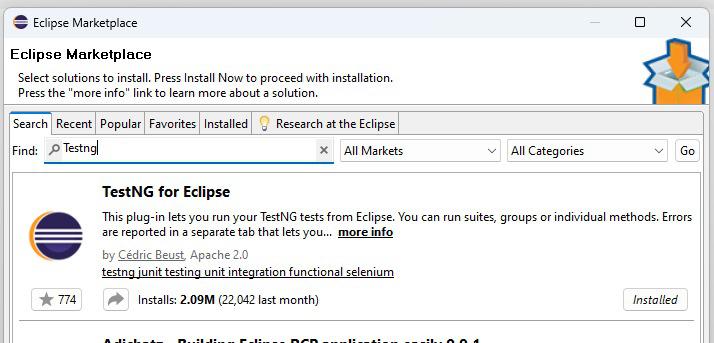
Before creating the TestNG XML file, ensure you have a TestNG project set up in your IDE (like Eclipse or IntelliJ IDEA). If you don't have TestNG installed, follow these steps:
<!-- https://mvnrepository.com/artifact/org.testng/testng -->
<dependency>
<groupId>org.testng</groupId>
<artifactId>testng</artifactId>
<version>7.10.2</version>
<scope>test</scope>
</dependency>
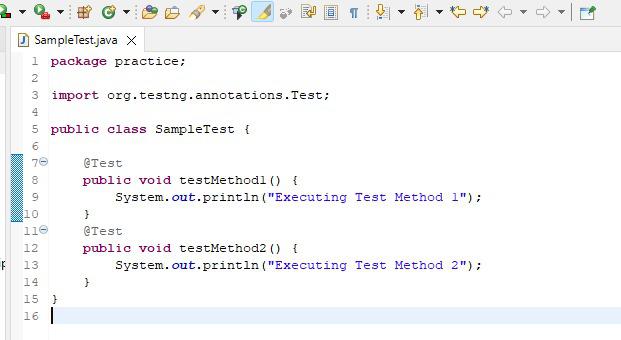
Create a Java class containing your test methods. Ensure the methods are annotated with @Test.
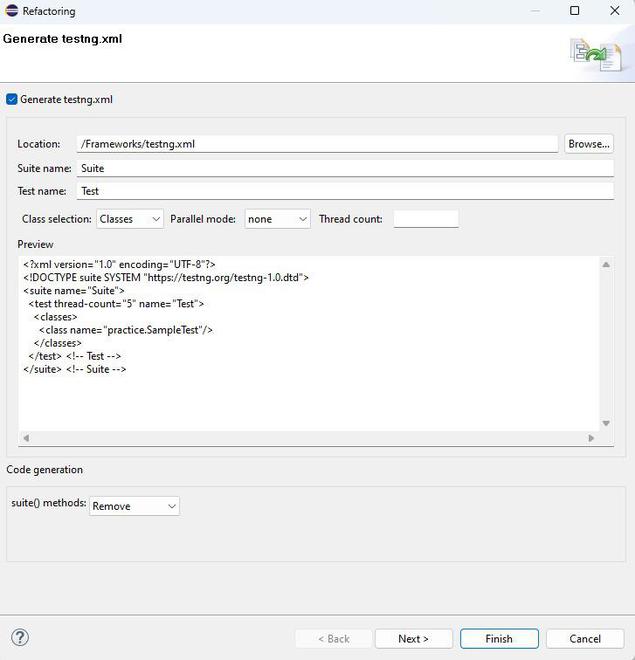
Add the following content to the testng.xml file:
<?xml version="1.0" encoding="UTF-8"?>
<!DOCTYPE suite SYSTEM "https://testng.org/testng-1.0.dtd">
<suite name="Suite">
<test thread-count="5" name="Test">
<classes>
<class name="practice.SampleTest"/>
</classes>
</test> <!-- Test -->
</suite> <!-- Suite -->
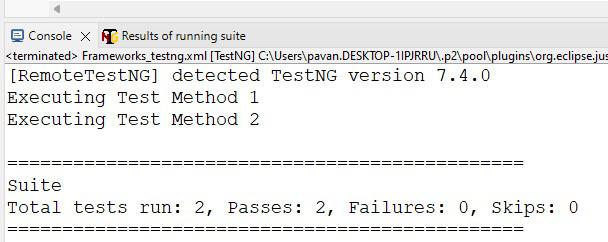
This will execute the test suite defined in your XML file, and TestNG will automatically generate reports.
After running your tests, TestNG generates both an HTML report and an emailable report. These reports are stored in the test-output folder of your project.
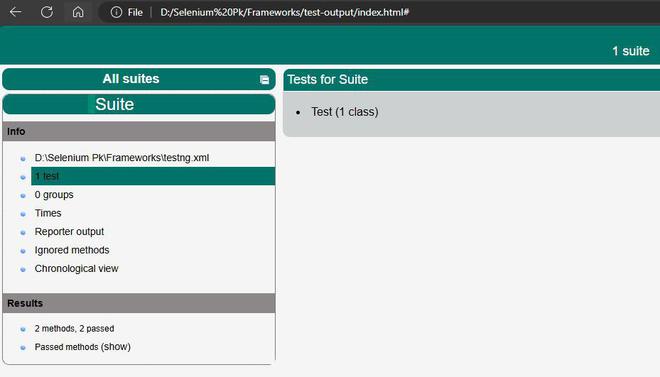
The HTML report is a detailed summary of your test execution.
This file provides a comprehensive view of your test results, including pass/fail counts, error messages, and stack traces.
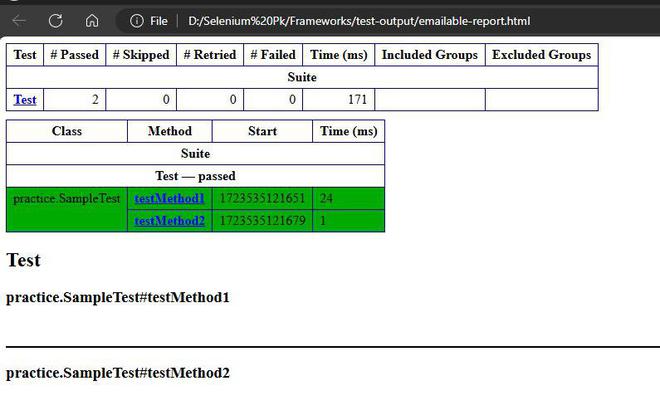
The emailable report is a more concise version of the test results.
The emailable report is typically used for sharing results via email, as it provides a summary of the test execution.
Once the test suite has been executed, you can view the results.
Generating and viewing reports in TestNG is an essential aspect of the testing process. By following this guide, you should now be able to create a TestNG XML file, execute it, and generate both HTML and emailable reports in Eclipse. These reports provide valuable insights into your test execution and can be easily shared with your team. Customizing and automating report generation can further enhance your testing workflow, making it more efficient and effective.