|
VOOZH | about |
|
VOOZH | about |
The tool that reduces human effort and makes the work relatively easier by automating the browser is known as Selenium. The elements which are located within some other elements, such elements are called child elements. Sometimes, we have to handle such elements, such as values of radio buttons, lists, etc. In this article, we will discuss the same, i.e., how to get a child element in Selenium.
The user needs to follow the respective steps to get the child element in Selenium.
Install the editor of your choice and Selenium JARs from the official website of Selenium. Further, open that editor and create a project. Now, add the JARs you installed to the project's build path.
Note: It is very crucial to download the ChromeDriver version matching the version of your browser as an incorrect version of
ChromeDriver will not be able to initiate the browser and throw the error of version mismatch.
In this step, we have imported the crucial modules, By, WebDriver, WebElement, ChromeDriver, and List.
import org.openqa.selenium.By;
import org.openqa.selenium.WebDriver;
import org.openqa.selenium.WebElement;
import org.openqa.selenium.chrome.ChromeDriver;
import java.util.List;
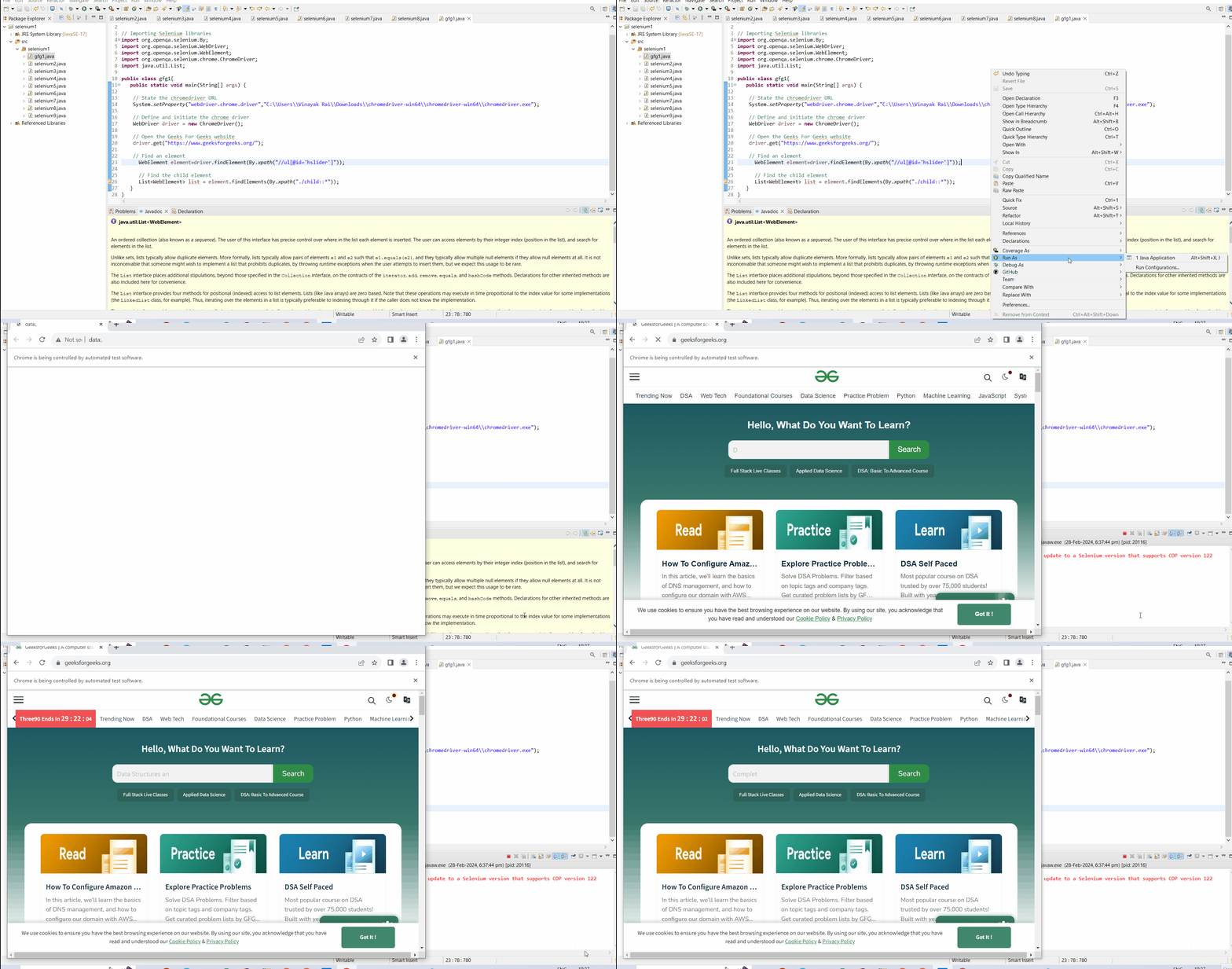
After importing the modules, a crucial step is to initiate the w. For this, we need to define the path where our Chromedriver is located in the setProperty function and initiate the ChromeDriver. Later, we will open the Geeks For Geeks website (link) using the get() function.
Once the web page is opened, we need to find the element we need to get the children. This can be done using the findElement and By.xpath modules.
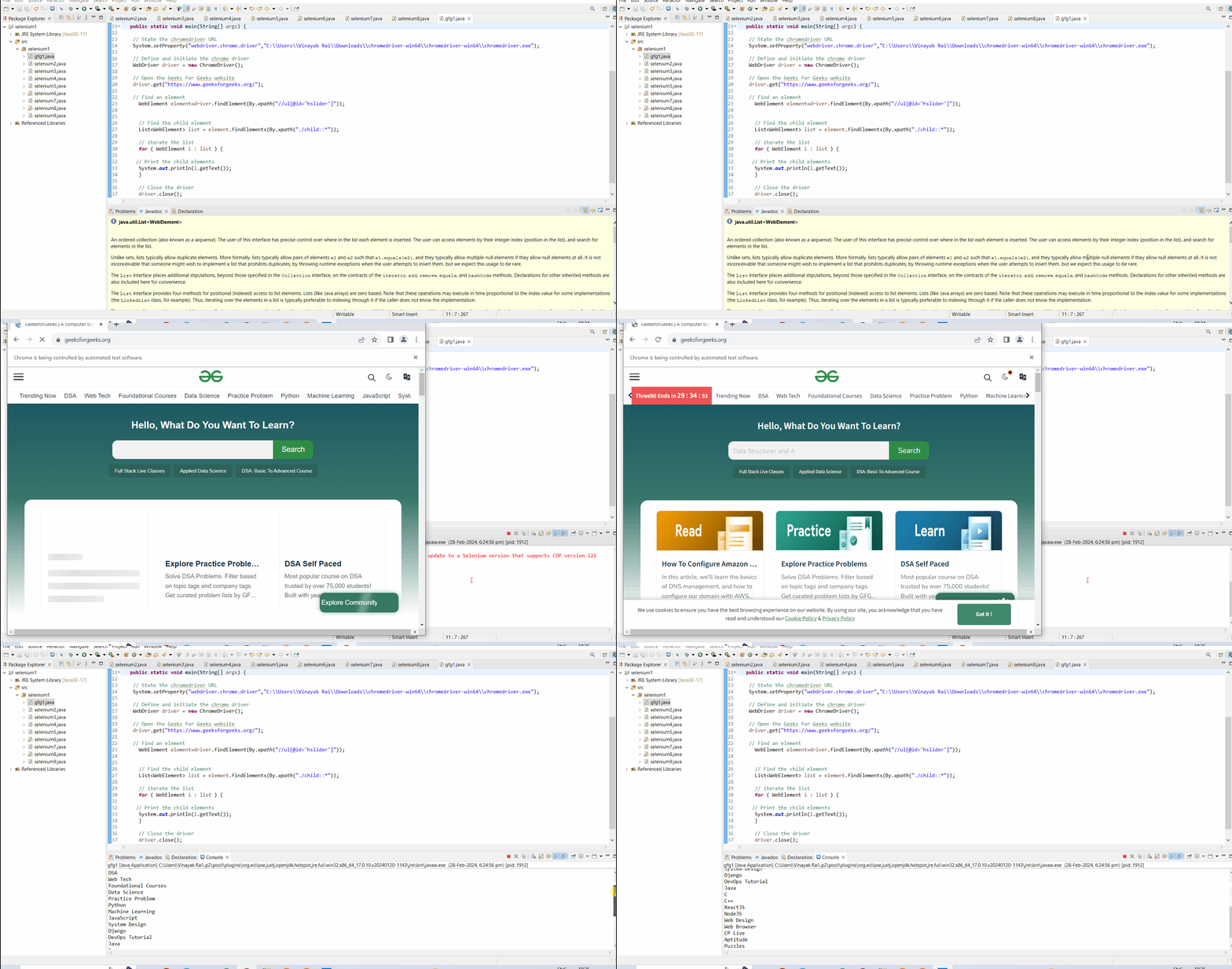
Further, we will find the child elements in the element using findElements and By.xpath functions. The child elements are usually of the elements, like radio buttons, checkboxes, etc.
Finally, we will print all the child elements by iterating the list in which the child elements are stored using the for loop.
In conclusion, getting and handling child elements is common in huge web pages. The getting of child elements concept is mostly applied to elements, like lists, checkboxes, radio buttons, etc. I hope, after reading the numerous steps mentioned above, you will be able to get child elements in Selenium efficiently.