|
VOOZH | about |
|
VOOZH | about |
An object-oriented platform-independent language that is used for creating applications is known as Java. Sometimes the applications are so robust that we need some automation to test their application. This can be done using various automation tools such as Selenium. While doing automation, there also occurs the need to open a new tab using the Selenium web driver in Java.
In this article, we will discuss the same.
Table of Content
We can open a new tab using Selenium WebDriver in Java by 2 methods given below:
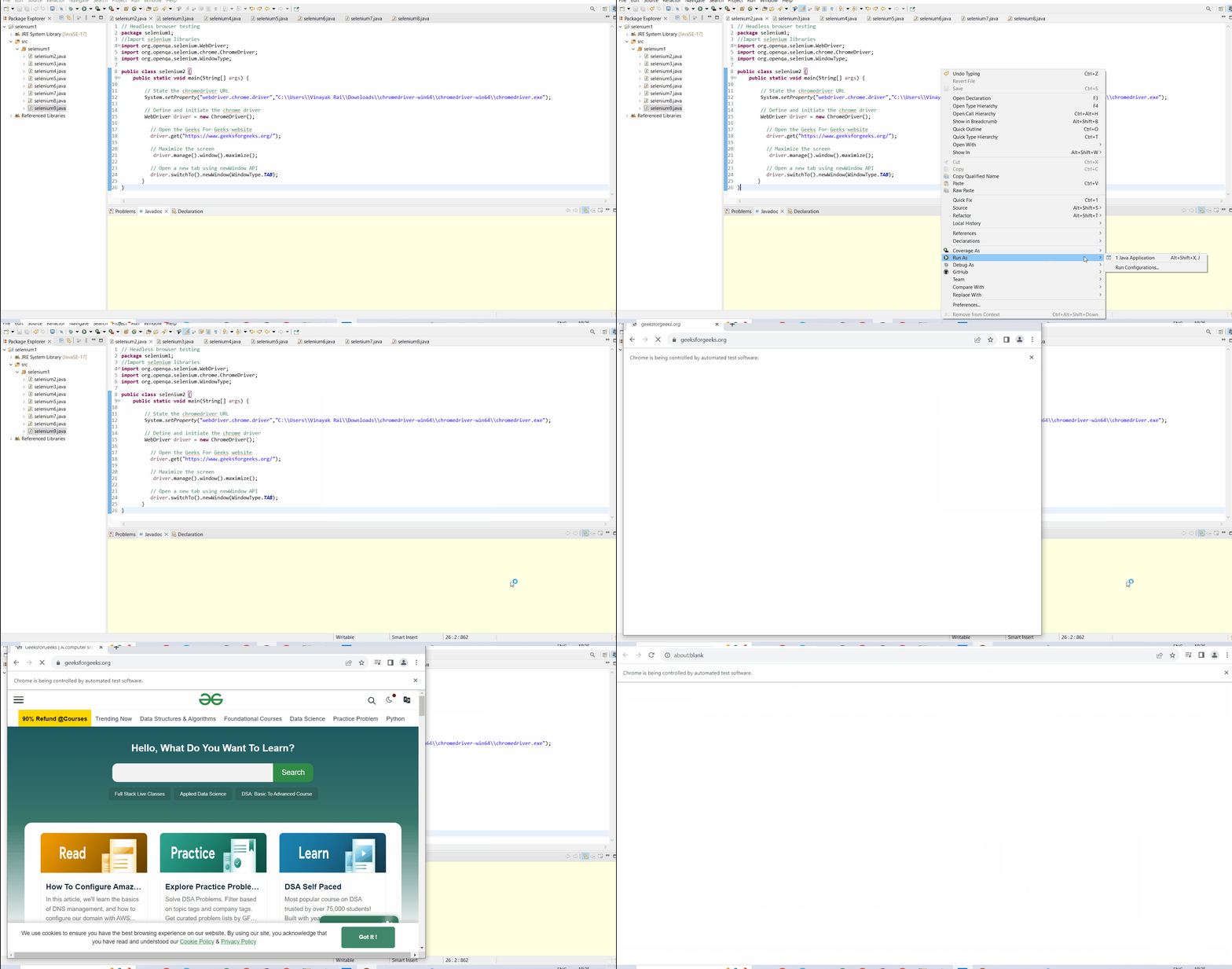
Selenium allows the web driver to open a new tab and switch to that tab automatically using switchTo and newWindow functions. Here, we will use both functions simultaneously to open a new tab and switch to that.
driver.switchTo().newWindow(WindowType.TAB);
In this example, we have imported the WebDriver, ChromeDriver, and WindowType modules. Further, we have opened the Geeks For Geeks website (link) and then we have opened a new tab using the newWindow API.
Output:
The module that allows the web driver to execute Javascript code within the current browser is known as JavascriptExecutor. The new tab can be opened using executeScript and window. open functions respectively.
There are Two Ways:
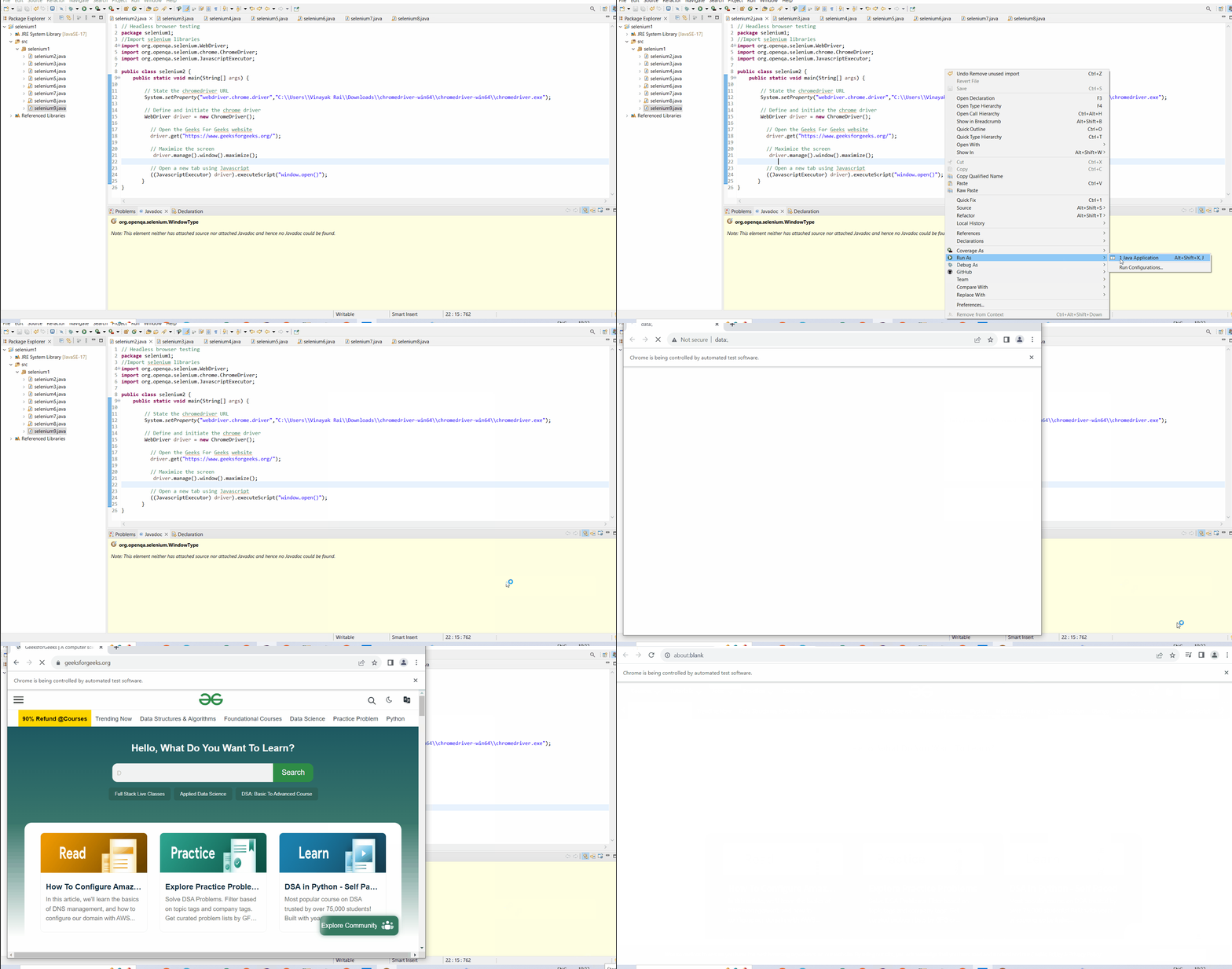
When the user doesn't provide any arguments to the window.open() function, then just a new tab is opened.
((JavascriptExecutor) driver).executeScript("window.open()");
In this example, we have imported the WebDriver, ChromeDriver, and JavascriptExecutor modules. Further, we have opened the Geeks For Geeks website (link) and then we have opened a new tab using JavascriptExecutor.
Output
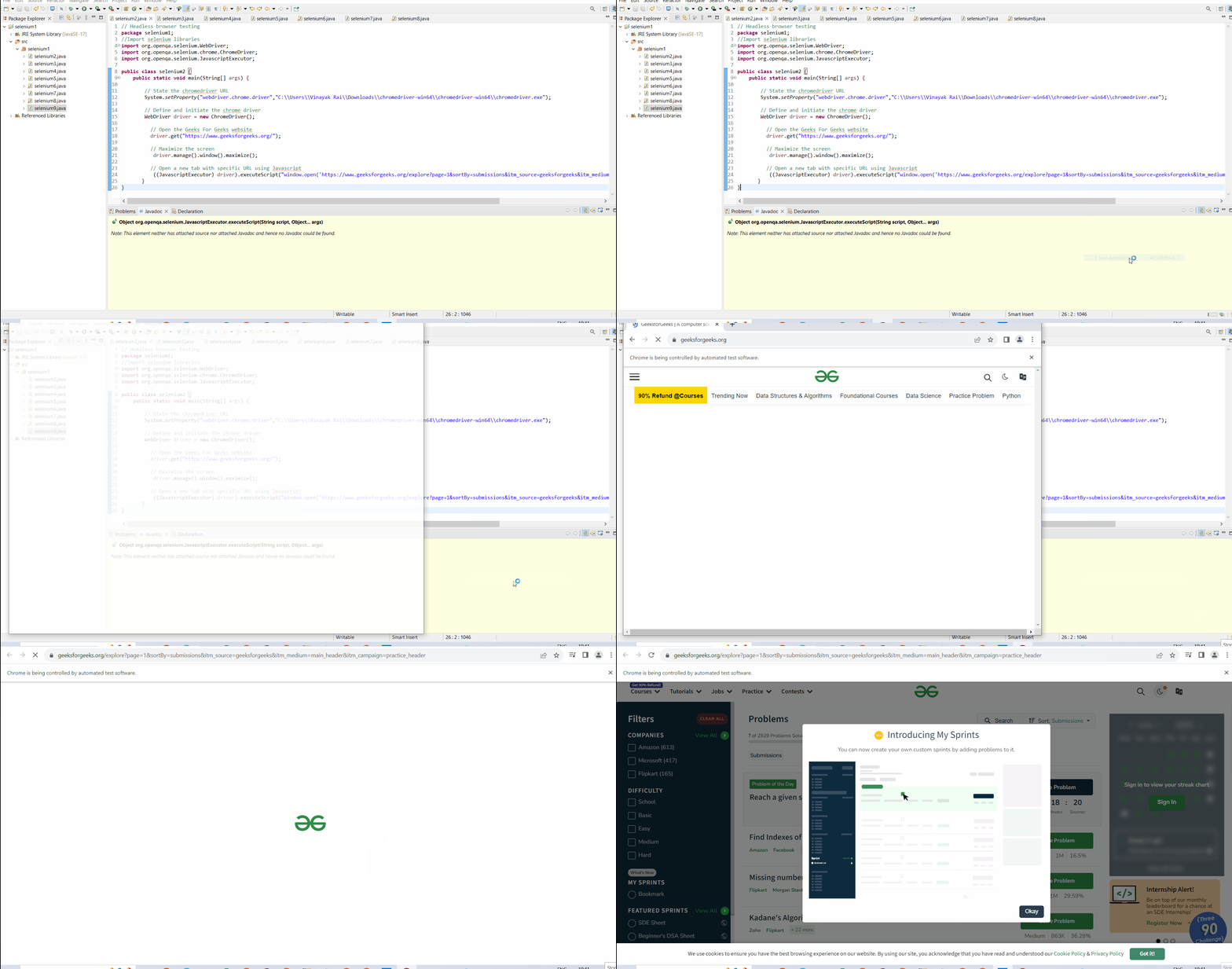
When the user doesn't provide a URL as the argument to the window.open() function, then a new tab with that specific URL is opened.
((JavascriptExecutor) driver).executeScript("window.open('URL_of_webpage')");
Here, URL_of_webpage: It is the URL of the webpage which the user wants to open in a new tab.
In this example, we have imported the WebDriver, ChromeDriver, and JavascriptExecutor modules. Further, we have opened the Geeks For Geeks website (link) and then we have opened a new tab with a specific URL (link) using JavascriptExecutor.
Output
👁 open-new-tab-using-selenium-with-specific-url
The opening of a new tab is a very important feature during automation and enhances the capability of automated testing. If the user wants to open a new tab with a specific URL, then opening a new tab with a specific URL using the JavascriptExecutor method is preferred. I hope after reading the above article, you will able to open a new tab using Selenium webdriver in Java.