|
VOOZH | about |
|
VOOZH | about |
A Parameterized Job in Jenkins allows you to create jobs that take parameters (like strings, numbers, or boolean values) when triggered. This helps you customize the job’s behavior based on the values provided at runtime. It’s useful for jobs where the same task may need to be executed with different configurations.
Here are the steps to create a Parameterized Job in Jenkins:
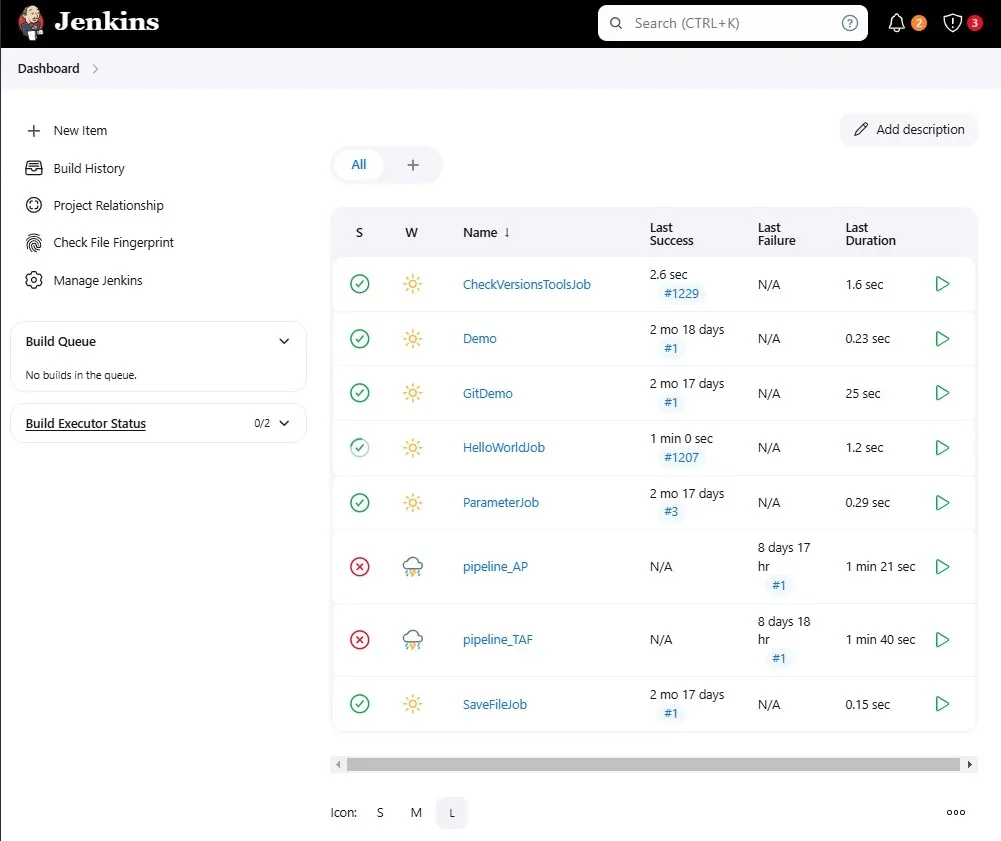
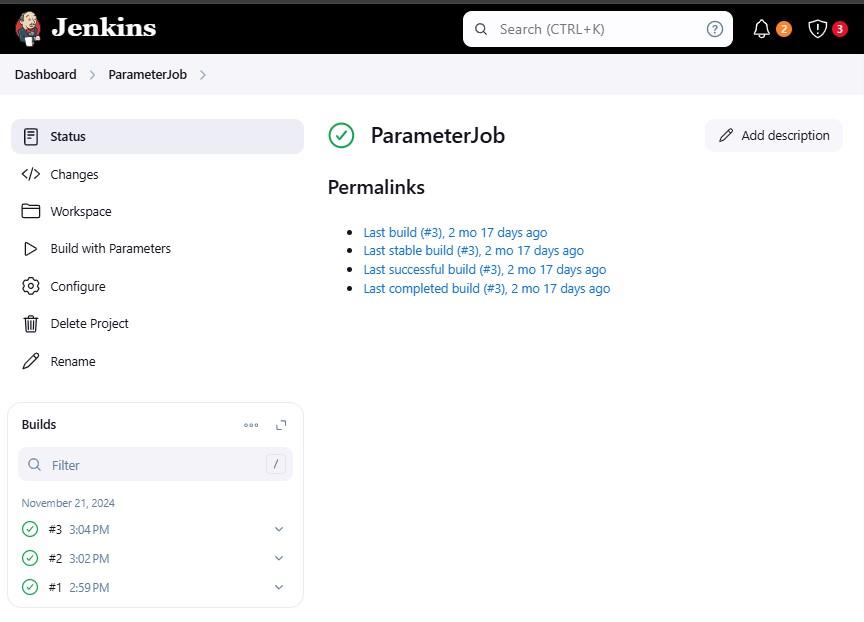
Select the Job which you are planning to add parameters:
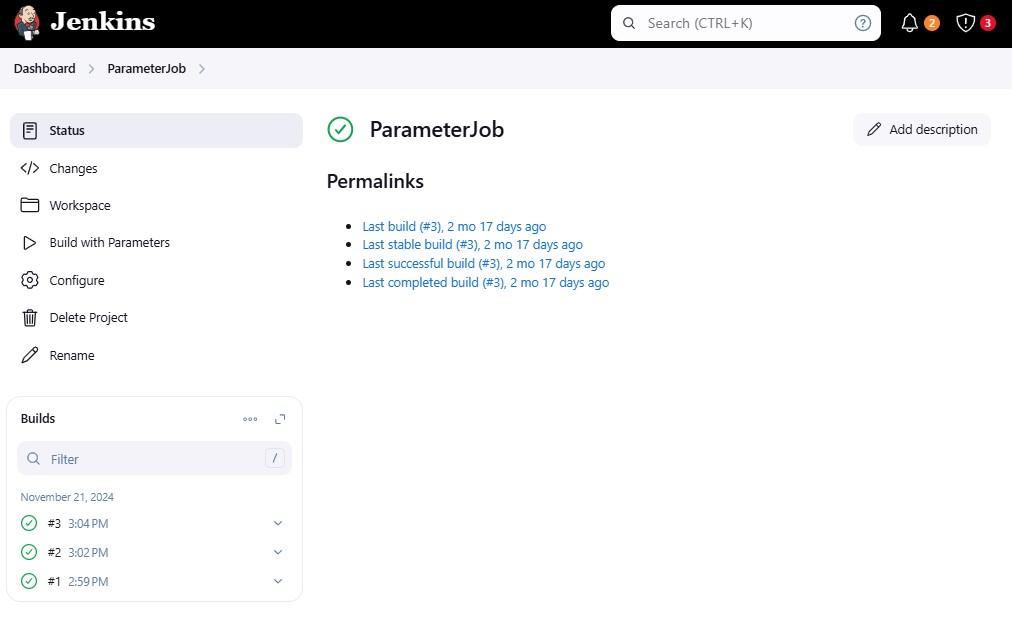
You can Configure the Job with the left Side of the job list which shown below.
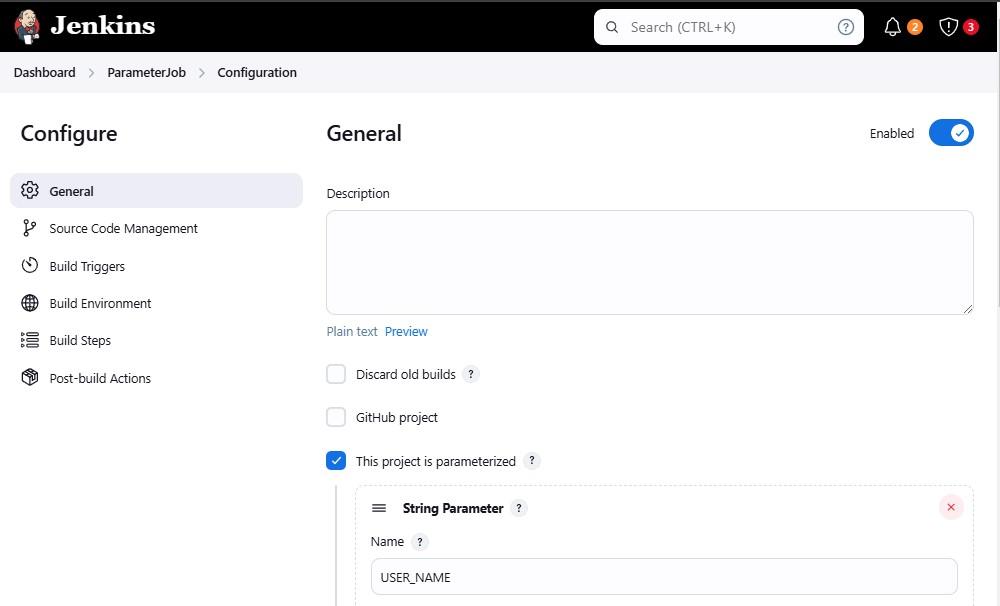
On the configuration page, you will find a section which is General. In that section, there is an option called This project is parameterized that will be Tick marked already like shown in bellow.
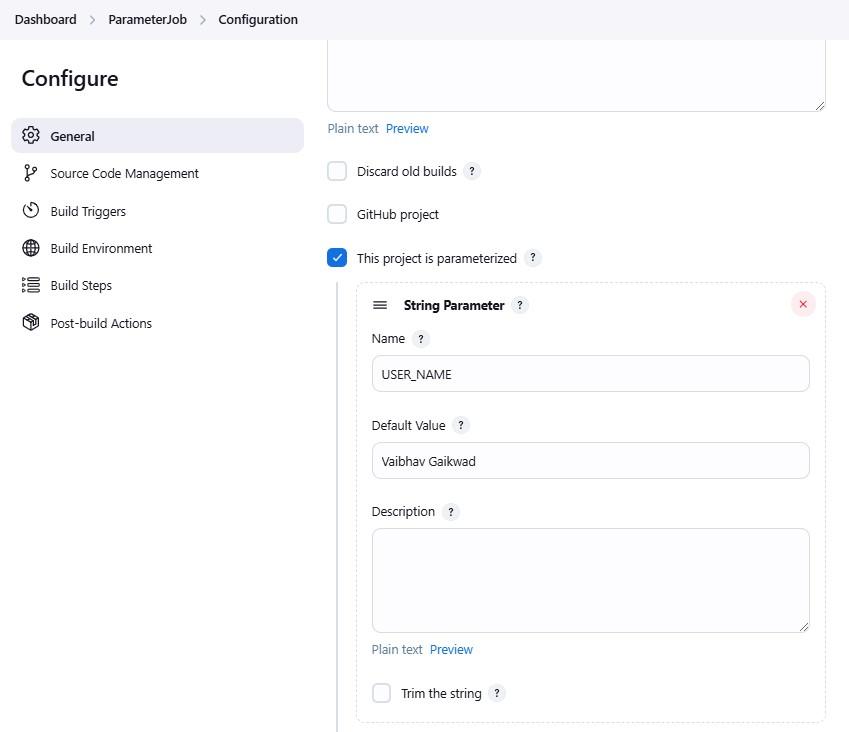
We can Select the String Parameters and In the Name field, enter the name of the parameters(USER_NAME), and the Default value Select as per your need.
After defining the parameters, scroll down to the Build section and click on Add build step -> Execute shell.
Enter the following shell script to print the parameter values in the console output:
echo "User Name: $USER_NAME"
If you are using multiple parameters, you can print them like this:
echo "User Name: $USER_NAME"
echo "Environment: $ENVIRONMENT"
echo "Build Number: $BUILD_NUMBER"
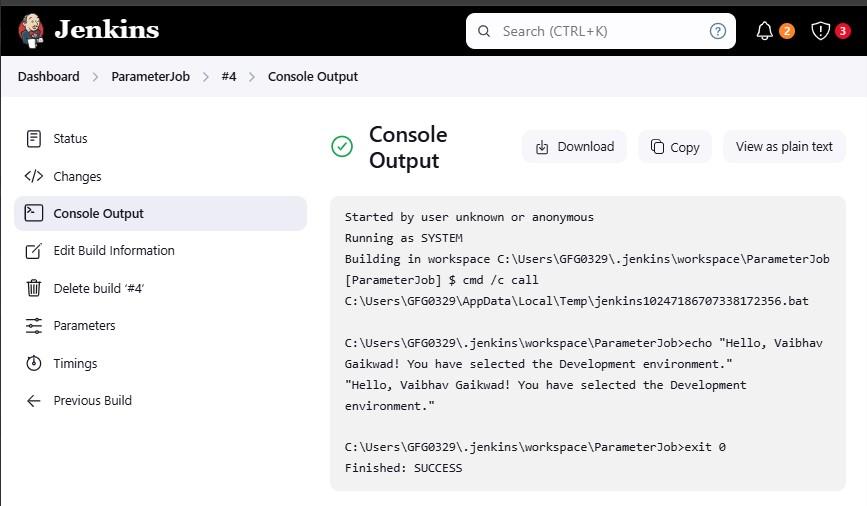
This step helps verify that the parameter values entered during the build are correctly passed to the Jenkins job.
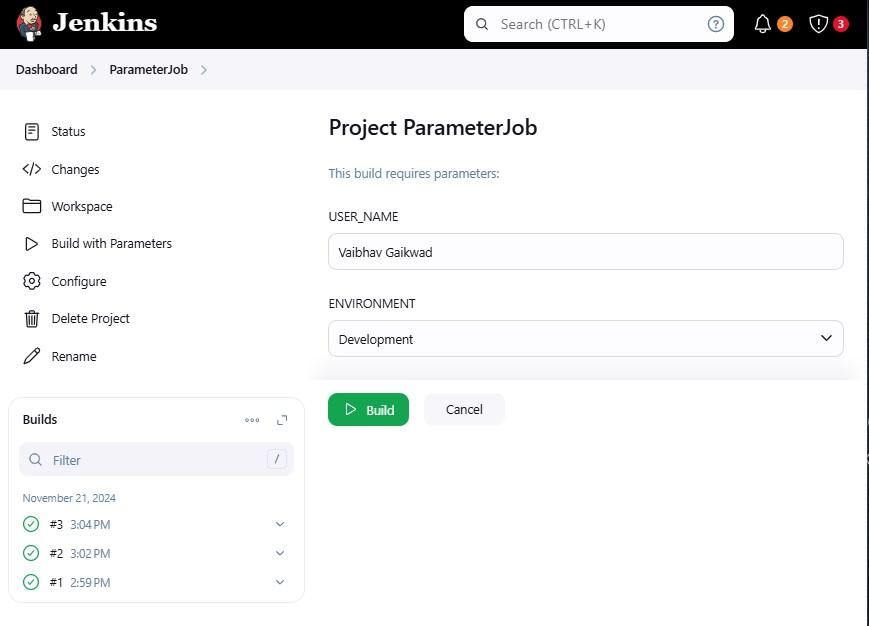
Enter the desired value for each parameter. Once you have done with filling the required values then click on Build to run the job.
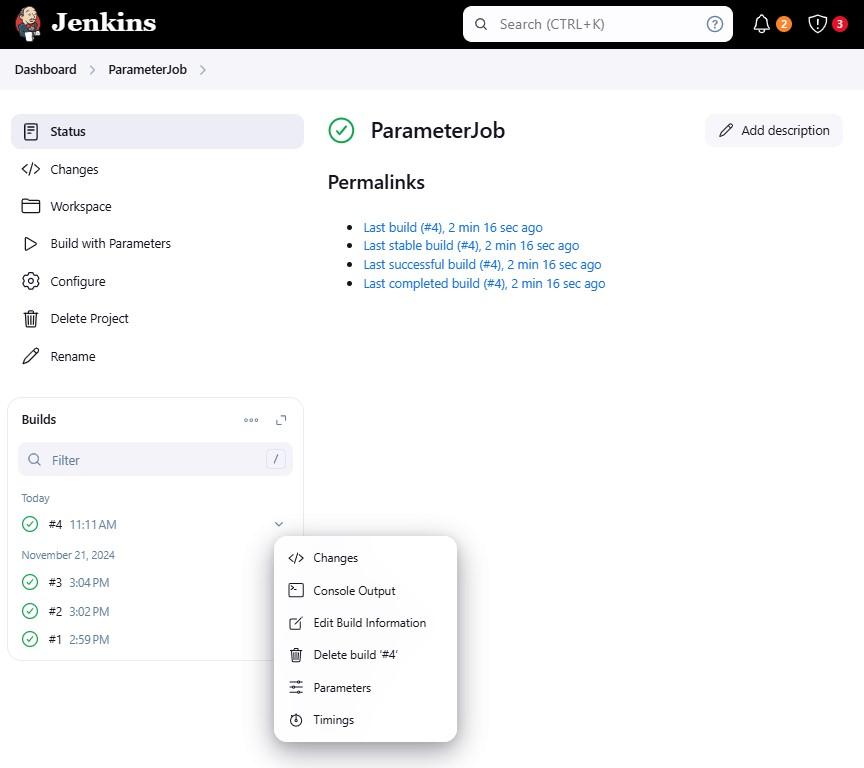
See the result with clicking the job which are success in the Console output.