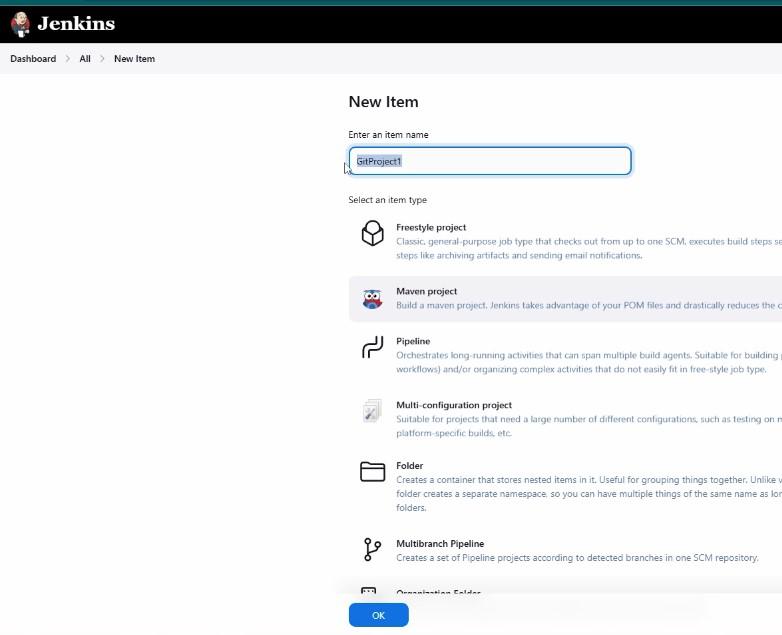
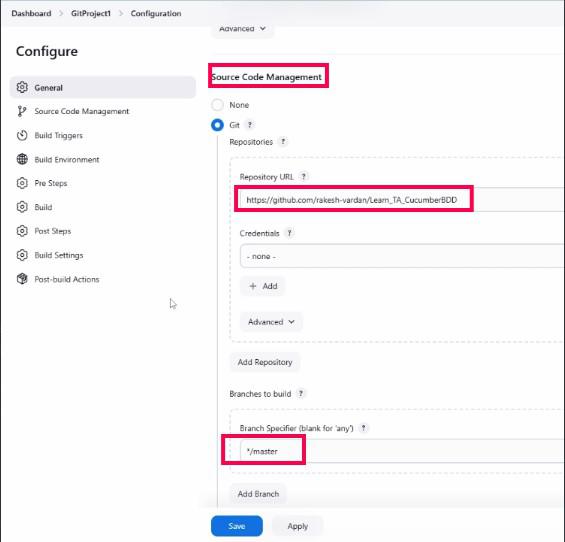
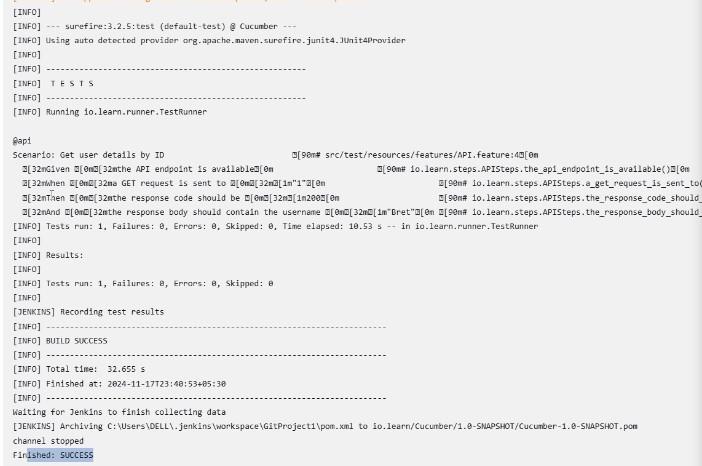
In modern CI/CD pipelines, Jenkins and source control systems form a powerful duo. They enable teams to automate code integration, testing, and deployment while maintaining version control. This guide explores the essential concepts, integration steps, and best practices for using Jenkins with version control systems like Git, GitHub, Bitbucket, and GitLab.
What is Source Control and Why is it Important?
Version Control Systems (VCS)
Source control, or version control, is a system that tracks changes to code over time. It allows developers to:
Maintain a history of changes.
Collaborate seamlessly across teams.
Roll back to previous versions when necessary.
Popular VCS tools include:
Git (most widely used)
Subversion (SVN)
Mercurial
These systems are often hosted on platforms like GitHub, GitLab, or Bitbucket, providing centralized repositories for team collaboration.
How Jenkins Integrates with Source Control
Jenkins integrates with VCS tools to automate fetching code, running builds, and executing tests. The integration workflow typically involves:
Pulling code from a repository.
Running automated tasks (build, test, deploy).
Reporting results back to the team.
Let’s break down the integration process with Git and platforms like GitHub.
Step-by-Step Integration of Jenkins with GitHub
1. Install the Git Plugin
To use Git with Jenkins, you need the Git Plugin:
Navigate to Manage Jenkins > Plugin Manager.
Check if the Git Plugin is installed under the Installed tab.
If not, go to the Available tab, search for "Git Plugin," and install it.