|
VOOZH | about |
|
VOOZH | about |
XPath is a query language used to locate elements in XML and HTML documents based on their structure and attributes. In Selenium, it helps identify web elements for actions like clicking, typing, and validation, especially on dynamic web pages.
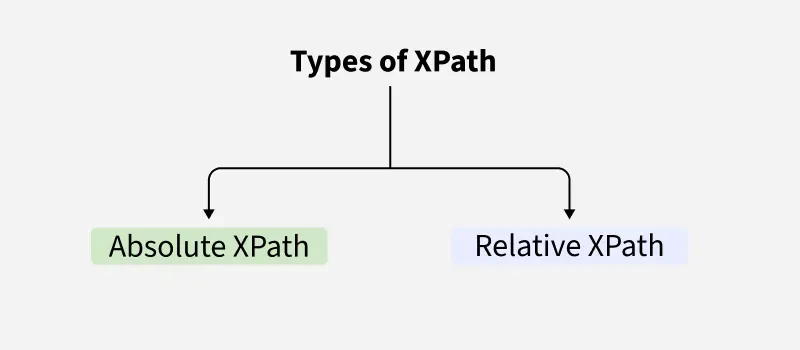
contains() and starts-with()id, class, name, etc.) or even based on the text content.There are two types of XPath that can be used in Selenium:
Absolute XPath starts from the root element of the HTML document. It defines the complete path to locate the element starting from the root node.
Example: /html/body/div/div[2]/div[1]/button
Relative XPath starts from anywhere in the document and can be shorter and more flexible. It is based on a specific element's attributes, text, or position within the hierarchy.
Example: //button[@id='submit']
This XPath will find a button element with an id attribute equal to submit.
XPath syntax is used to define the path of elements in an XML/HTML document and to locate nodes based on attributes, structure, or text.
//: Selects nodes anywhere in the document, regardless of the location./: Selects nodes directly under the current node (absolute path).@: Selects an attribute of a node.Example:
//input[@name='username']
This XPath selects an input element with the name attribute equal to username.
Predicates are used to filter nodes based on conditions. They are placed inside square brackets [].
Example:
//div[@class='container'][2]
This selects the second div element with the class container.
Axes in XPath help navigate through elements based on their relationship with other elements. Some common axes are:
parent: Selects the parent of the current node.child: Selects child elements of the current node.descendant: Selects all descendants (children, grandchildren, etc.) of the current node.Example:
//div[@id='content']/parent::div
This selects the parent div of the div with id='content'.
XPath functions allow more advanced querying capabilities. Some commonly used functions are:
text(): Selects elements by their visible text.
Example:
//a[text()='Login']
This will select an anchor tag with the text "Login".
contains(): Selects elements that contain a specific attribute or text.
Example:
//button[contains(@class, 'submit')]
starts-with(): Selects elements where an attribute's value starts with a specific string.
Example:
//input[starts-with(@id, 'user')]
Writing efficient XPath helps create stable and maintainable automation scripts in Selenium.
id or name instead of non-unique class values