|
VOOZH | about |
|
VOOZH | about |
Apple comes with many different applications & software only available for Apple Users. The Apple iTunes Software is one of them. To use the service, you should have an Apple ID along with the iTunes Application.
However, if you want to Browse iTunes Without Having an iTunes Application, you have to use some clever tricks to do so. This article will highlight How to Use iTunes Without Installing Software on any device.
The iTunes is the Digital Media Application on Apple Devices that helps to access many different content. From Books to Music to TV shows & Podcasts, different digital contents become available at your fingertip. You just need the Apple ID along with the Installed iTunes Application on any device.
Not only some free content, but iTunes provides some paid content as well. Like, if you want to watch any TV Show you have to purchase it. You can purchase any item like Books, Music, Podcasts to watch, etc. And if you have brought something accidentally, you can Claim a Refund from iTunes. So, for an Apple User, iTunes is the most necessary application.
You will find out that iTunes is only available as an application on any Apple device. It might be a MacBook iPhone or iPad, the iTunes is only present as the application. Even if, you want to access iTunes from Windows, you have to install the service on the device. And there is no proper Web Version of iTunes present.
In 2017, there was a big change introduced by Apple. The iTunes was discontinued from the website & became only available in the form of the application. However, all the contents of iTunes like Books, TV Shows & Music are still can be accessed from the internet and can be used as an Alternative to iTunes Application.
To Browse iTunes without Installing iTunes, the following guidelines should be followed. Here, we are going to Browse Different iTunes Components one by one. Altogether, they will give you the same taste as the iTunes Application.
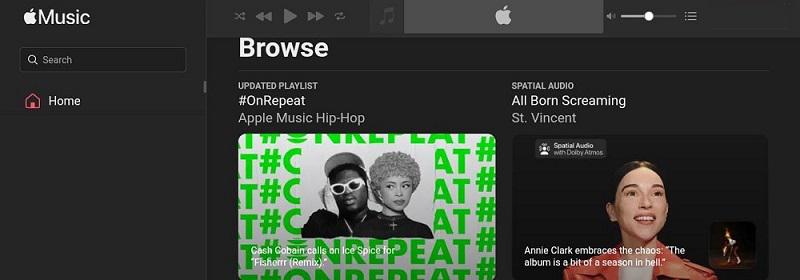
Many experts says the Apple Music page is a genuine replica of the iTunes Application. However, from iTunes Music or Apple Music, you can purchase different music albums & other simple music without getting the application.
To do so, browse the Official Apple Music Webpage & log in there with the help of the Apple ID. Now, you can select any Music Album & buy it there. In this way, you can access the Music Component of iTunes without installing the iTunes Application.
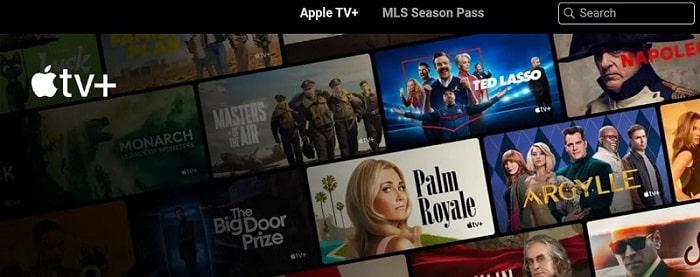
Now after Apple Music, the second most important element will be the TV Shows & Podcasting. For that, there is a special webpage present on Apple that is only made up with the help of TV Shows, podcasts & Cinema.
In that case, you have to open the Borwser & go for the Apple TV+ Web Page. From that webpage, you can pick up any Free Movies present there. Or if needed, you can buy movies & TV Shows without installing any kind of application.
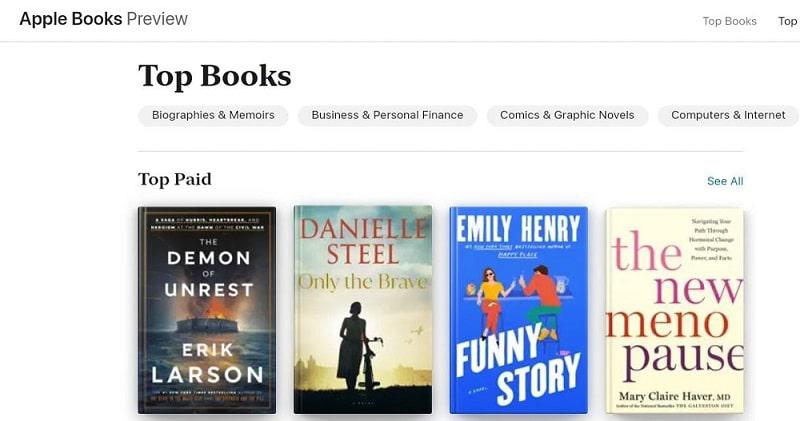
Now, if you are a book lover, you will certainly find this section most important. Apple comes up with dozens of eBooks, however most of them are not free of cost. You have to pay some amount to access the service & it is also included in iTunes.
To access Book Service without iTunes, you have to open the Apple Book Webpage & choose a certain book by judging the cover of the book. Also, you will get a Book Preview before you are going to purchase it.
As we can see, there is no proper webpage present to access iTunes on a Web Browser Without Installing iTunes Application. You will find out the iTunes Components on the page, but not a dedicated webpage with all of the features like iTunes. So, we will recommend using the iTunes Application Instead of iTunes Web Components.