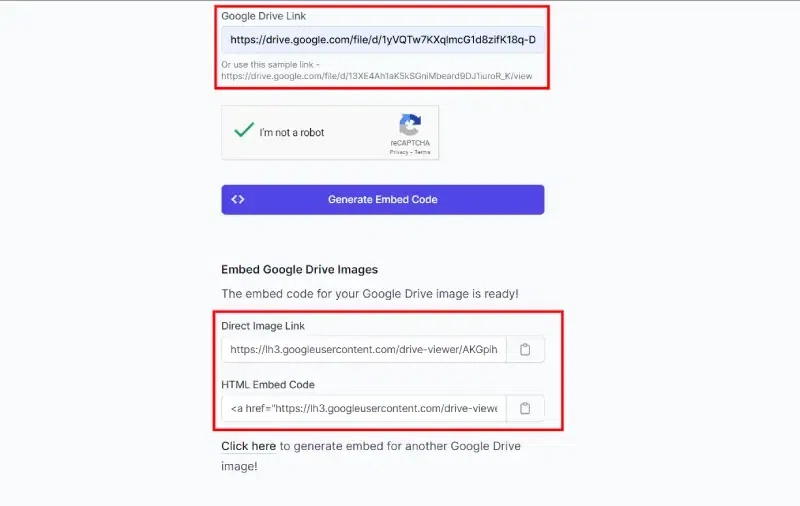
Embedding images from Google Drive allows you to display visuals on your website without hosting them directly on your server. This saves storage, improves performance, and lets you update images anytime from Drive without touching your website code. Using Google’s embed link or an embed code generator makes the process simple and efficient.
Key Benefits of Embedding:
Saves website storage and bandwidth
Easy to update or replace images centrally
No need to re-upload files on your website
Works for images, videos, and other media
How to Generate Google Drive Image Link
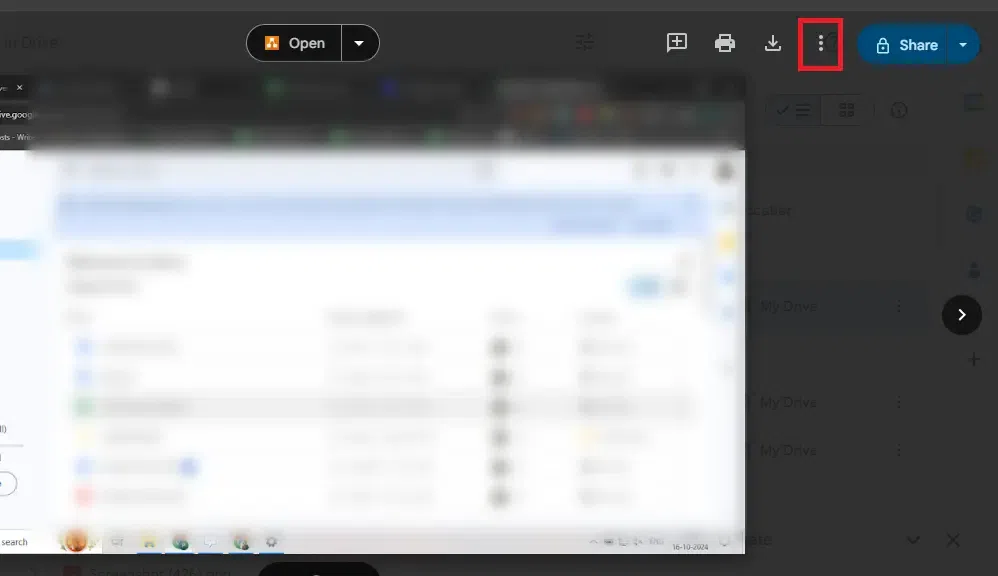
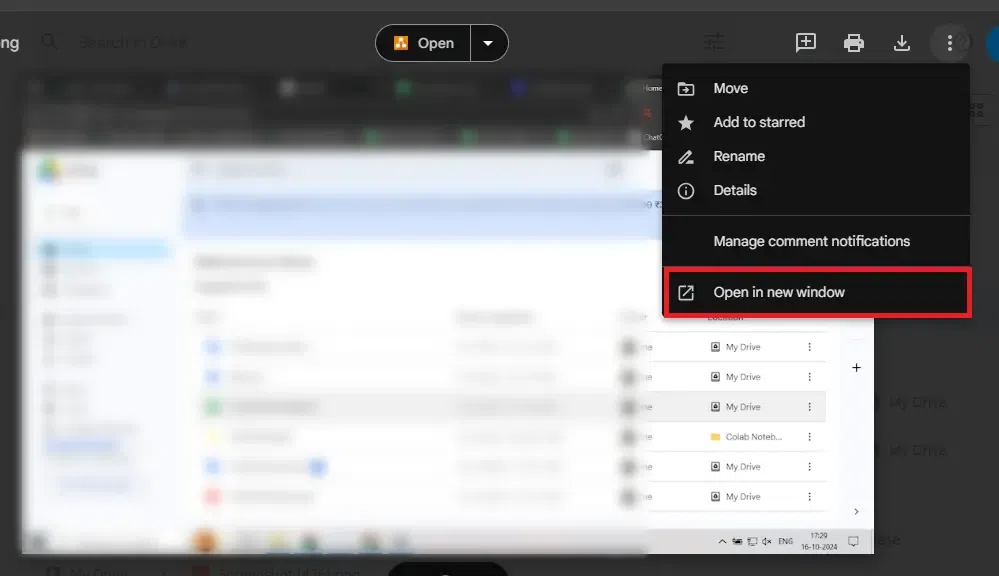
Follow these steps to create a shareable and embeddable link for your Google Drive image:
How to Embed Images from Google Drive on Your Website
Embedding images in various websites from Google Drive is an easy process. You just have to go through the steps given below for your reference to do it. Let's get started
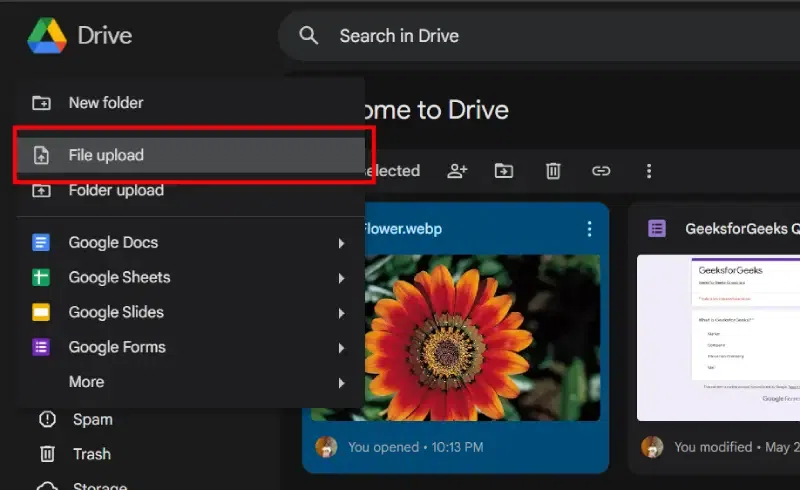
Step 1: Upload Your Image to Google Drive
Go to your Google Drive account and upload the image you want to embed onto your website.


.webp)
.webp)

.webp)