|
VOOZH | about |
|
VOOZH | about |
If Bluetooth suddenly disappears from Device Manager, you won’t be able to update drivers, connect devices, or manage adapters. This problem usually happens due to disabled services, corrupted drivers, hidden device entries, or system file errors.
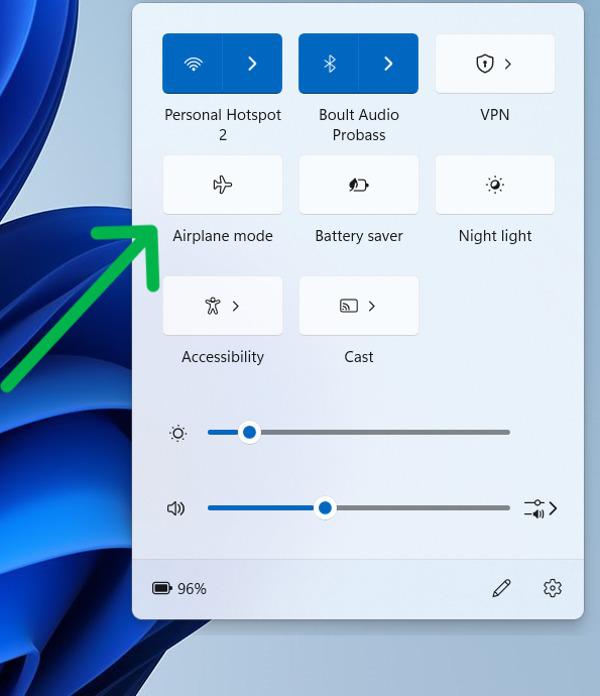
Toggling Airplane Mode refreshes wireless services like Wi-Fi and Bluetooth, which can help Bluetooth reappear in Device Manager.
Steps:
👁 Enable-And-Disable-Airplane-Mode
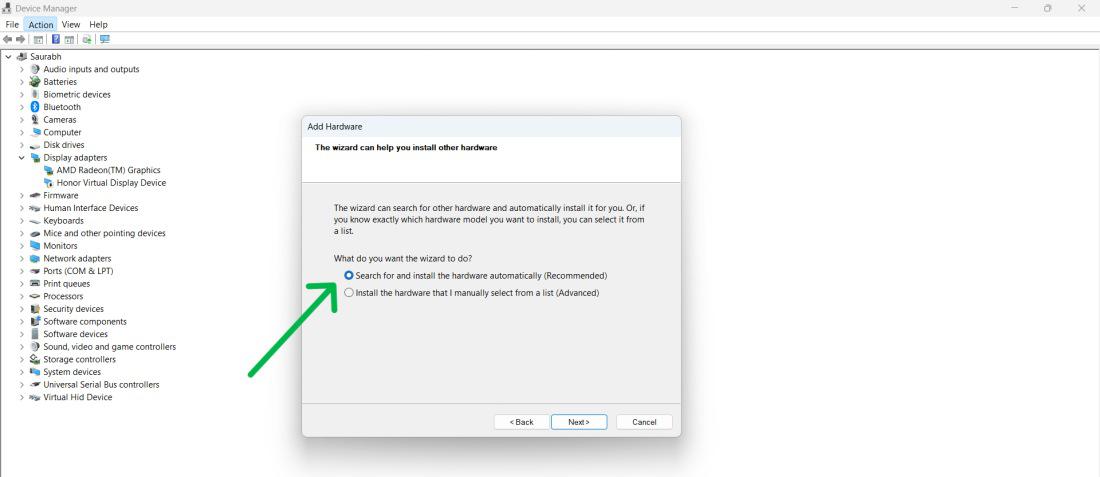
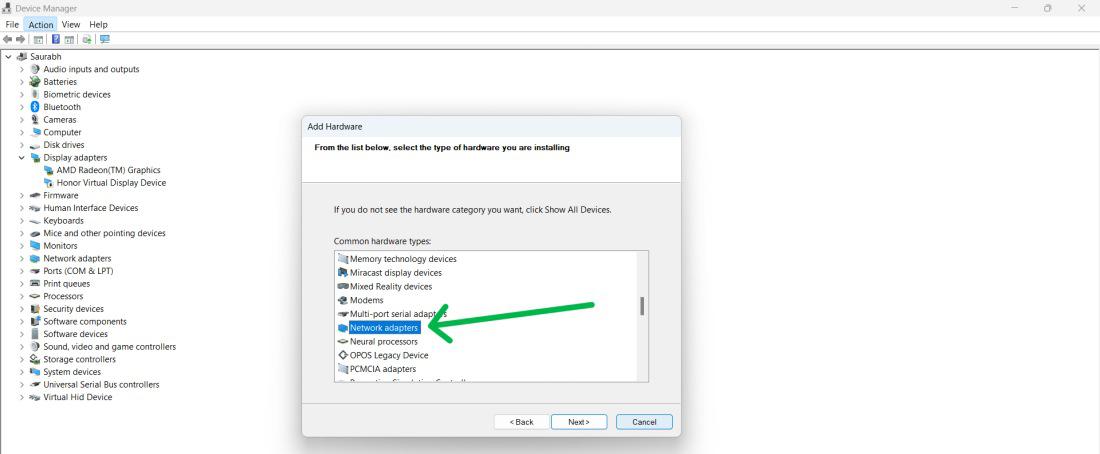
If Windows fails to detect your Bluetooth adapter automatically, you can add it via Device Manager using the legacy hardware wizard.
Step 1: Open device manager
Step 2: Click Action > Add legacy hardware.
Step 3: Select Search for and install the hardware automatically and click Next.
Step 4: Under Common hardware types, select Bluetooth.
Step 5: Choose Intel > Bluetooth Adapter.
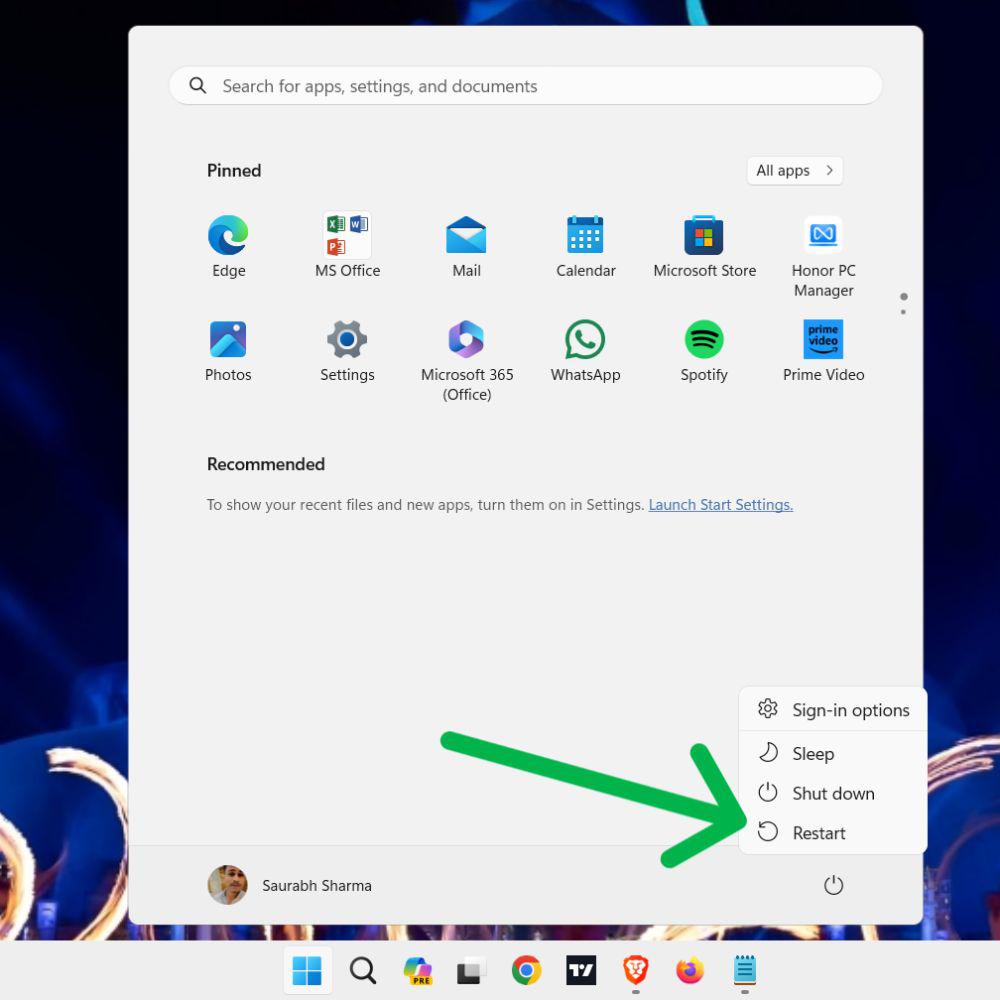
Step 6: Restart Your Pc.
If Bluetooth driver is not up, then check How to Fix Bluetooth Drivers in Windows 10?
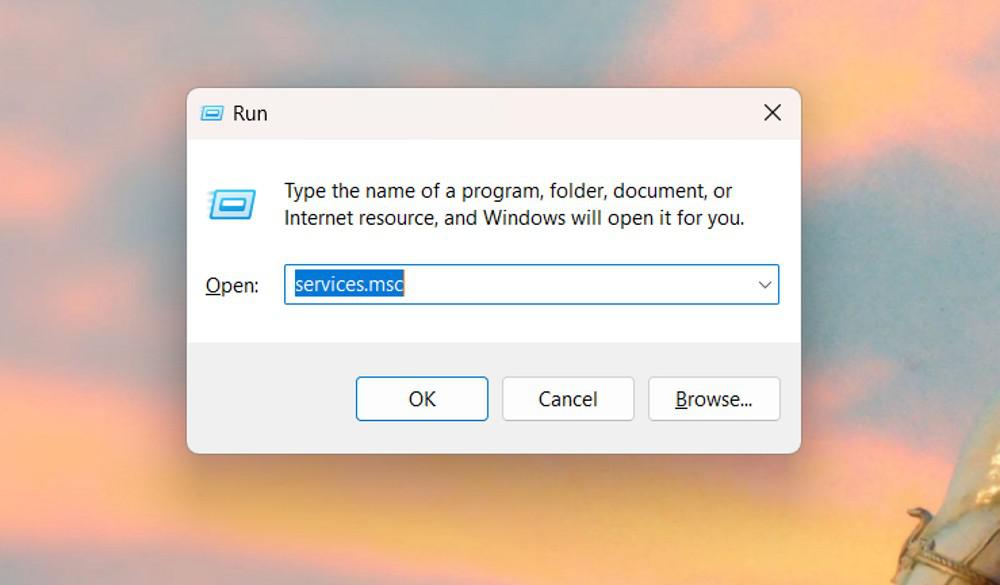
This service manages detection and pairing of Bluetooth devices. If it’s stopped, Bluetooth hardware may not appear.
👁 RESTART-BLUETOOTH-SUPPORT-SERVICE
Bluetooth adapters often connect internally via USB. Faulty USB drivers can prevent Windows from detecting Bluetooth hardware.
Also check:What are the Security Risks of USB drives? - GeeksforGeeks
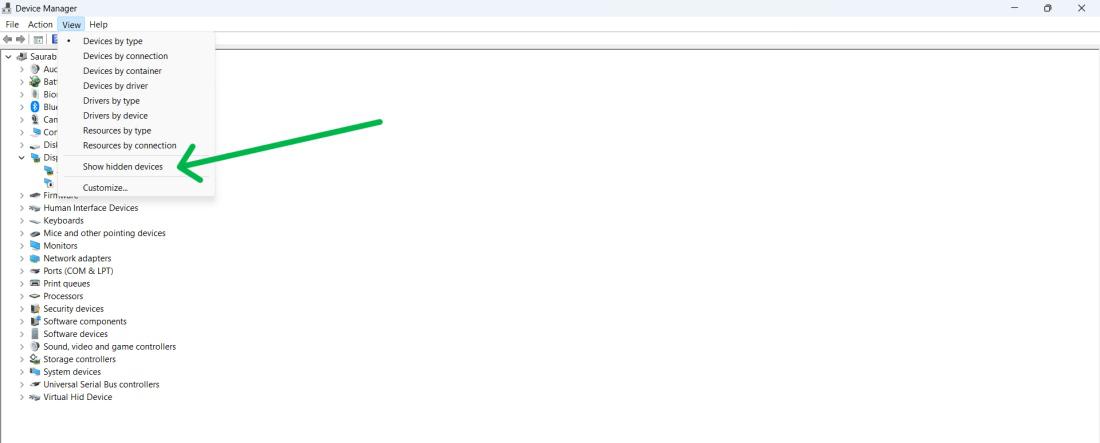
Bluetooth entries may be hidden, especially after a driver crash or update failure.
Steps:
The built-in troubleshooter can detect and fix configuration issues automatically.
Steps:
👁 Run-Bluetooth-Troubleshooter
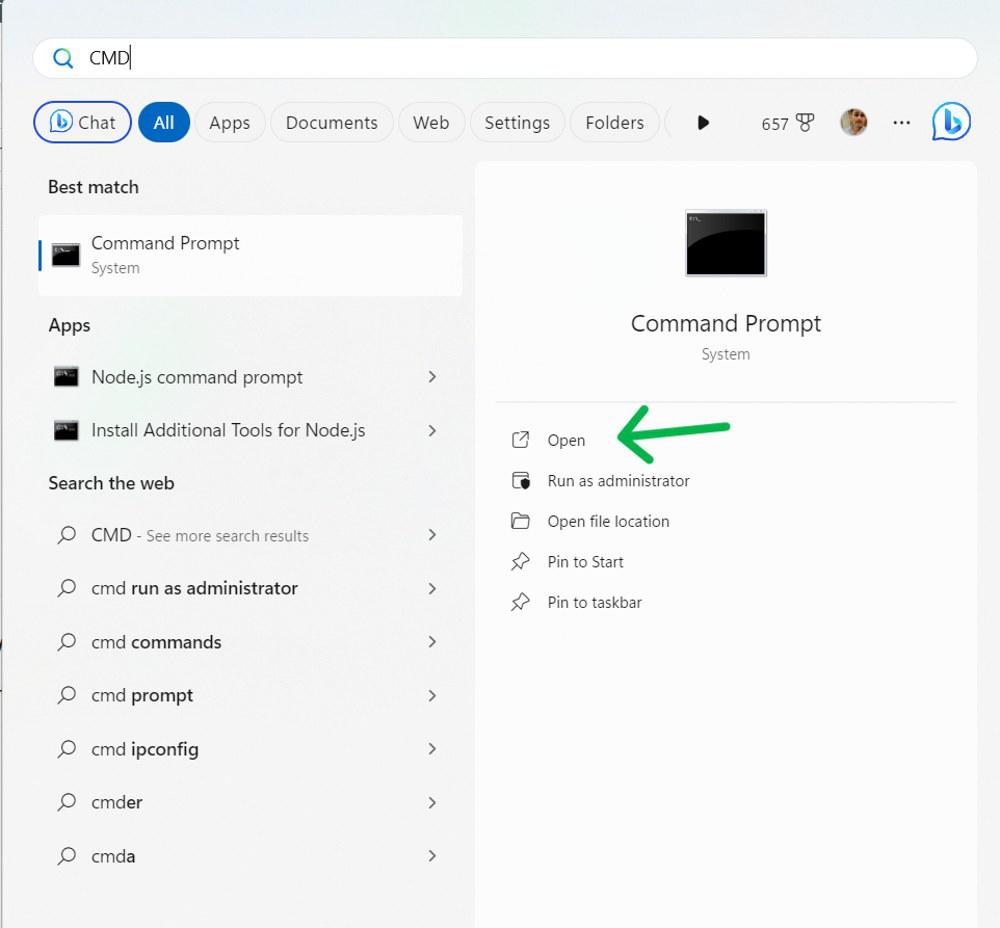
Corrupted system files can prevent Windows from loading Bluetooth drivers. These scans restore them.
sfc /scannow
DISM /Online /Cleanup-image /Restorehealth
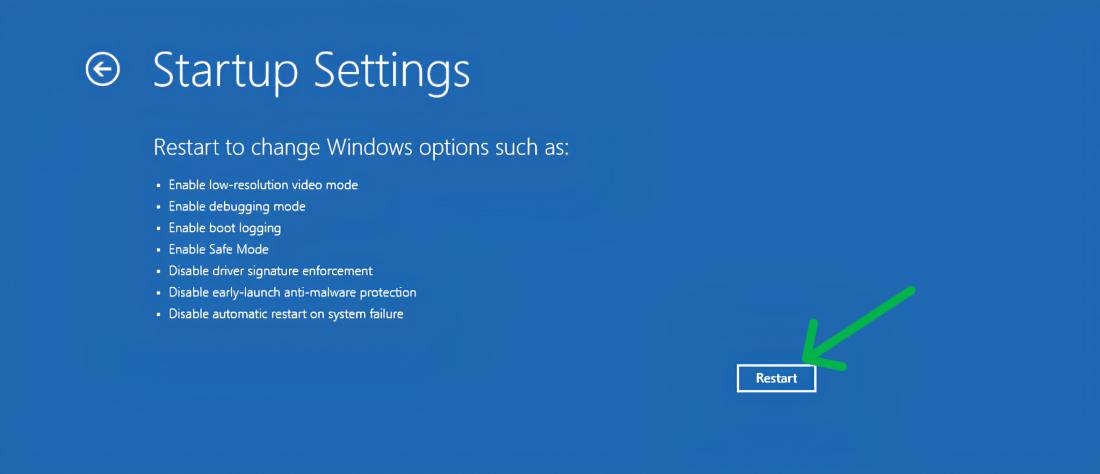
Safe Mode loads minimal drivers. If Bluetooth appears here, a third-party app or service is interfering.
Steps:
Also Read: