|
VOOZH | about |
|
VOOZH | about |
Bootstrap 5 Dropdowns Directions are used to change the direction in which we want the dropdown to pop up. The arrow direction is changed based on the direction set for the dropdown to appear.
Bootstrap 5 Dropdowns Directions:
Syntax:
<div class="btn-group dropdown-direction-class">
 ...
</div>
Below examples illustrate the Bootstrap 5 Dropdowns Directions:
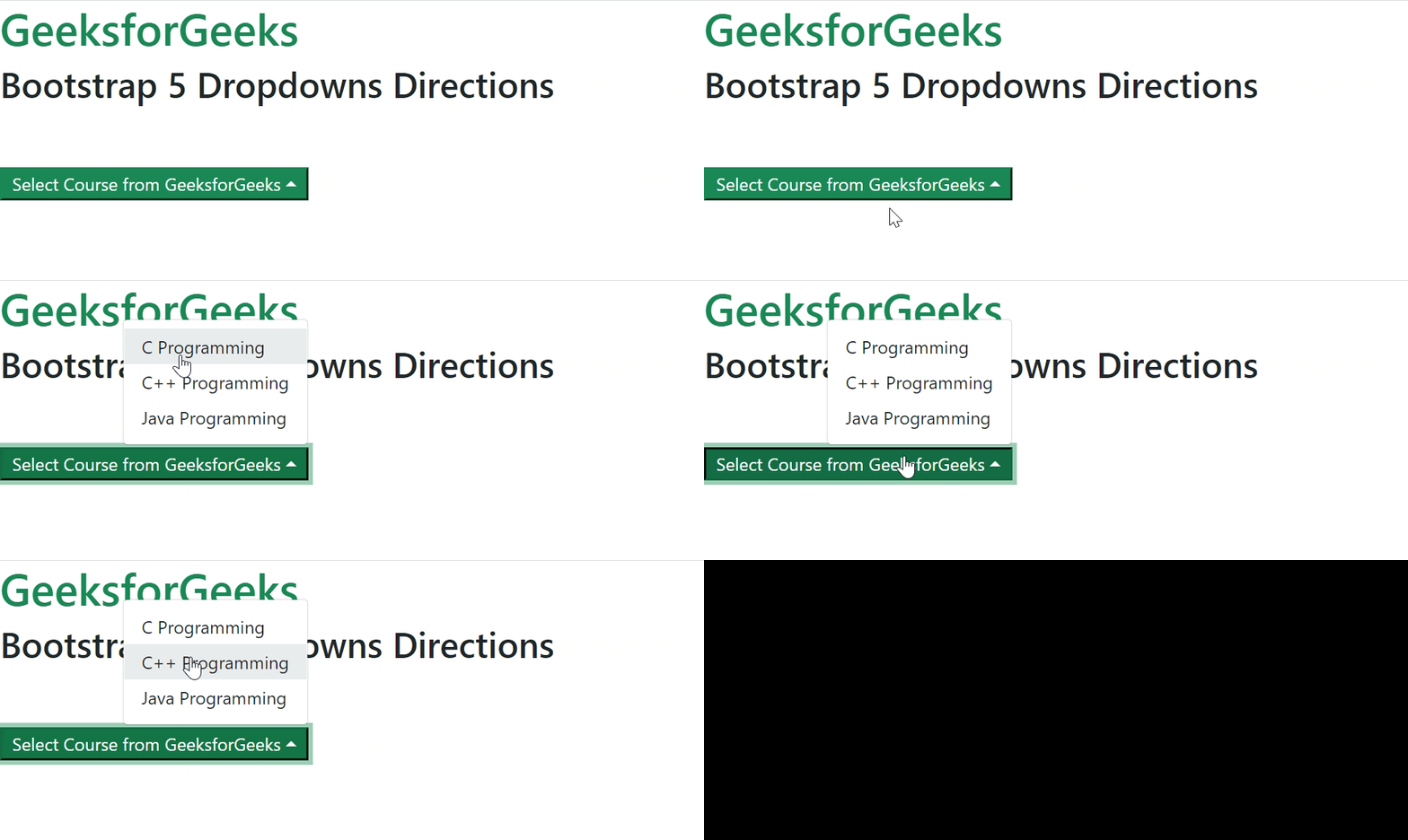
Example 1: In this example, we will set the direction of the dropdown to show upwards.
Output:
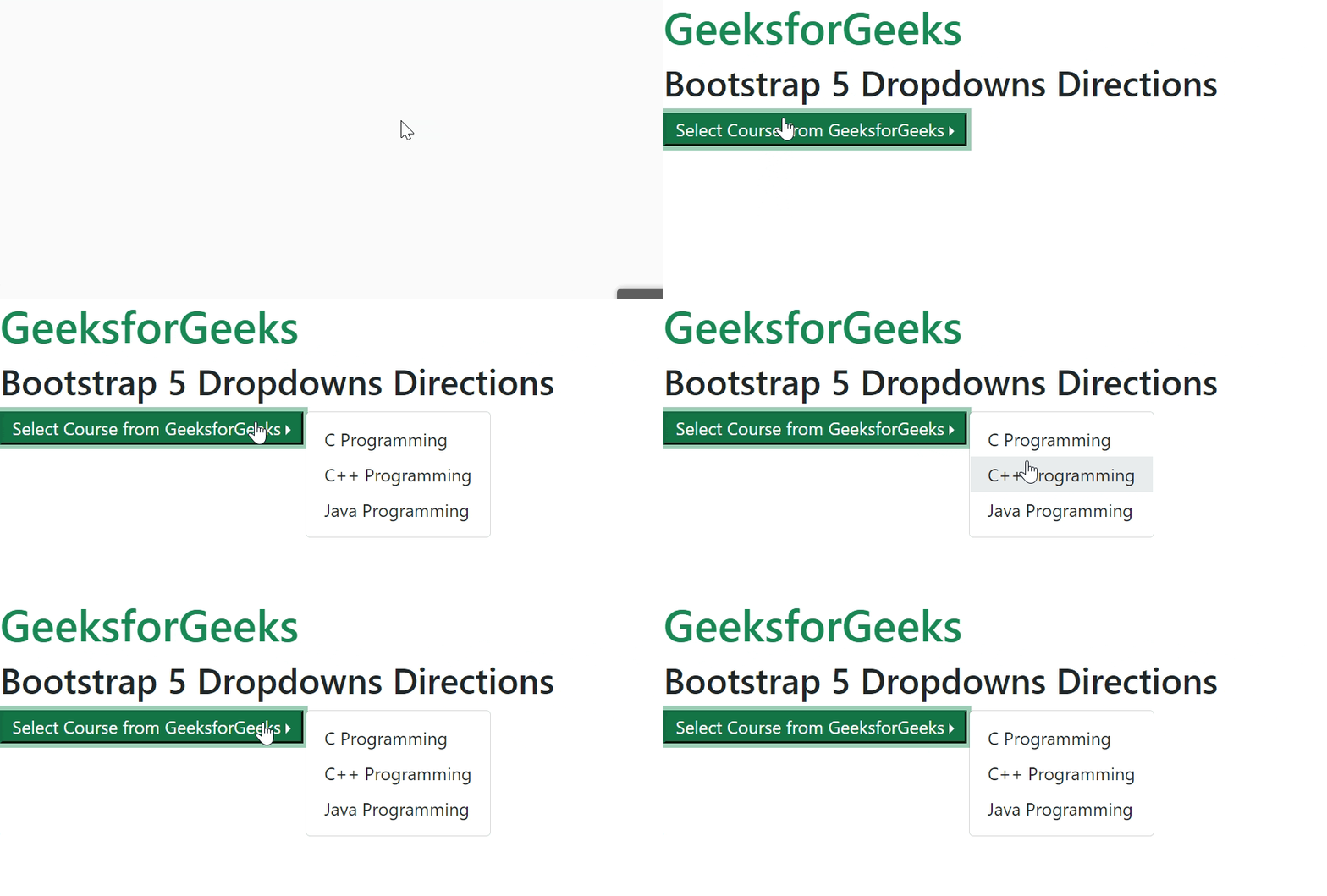
Example 2: In this example, we will set the direction of the dropdown to show on the right.
Output:
Reference: https://getbootstrap.com/docs/5.0/components/dropdowns/#directions