VOOZH about

URL: https://www.geeksforgeeks.org/bootstrap/bootstrap-5-dropdowns-menu-alignment/

⇱ Bootstrap 5 Dropdowns Menu alignment - GeeksforGeeks


  • Courses
  • Tutorials
  • Interview Prep

Bootstrap 5 Dropdowns Menu alignment

Last Updated : 23 Jul, 2025

Dropdowns are toggleable, contextual overlays for displaying lists of links and more. The .dropdown class is used to design the drop-down menu.

Using Bootstrap 5 dropdown menu alignment classes dropdown menu can be aligned in any direction like the end, start, drop start,dropUp, etc

  • Dropdown Menu Alignment option: The dropdown menu is positioned 100% from the top and along the left side of its parent, by default. We can change its alignment to right, by adding a dropdown-menu-end class.
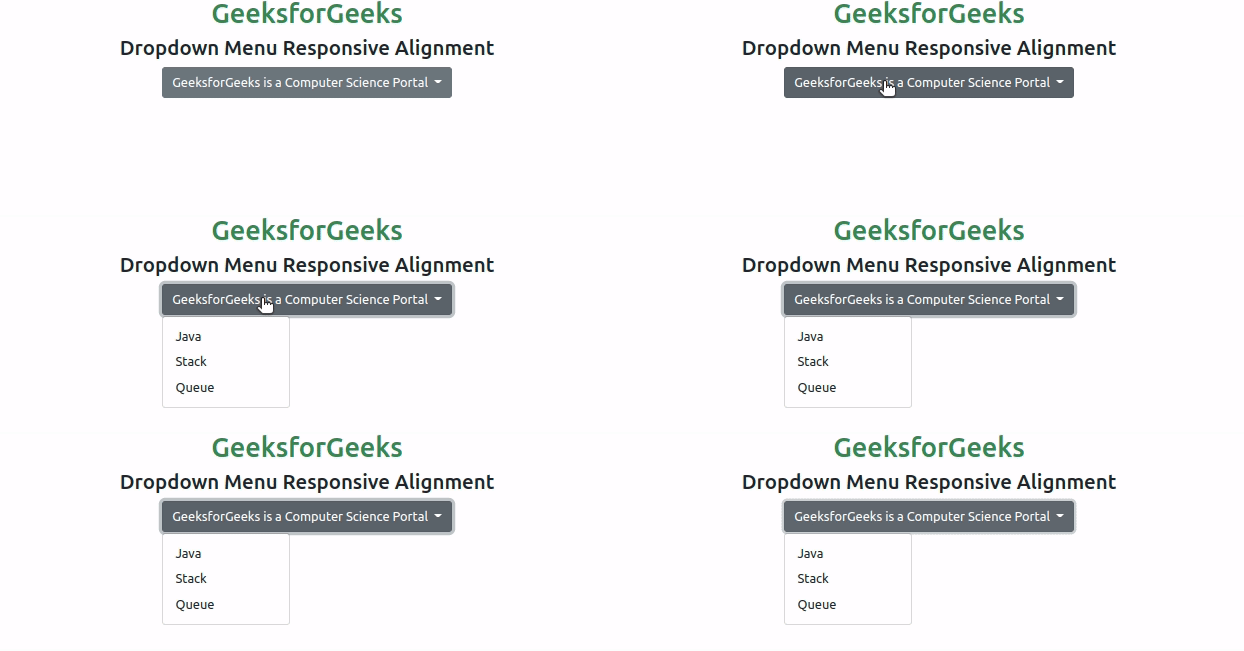
  • Dropdown Menu Responsive Alignment: To utilize responsive alignment, we need to disable dynamic positioning by adding the data-bs display="static" attribute. Moreover, we need to add breakpoint-specific alignment class

Below examples illustrate the Bootstrap 5 Dropdowns Menu alignment:

Example 1: In this example, we will learn about Dropdown Menu Alignment options

Output

👁 Image
Dropdown Menu Alignment Options

Example 2: In this example, we will learn about Dropdown Menu Responsive Alignment.

Output

👁 Image
Dropdown Menu Responsive Alignment

References: https://getbootstrap.com/docs/5.0/components/dropdowns/#menu-alignment

Comment

Explore