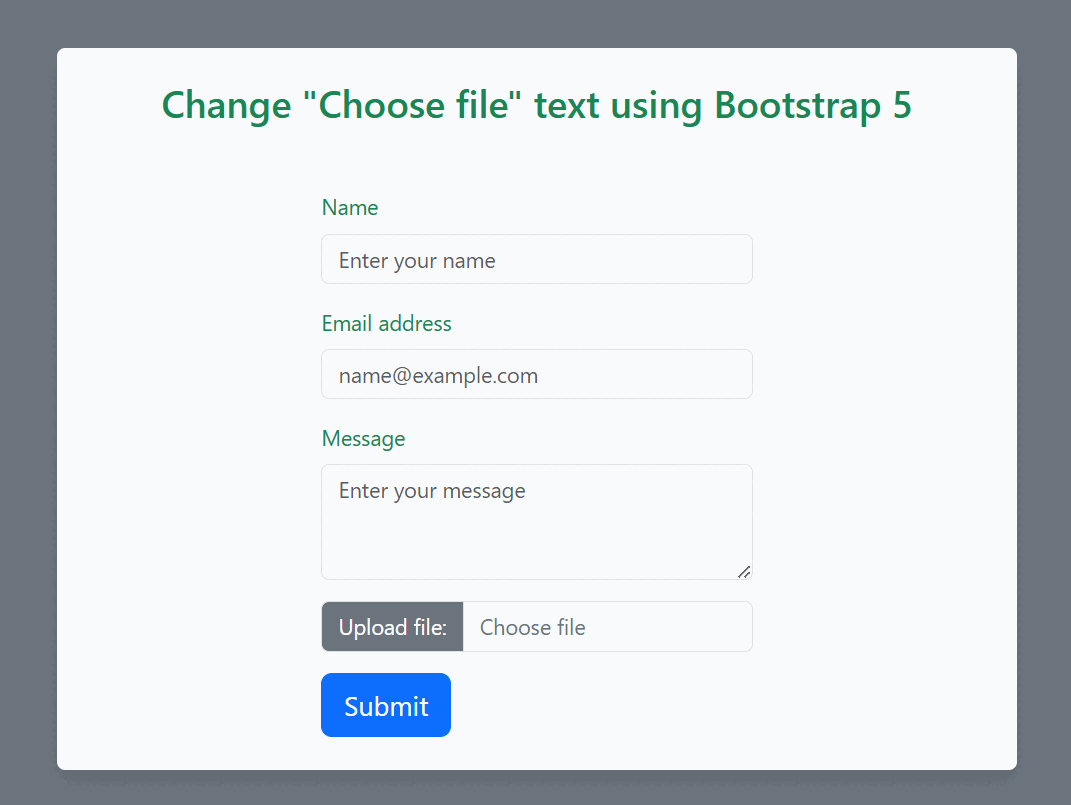
In web development, forms may include the file upload functionality which allows user to select files from their device. The standard HTML <input> element with type="file" provides us with this feature. But the default text displayed on the file input button is "Choose File," which may or may not be appropriate for our website.
Then add an <input> element with type="file" to create a file upload control.
For the style of your web page you can use those bootstrap 5 class like "container" , "row" , "form-control", "visually-hidden" for creates a responsive fixed-width container, define row within the Bootstrap grid system, styling to form elements ,hides an element.
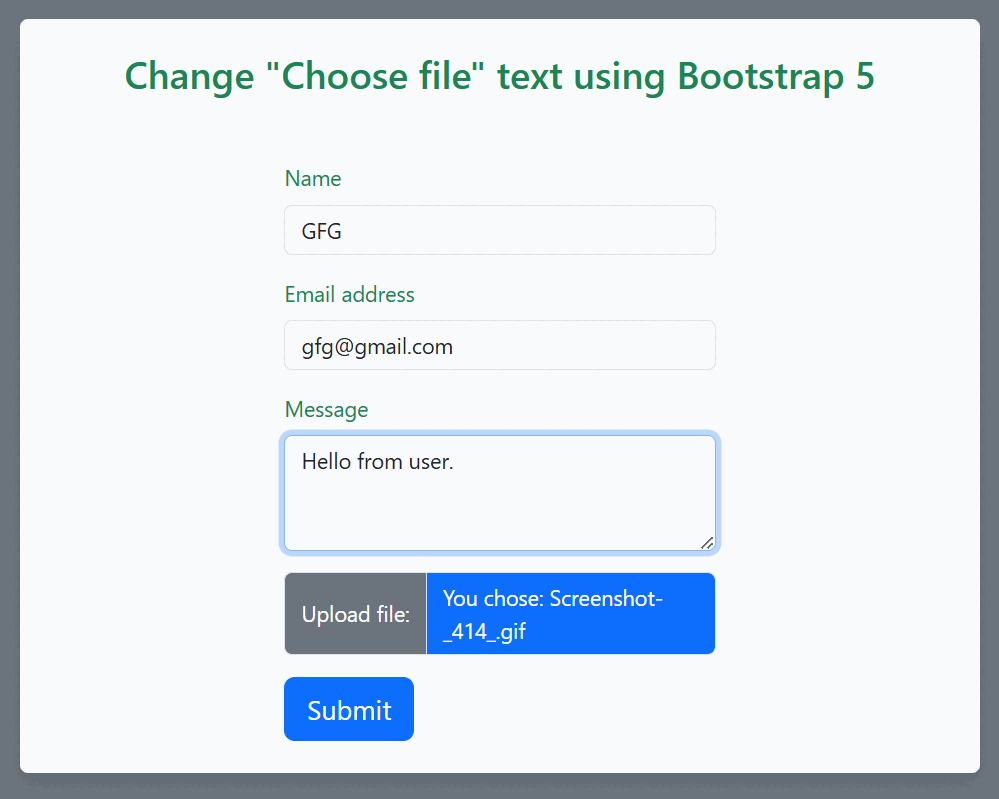
After that you can use the javascript for dynamically update the text , color of the text for that you can use the javascript classList.add() and classList.remove() method.
Example : Below is the code example of how to change "Choose file" text using Bootstrap 5