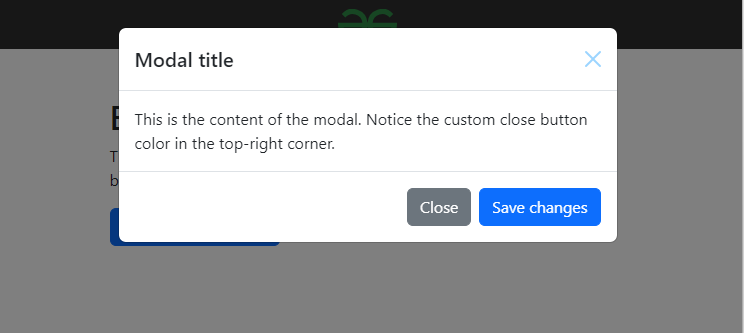
Changing the color of the close button in Bootstrap 5 involves customizing the styles using CSS. The close button in Bootstrap 5 has a specific class .btn-close, and you can override its styles to achieve the desired color. In this article, we will see how we can do it.
Start by including Bootstrap 5 in your HTML document. This is achieved by linking to Bootstrap's CSS file from a CDN (Content Delivery Network). This ensures that your webpage has access to Bootstrap's predefined styles.
Define a custom CSS class to modify the appearance of the close button. In the provided code, a class named .btn-close-custom is created to apply the desired color effect to the close button.
Create the HTML structure for the webpage content, including any Bootstrap components you want to customize. In this example, a modal component is used, which includes a close button in the header section.
Assign the custom CSS class .btn-close-custom to the close button element within the Bootstrap component. This ensures that the close button inherits the custom styling defined in the CSS, resulting in the desired color change.
Example: This example shows the implementation of the above-explained approach.