Pre-requisite: Bootstrap Cards
Bootstrap cards provide a flexible and extensible content container with multiple variants and options such as styling the Tables, stacking multiple images horizontally/vertically, making the stacked contents responsive, etc. Cards include so many options for customizing their backgrounds, borders, Header, footer, color, etc.
To show multiple horizontal images in Bootstrap card you need to clear the basics of Bootstrap Card, there is an easy way to do that task. Also, there is some pre-defined bootstrap code which will give a similar output after that you can easily modify that little bit with the help of CSS, those are
- grid markup
- Card groups
- Card decks
- Card columns
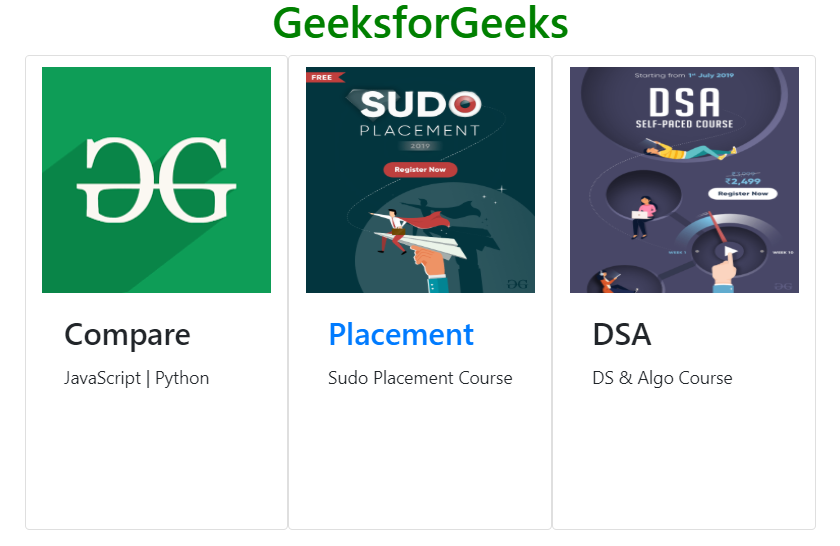
Example: This example inserts multiple images in Bootstrap card horizontally.
Output:
👁 Image