 |
VOOZH | about |
|
VOOZH | about |
Seaborn is a powerful Python visualization library built on top of Matplotlib, providing a high-level interface for drawing attractive and informative statistical graphics. One common task when creating visualizations is adding titles to plots to make them more informative and easier to understand. This article will guide you through the process of adding titles to Seaborn boxplots, covering various methods and providing detailed examples.
Table of Content
There are several methods to add titles to Seaborn boxplots. We will explore the most common ones: using the set() method, the set_title() method, and the suptitle() method.
For implementation, we will use below dataframe:
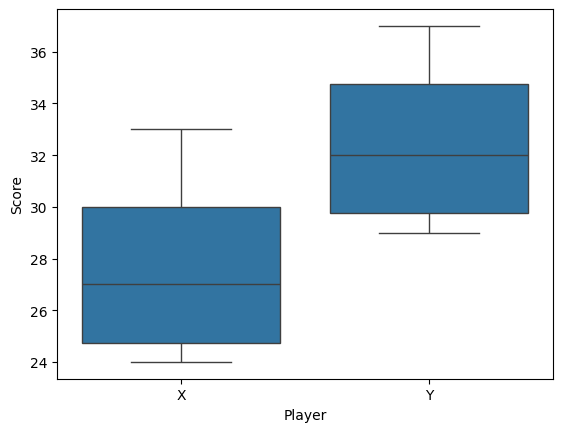
Output:
set() MethodThe set() method is a versatile way to set various properties of the plot, including the title.
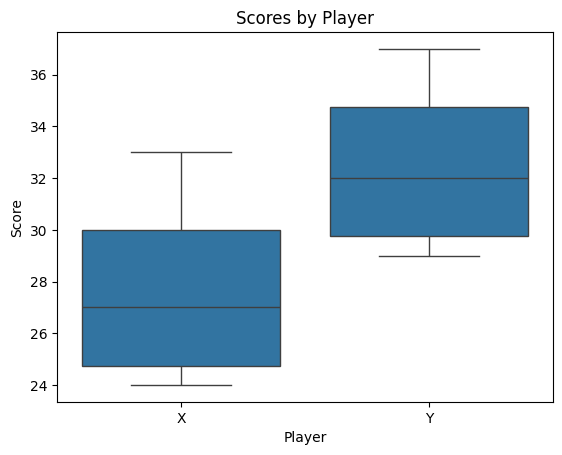
Output:
In this example, the set() method is used to add the title "Scores by Player" to the boxplot.
set_title() MethodThe set_title() method is another way to add a title to a Seaborn plot. This method is called on the Axes object returned by the sns.boxplot() function.
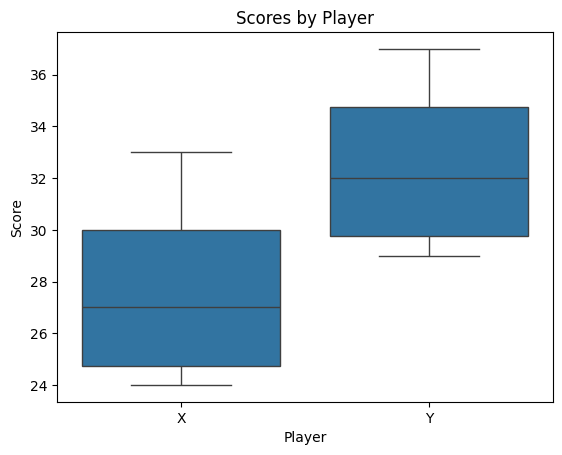
Output:
Here, the set_title() method is used to set the title of the plot. This method provides more flexibility for further customization of the Axes object.
suptitle() MethodThe suptitle() method is used to add a title to the entire figure, which is useful when you have multiple subplots.
Output:
In this example, the suptitle() method is used to add a title to the entire figure, which contains the boxplot.
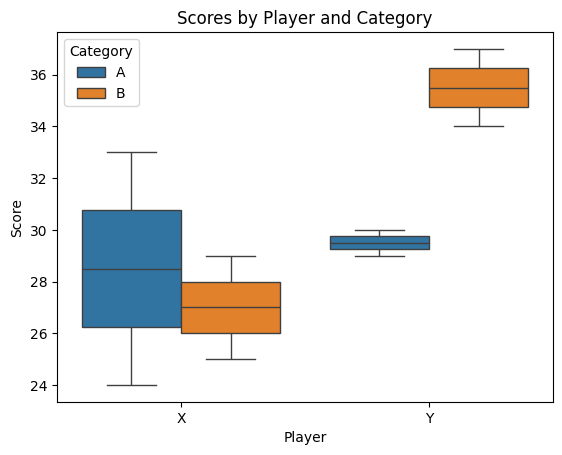
In addition to adding titles, you can customize other aspects of the plot, such as axis labels, legend, and more.
Output:
Here’s a working example using the "tips" dataset, which contains information about restaurant tips, including the total bill, tip amount, and other factors.
Let's create a boxplot with a title:
Output:
Adding titles to Seaborn boxplots is a straightforward process that can significantly enhance the readability and informativeness of your visualizations. Whether you use the set(), set_title(), or suptitle() method, each approach offers flexibility and ease of use. By mastering these techniques, you can create more effective and professional-looking plots.


.png)