|
VOOZH | about |
|
VOOZH | about |
Unicode symbols are used to enhance the visual appeal or provide additional context to plots. Unicode characters in Python are represented by code points prefixed with \u.
To render Unicode characters correctly, ensure that:
u, as in u"\u2739" for the star (*) symbol. The FontProperties class in Matplotlib allows you to specify custom fonts for rendering text. It is important to select a font that supports the Unicode characters you want to display.
Output:
Unicode is a universal character encoding standard that allows computers to represent and manipulate text from various languages and symbol sets. In Python, Unicode is typically handled using UTF-8 encoding, which is compatible with most systems.
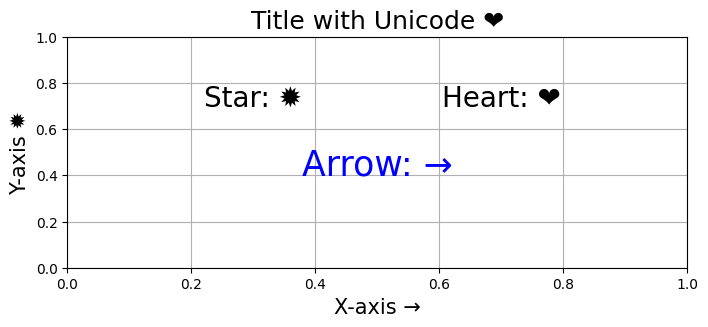
You can use Unicode escape sequences directly within your strings to represent characters. This is one of the simplest and most efficient ways to include Unicode symbols in your plots.
Output:
Setting global font properties in Matplotlib ensures that all text elements (titles, labels, annotations, etc.) use the specified font throughout your plots.
Output:
For example, 'DejaVu Sans': Ensures all text elements (e.g., plt.text, labels, titles) use the same font that supports Unicode.