|
VOOZH | about |
|
VOOZH | about |
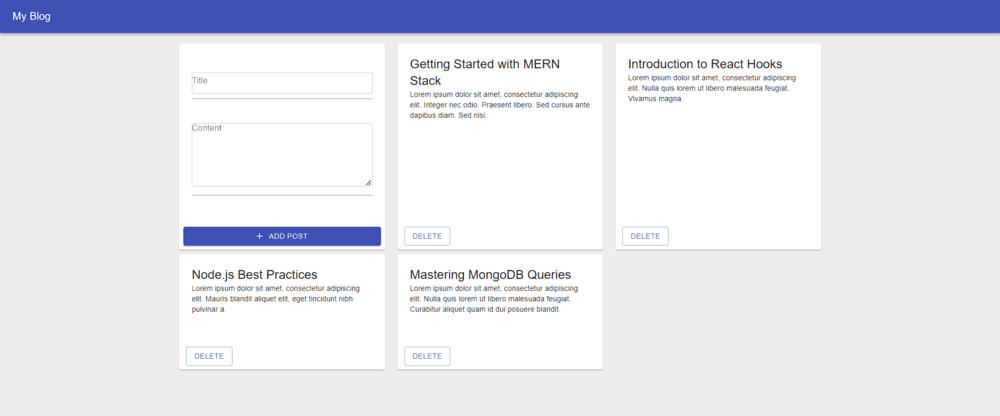
The blogging platform is developed using the MERN (MongoDB, ExpressJS, ReactJS, NodeJS) stack, allowing users to create, read, update, and delete blog posts. It provides a user-friendly interface for managing blog content, including features like adding new posts and viewing existing posts.
Output Preview: Let us have a look at how the final output will look like.
👁 Screenshot-2024-03-12-183233
The project follows a client-server architecture, with the frontend developed using React.js and Material-UI components, and the backend implemented using Express.js and MongoDB for data storage.
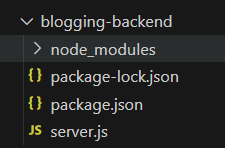
Step 1: Create a directory for the project.
mkdir server
cd server
Step 2: Initialized the Express app and installing the required packages
npm init -yStep 3: Install the necessary package in your server using the following command.
npm install express corsThe updated dependencies in package.json file of backend will look like:
"dependencies": {
 "cors": "^2.8.5",
 "express": "^4.18.3",
 "mongoose": "^8.2.1"
 }
Start your server using the following command.
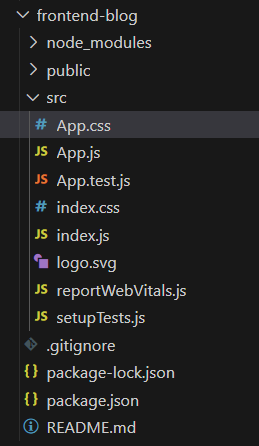
node server.jsStep 1: Create React App
npx create-react-app clientStep 2: Switch to the project directory
cd clientStep 3: Installing the required packages:
npm install @material-ui/icons @material-ui/core axiosStep 5: Implement components for displaying blog posts and adding new posts.Use Axios to communicate with the backend API endpoints.
The updated Dependencies in package.json file of frontend will look like:
"dependencies": {
 "@material-ui/core": "^4.12.4",
 "@material-ui/icons": "^4.11.3",
 "@testing-library/jest-dom": "^5.17.0",
 "@testing-library/react": "^13.4.0",
 "@testing-library/user-event": "^13.5.0",
 "axios": "^1.6.7",
 "react": "^18.2.0",
 "react-dom": "^18.2.0",
 "react-scripts": "5.0.1",
 "web-vitals": "^2.1.4"
}
Start your application using the following command.
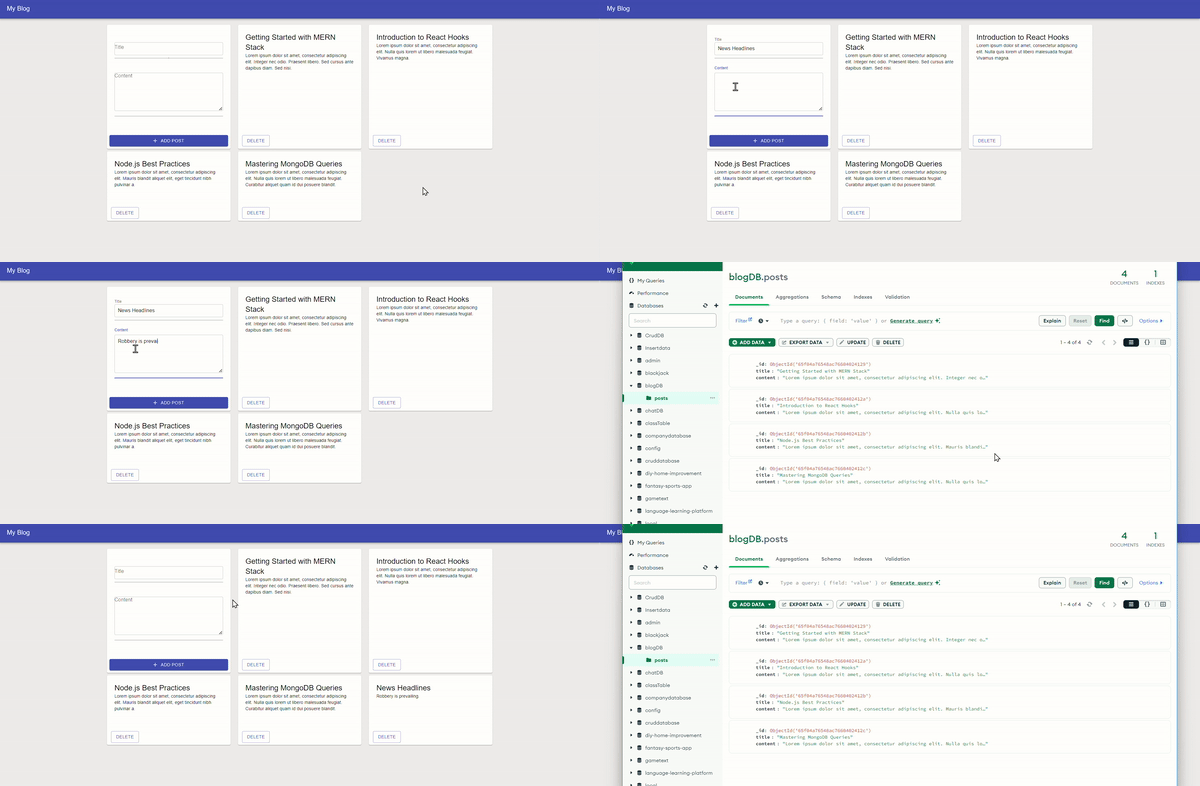
npm startOutput :
👁 535-ezgifcom-video-to-gif-converter
This project provides a comprehensive solution for building a blogging platform using the MERN stack. It offers basic and advanced functionalities for managing blog content efficiently. Whether you're a beginner or an experienced developer, this project serves as a valuable resource for learning and implementing full-stack web development concepts.