|
VOOZH | about |
|
VOOZH | about |
In this guide, we'll walk through the step-by-step process of building a feature-rich Event Management Web App. We will make use of the MERN stack to build this project.
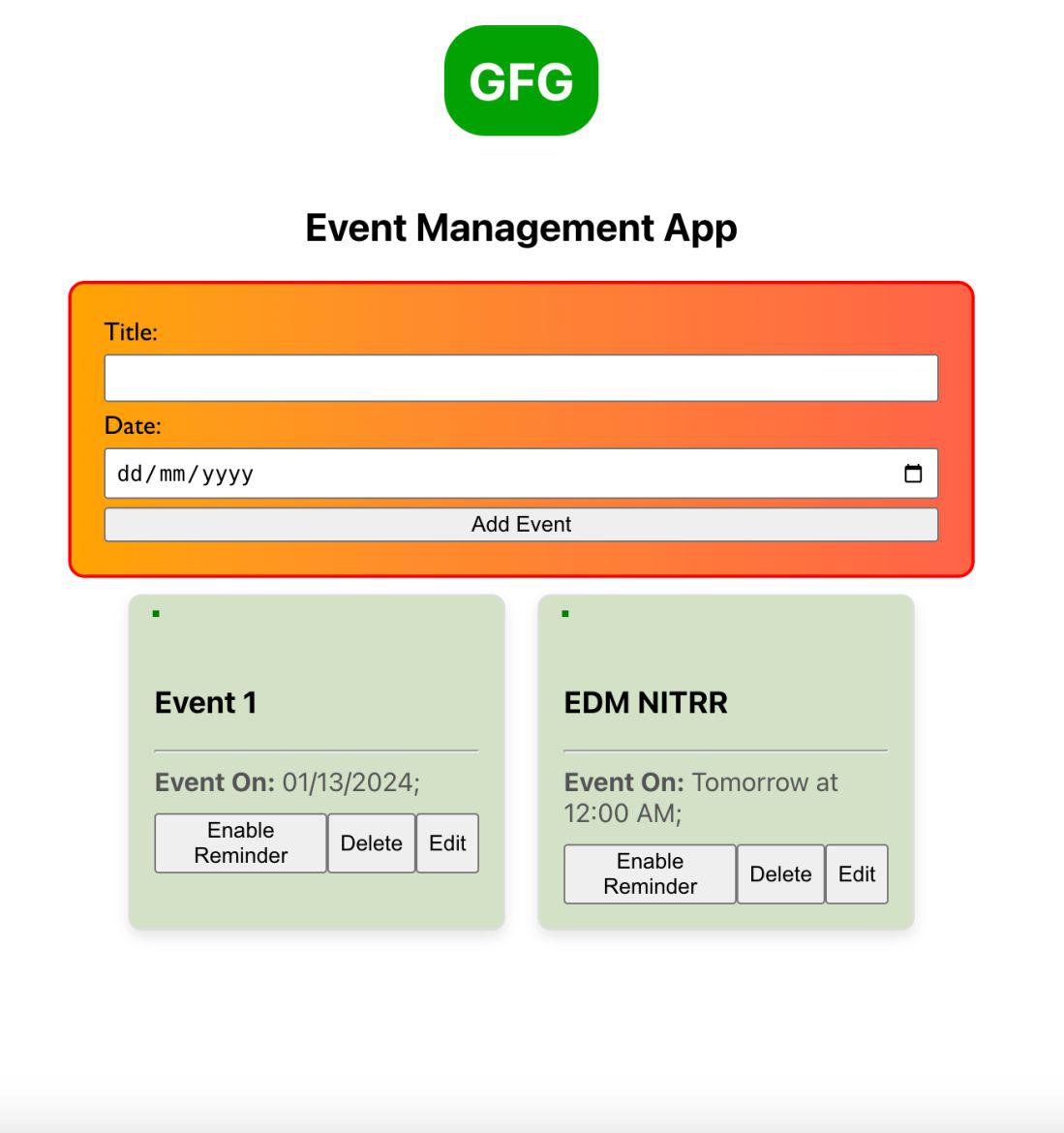
Preview of final output: Let us have a look at how the final output will look like.
Step 1: Creating express app:
npm init -yStep 2: Installing the required packages
npm install express mongoose body-parser corsProject Structure:
The updated dependencies in package.json file for backend will look like:
"dependencies": {
 "body-parser": "^1.20.2",
 "cors": "^2.8.5",
 "express": "^4.18.2",
 "mongoose": "^8.0.0",
}
Example: Below is the code example of the backend.
Steps to run the backend:
node server.jsStep 1: Create React App:
npx create-react-app event-management-frontendStep 2: Switch to the project directory:
cd event-management-frontendStep 3: Installing the required packages:
npm install axiosProject Structure:
The updated dependencies in package.json for frontend will look like:
"dependencies": {
 "axios": "^1.5.1",
 "react": "^18.2.0",
 "react-dom": "^18.2.0",
 "react-scripts": "5.0.1",
 "web-vitals": "^2.1.4"
}
Example: Below is the code example of the frontend.
Steps to run the app:
npm startOutput: