|
VOOZH | about |
|
VOOZH | about |
In this comprehensive guide, we'll walk through the step-by-step process of creating a Fruit and Vegetable Market Shop using the MERN (MongoDB, Express.js, React, Node.js) stack. This project will showcase how to set up a full-stack web application where users can view, filter, and purchase various fruits and vegetables.
Preview of final output: Let us have a look at how the final output will look like.
👁 Screenshot-2567-01-03-at-232111-(1)
ProductList and Header are custom components, assumed to be present in the ./components directory.CustomItemContext is imported, presumably a custom context provider.App.Header and ProductList components inside the CustomItemContext provider. This suggests that the components within this provider have access to the context provided by CustomItemContext.CustomItemContext: Presumably, this is a context provider that wraps its child components (Header and ProductList). The purpose of this context is not clear from the provided code snippet.Header component.ProductList component.Step 1: Create a directory for project
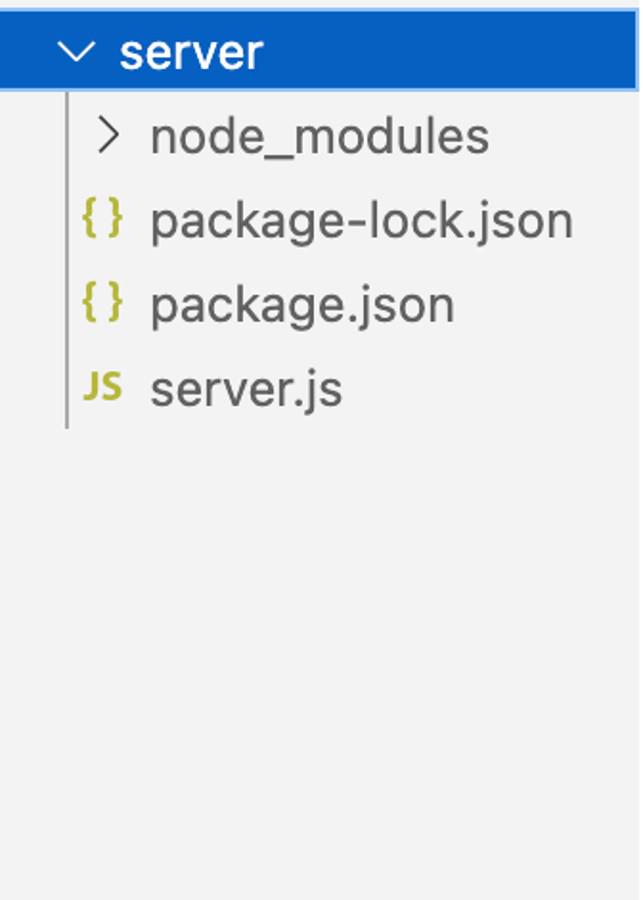
npm init backendStep 2: Open project using the command
cd backendStep 3: Installing the required packages
npm install express mongoose corsThe updated dependencies in package.json file for backend will look like:
"dependencies": {
 "cors": "^2.8.5",
 "express": "^4.18.2",
 "mongoose": "^8.0.0",
}
Example: Create `server.js` and paste the below code.
Start the backend server:
node server.jsStep 1: Set up React frontend using the command.
npx create-react-app clientStep 2: Navigate to the project folder using the command.
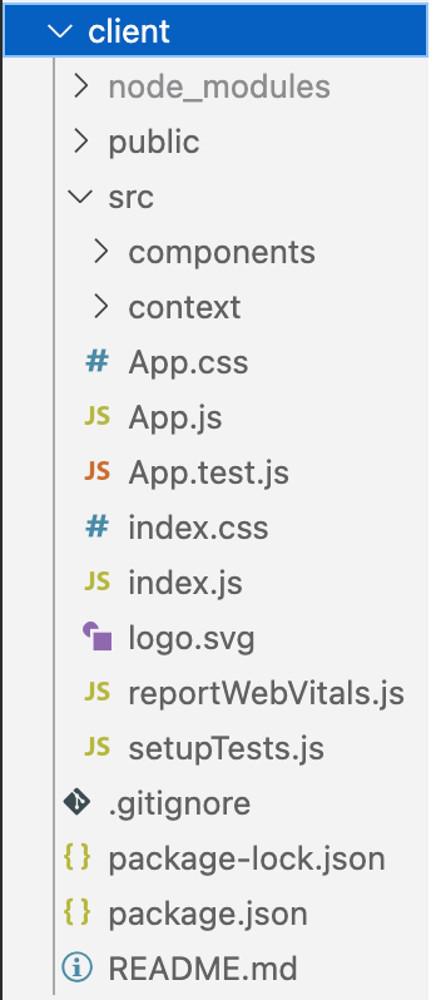
cd clientProject Structure:
The updated dependencies in package.json for frontend will look like:
"dependencies": {
 "react": "^18.2.0",
 "react-dom": "^18.2.0",
 "react-scripts": "5.0.1",
 "web-vitals": "^2.1.4"
}
To start frontend code:
npm startOutput:
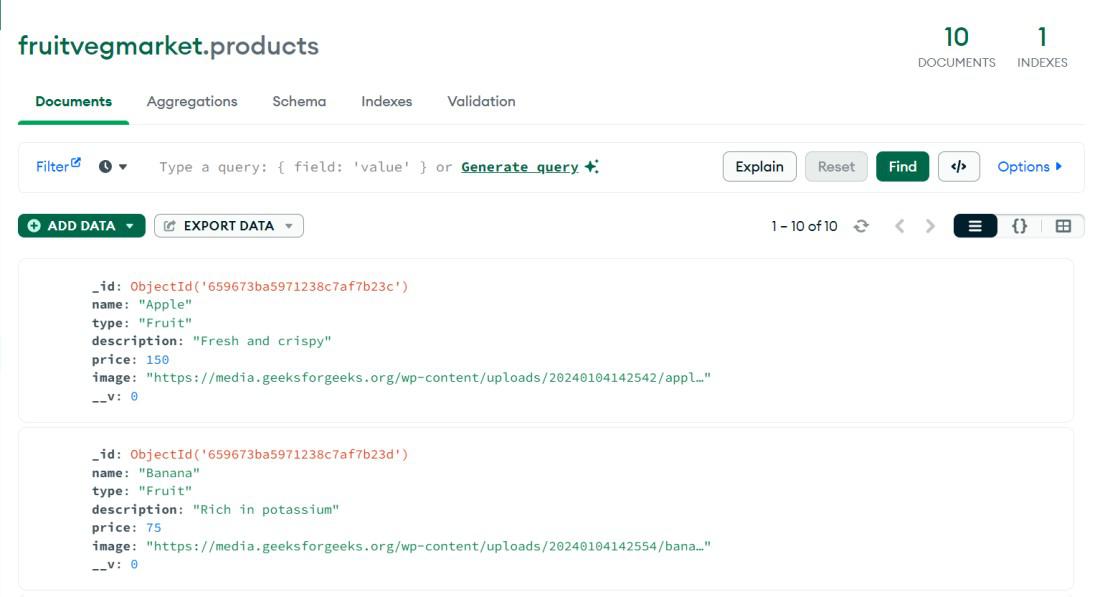
Output of Data Saved in Database:

.jpg)