|
VOOZH | about |
|
VOOZH | about |
NetworkX is a Python library used to create and analyze graph structures. Although it's mainly for graph analysis, it also offers basic tools to visualize graphs using Matplotlib. In this article, you'll learn how to draw, label and save graphs using NetworkX's built-in drawing functions.
1. Import the required libraries
import networkx as nx
import matplotlib.pyplot as plt
2. Generate a graph using networkx.Graph() or another graph class like DiGraph, MultiGraph, etc.
g.add_edge(1, 2)
3. Add edges (or nodes) to the graph using methods such as:
g.add_edge(1, 2)
4. Draw the graph using:
nx.draw(g)
5. (Optional) Add node labels using:
nx.draw(g, with_labels=True)
6. Save the plot as an image file using:
plt.savefig("filename.png")
Output
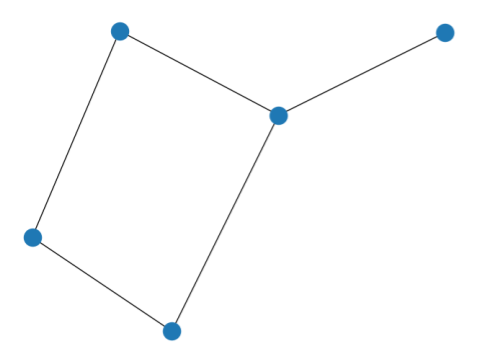
👁 ImageExplanation: This code creates a simple undirected graph with 5 nodes and 5 edges, draws it and saves the output as filename.png.
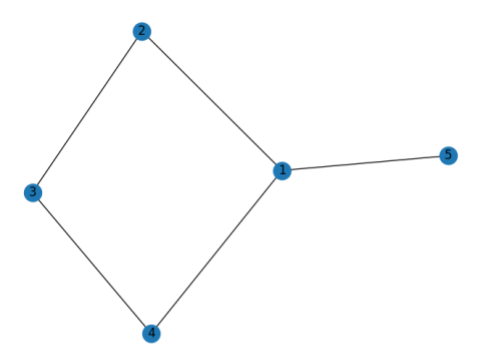
To include numbers (or labels) on nodes, simply set with_labels=True:
Output:
👁 ImageExplanation: Here, with_labels=True displays the node numbers in the graph, making it easier to understand connections.
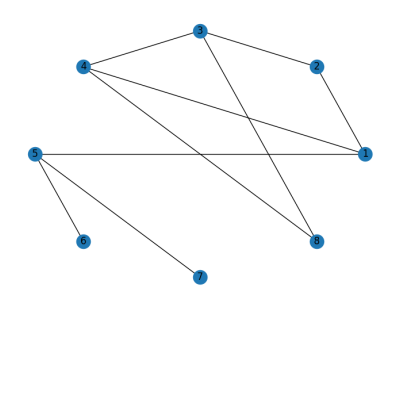
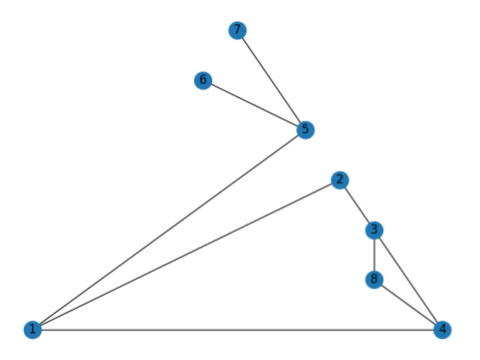
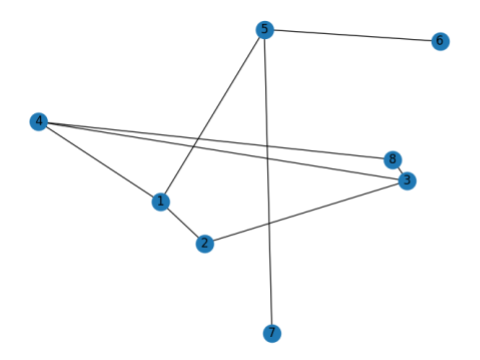
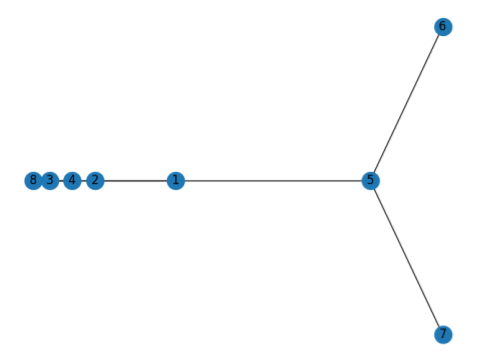
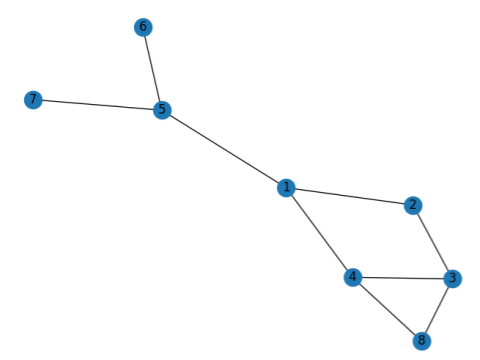
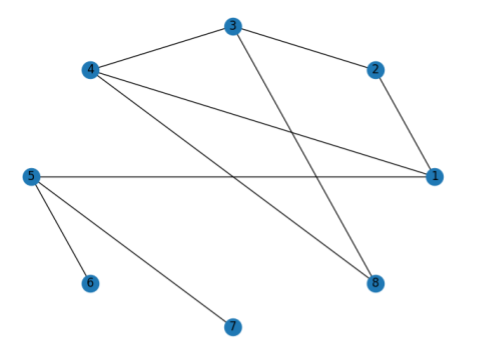
NetworkX provides several graph layout algorithms to control how the graph is visually arranged. You can use various draw_* functions to apply different layouts:
Layout | Function Used | Description |
|---|---|---|
Circular | nx.draw_circular() | Arranges nodes in a circle |
Planar | nx.draw_planar() | For planar graphs (no edge crossings) |
Random | nx.draw_random() | Places nodes randomly |
Spectral | nx.draw_spectral() | Based on eigenvectors of the graph Laplacian |
Spring | nx.draw_spring() | Uses Fruchterman-Reingold force-directed algorithm |
Shell | nx.draw_shell() | Arranges nodes in concentric circles |
Planar Layout
👁 ImageRandom Layout
👁 ImageSpectral Layout
👁 ImageSpring Layout
👁 ImageShell Layout
👁 ImageExplanation: A simple undirected graph is created using networkx.Graph() with added edges to define connections. The graph is visualized using six different NetworkX layouts, each saved as a separate image: