|
VOOZH | about |
|
VOOZH | about |
JUnit 5 is a widely used testing framework in the Java ecosystem, designed to address the limitations of its predecessor, JUnit 4. The JUnit framework allows developers to write and run effective tests for their Java applications, ensuring that the code functions correctly and continues to work as expected when changes are made. In this article, we will explore the essential features of JUnit 5, focusing on the @BeforeEach annotation, which is vital for setting up test fixtures and improving test maintainability.
JUnit 5 provides a variety of annotations and one such annotation is @BeforeEach. In this article, let us understand about @BeforeEach annotation in JUnit 5.
The @BeforeEach annotation in JUnit 5 is used to mark a method that should execute before each test method in a JUnit test case. It helps in providing initialization or setting up common test fixtures required by the test methods.
@BeforeEach methods run before every test method in the class.@BeforeEach methods can be defined in a single test class.The @BeforeEach annotation in JUnit 5 marks a method that should execute before each test method in the JUnit test case, enabling initialization for setup tasks.
Let's walk through an example to demonstrate the usage of @BeforeEach in JUnit 5.
Below is an implementation example of the @BeforeEach annotation in JUnit 5:
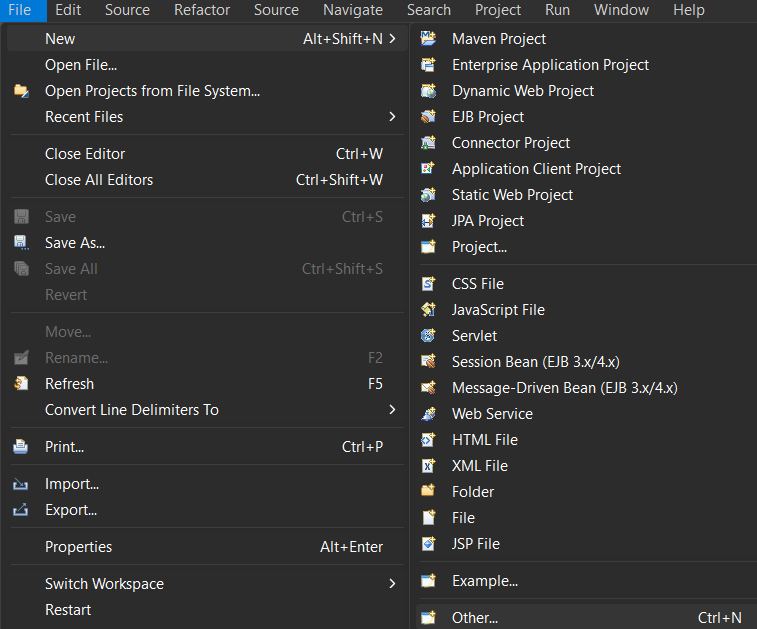
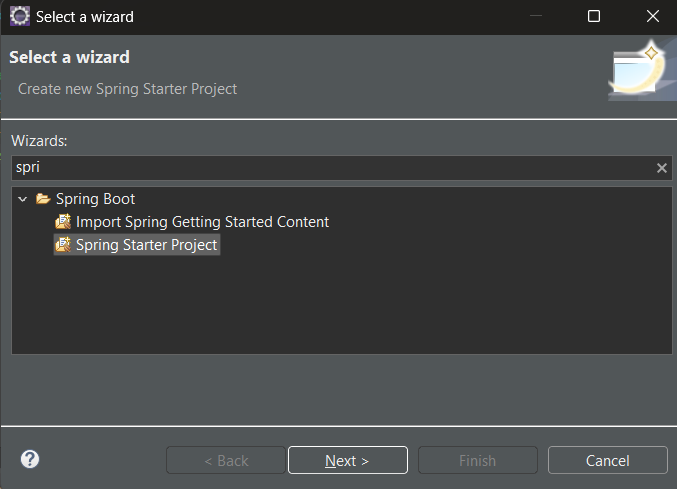
Here, we are using Eclipse IDE for Java and Web Developers 2023-06. You may also use other platforms like IntelliJ, Spring suite tool, Spring Initializer, etc.
👁 Options to BootStrap of Spring Boot Starter Project
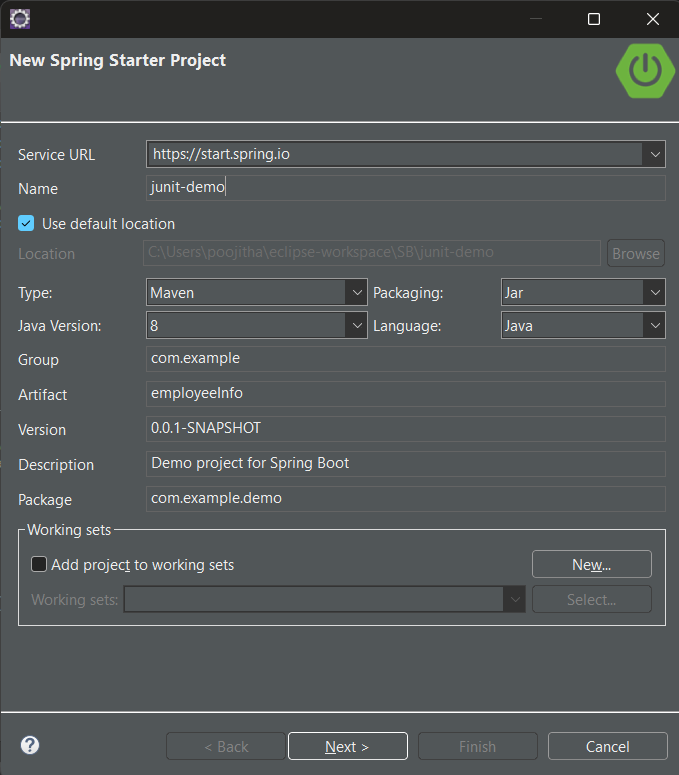
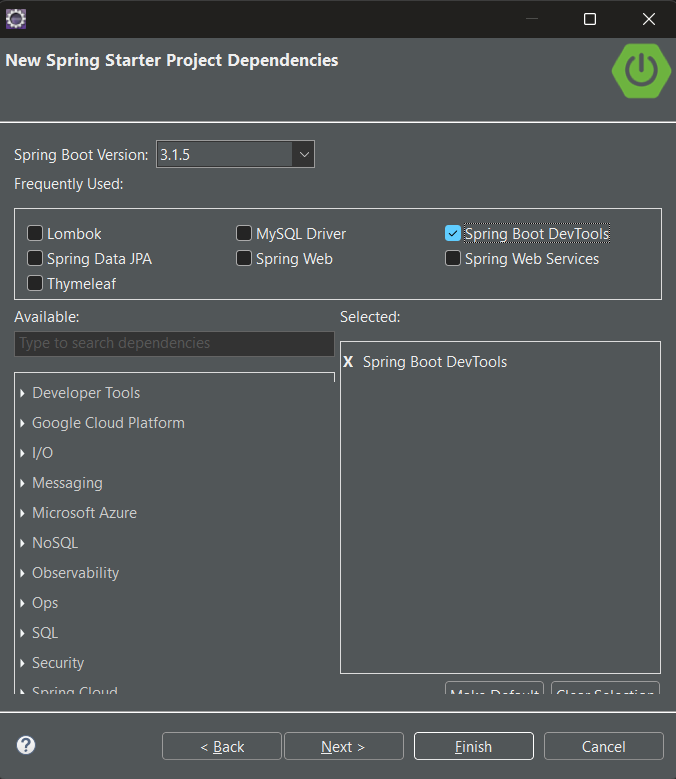
👁 Bootstrap of Spring Boot Starter Project
Recommended Configurations:
For testing for JUnit testing are as follows:
- Type: Maven
- Packaging: Jar
- Java Version: 8
- Language: Java
Let us configure our pom.xml file with the following dependencies:
The JUnit Jupiter API is the part of JUnit 5 framework which provides annotations, assertions, and other features for defining and running test cases and serves as a programming model for writing tests in Java. To add the JUnit Jupiter API in the pom.xml file, copy and paste the following code.
<dependency>
 <groupId>org.junit.jupiter</groupId>
 <artifactId>junit-jupiter-api</artifactId>
 <version>5.8.2</version>
 <scope>test</scope>
</dependency>
Now, that the project setup is ready, let us look into an example to understand how to write and run test cases of JUnit using the Maven tool.
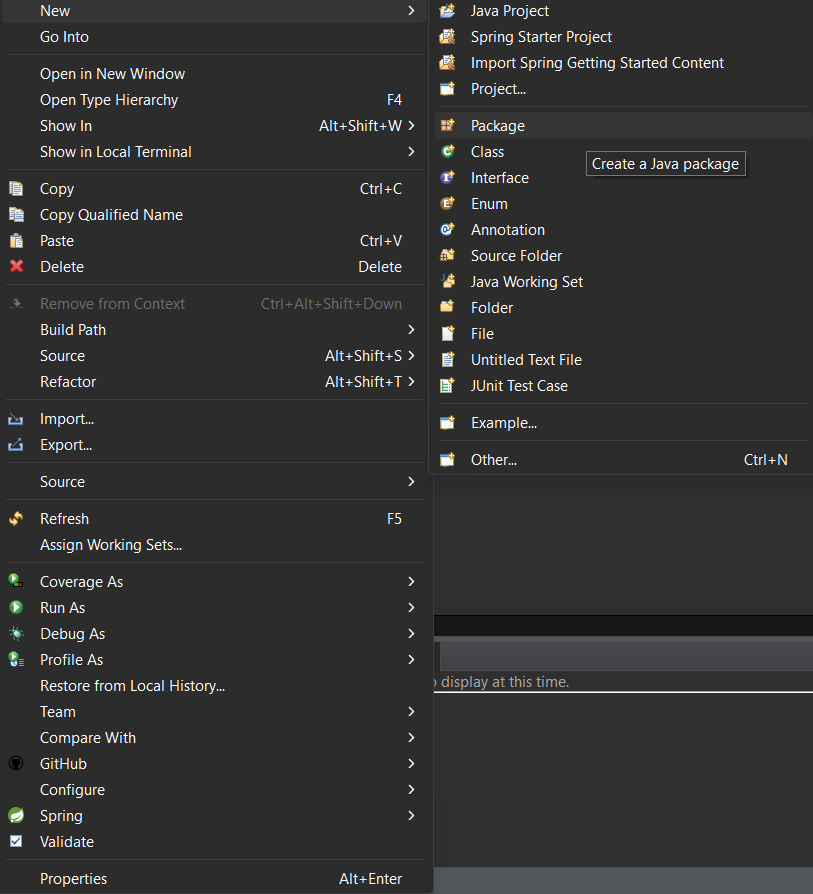
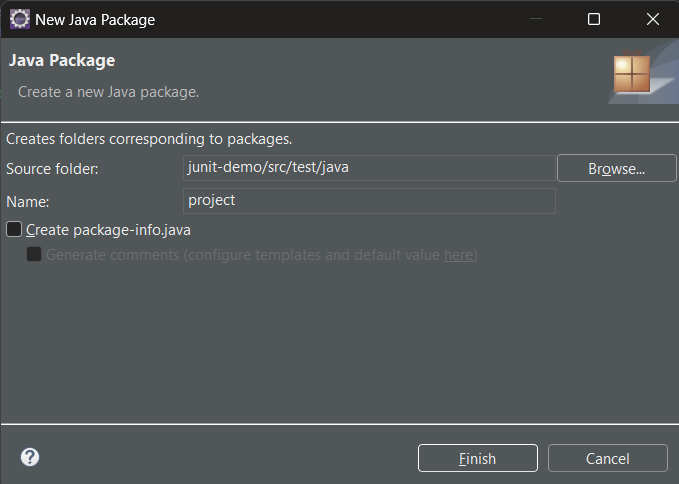
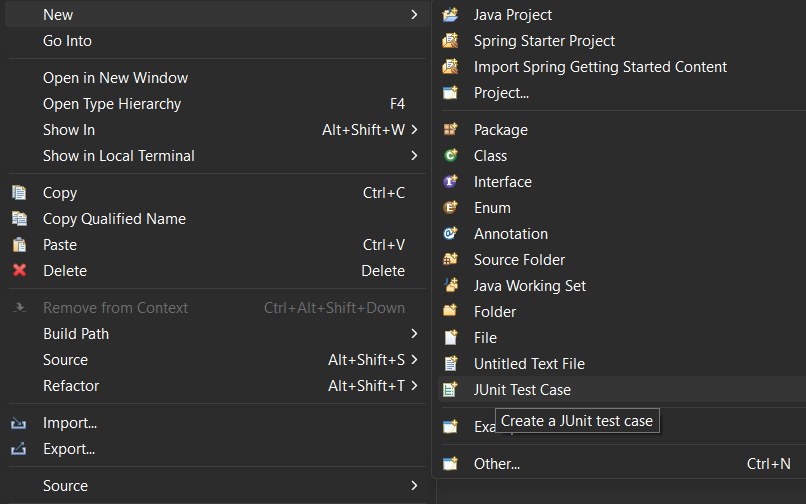
👁 Options selection for package creation
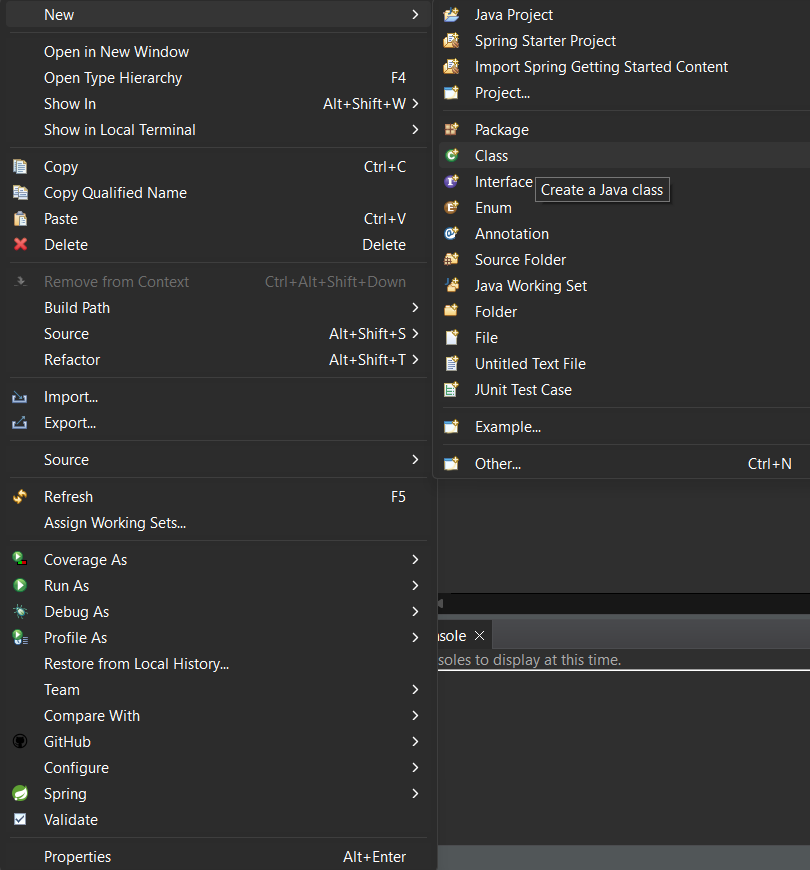
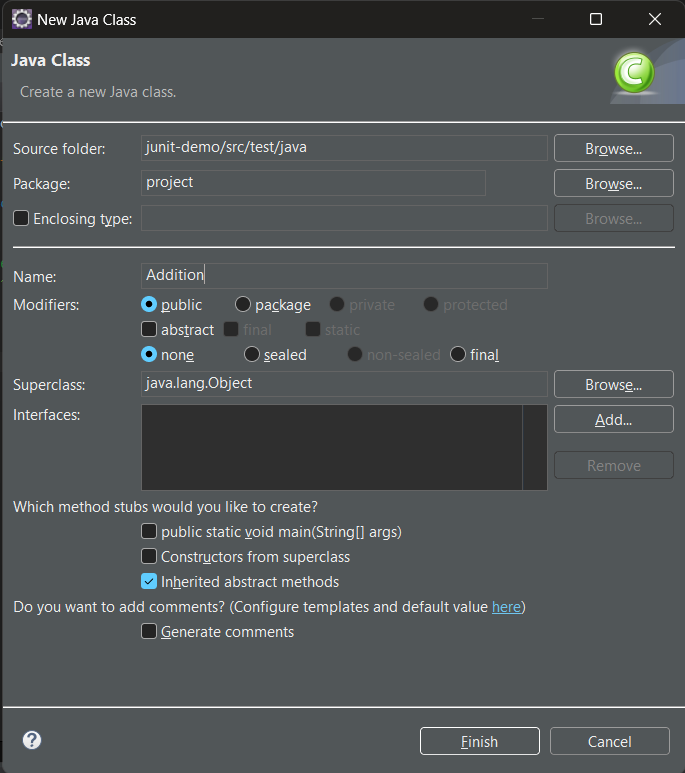
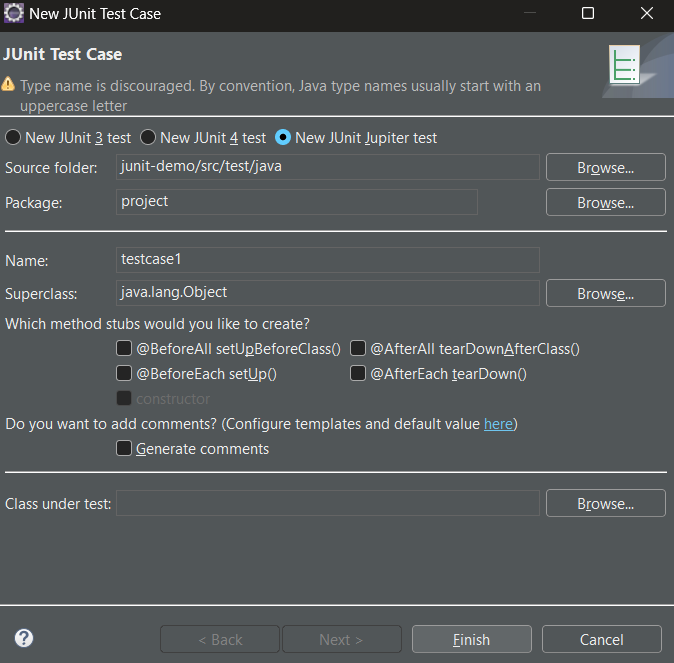
👁 configuration for a new test case
Test Script: Let us write the first test case i.e. Testcase1, to test our Addition class using JUnit features.
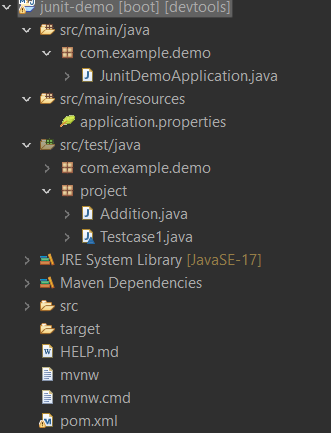
Ensure that you have followed this project structure to reduce the inconsistencies:
👁 Directory view
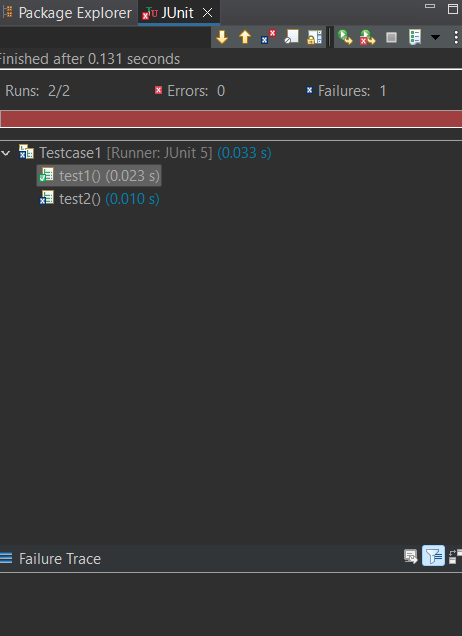
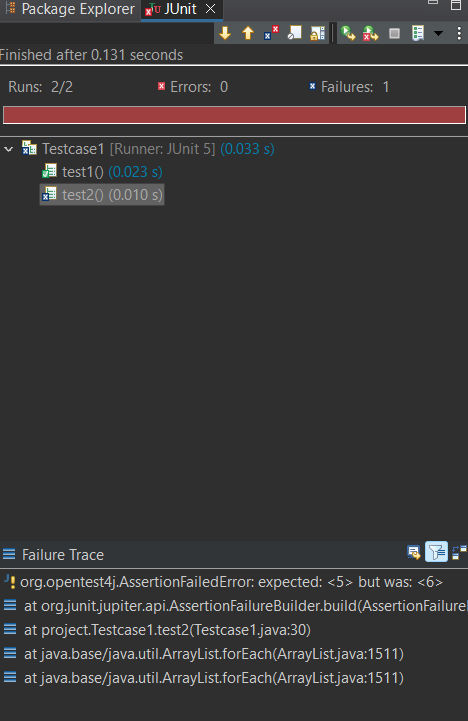
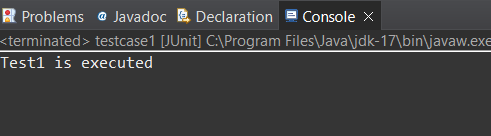
To run the Spring Boot application, navigate to your project explorer, right-click on your test class (Testcase1.java) and choose Run As > JUnit Test.
The @BeforeEach annotation in JUnit 5 is a powerful tool for setting up test environments. By using it effectively, you can write cleaner, more maintainable test code. Remember to follow best practices when writing your tests to ensure they remain valuable as your codebase evolves.
For more information on JUnit 5 and its features, refer to the official JUnit 5 documentation.