|
VOOZH | about |
|
VOOZH | about |
JUnit 5 is a powerful and flexible testing framework in the Java ecosystem, widely used for unit testing Java applications. It introduces several modern features that simplify testing, making it a preferred choice for developers. One of its common features is the @RepeatedTest annotation, which is designed for running the same test multiple times. This feature helps test the stability of Java code, identify flaky tests, and ensure the overall robustness of applications.
In this article, we will learn the JUnit 5 @RepeatedTest annotation, and understand its syntax, and also we will do a step-by-step implementation to help developers and students easily understand and apply this concept in their Java projects.
Prerequisites:
Before proceeding, ensure the following:
The @RepeatedTest annotation in JUnit 5 is used to execute a test method multiple times. This is particularly useful to,
@RepeatedTest (value, name)
Parameters:
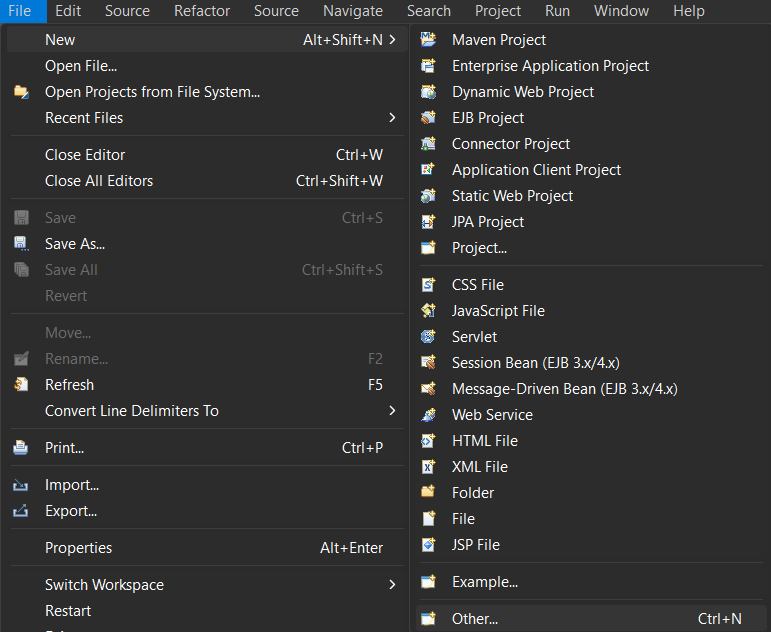
Create a new Maven project using your preferred IDE (Here, we are using Eclipse IDE for Java and Web Developers. You may also use other platforms like IntelliJ, Spring suite tool, Spring Initializer, etc.)
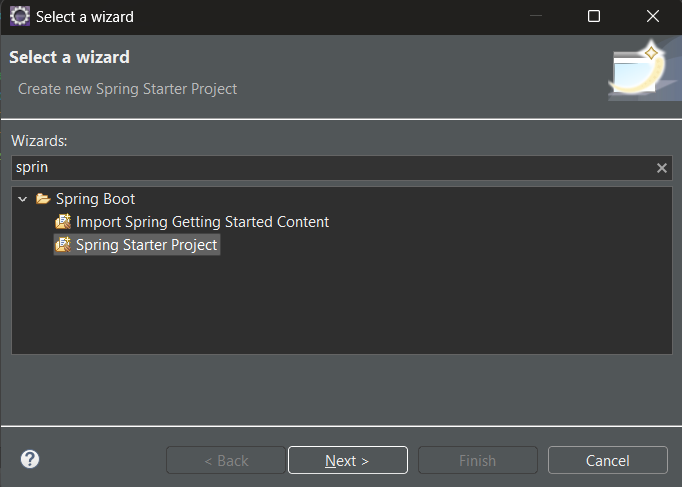
Select Spring Starters project:
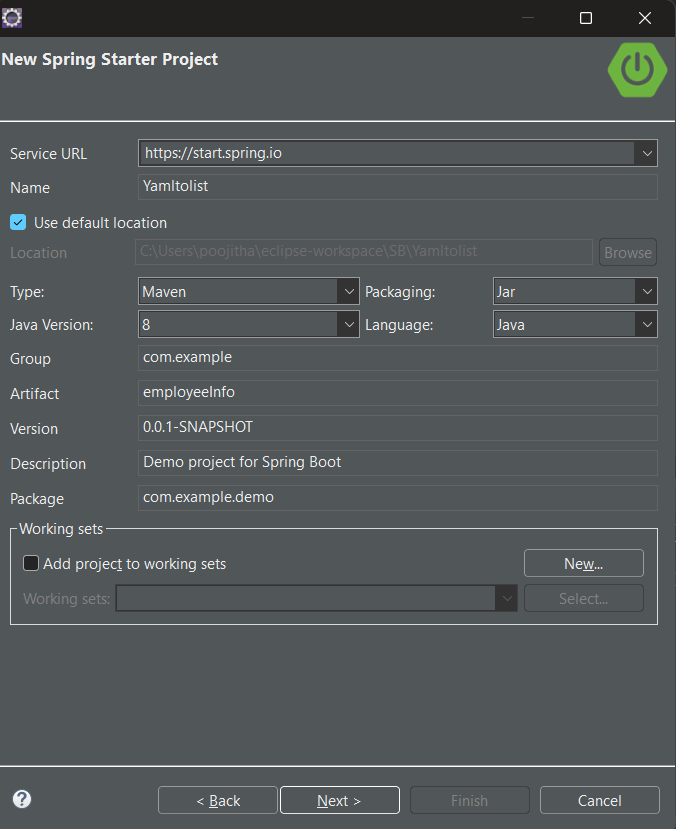
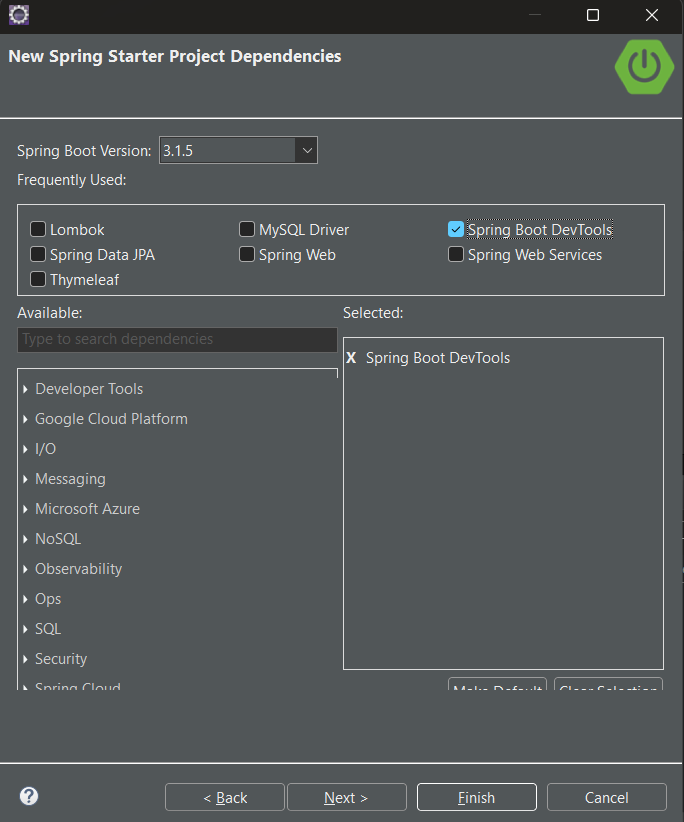
Name the project and configure the default options given if necessary.
Recommended requirements:
Project type: Maven Packaging: Jar Java Version: 8 Language: Java
Add the following JUnit Jupiter API dependency in your pom.xml file:
<dependency>
<groupId>org.junit.jupiter</groupId>
<artifactId>junit-jupiter-api</artifactId>
<version>5.10.0</version> <!-- Use the latest stable version -->
<scope>test</scope>
</dependency>
JUnit Jupiter API: The JUnit Jupiter API is the part of JUnit 5 framework which provides annotations, assertions, and other features for defining and running test cases and serves as a programming model for writing tests in Java. To add the JUnit Jupiter API in pom.xml file, copy and paste the above code.
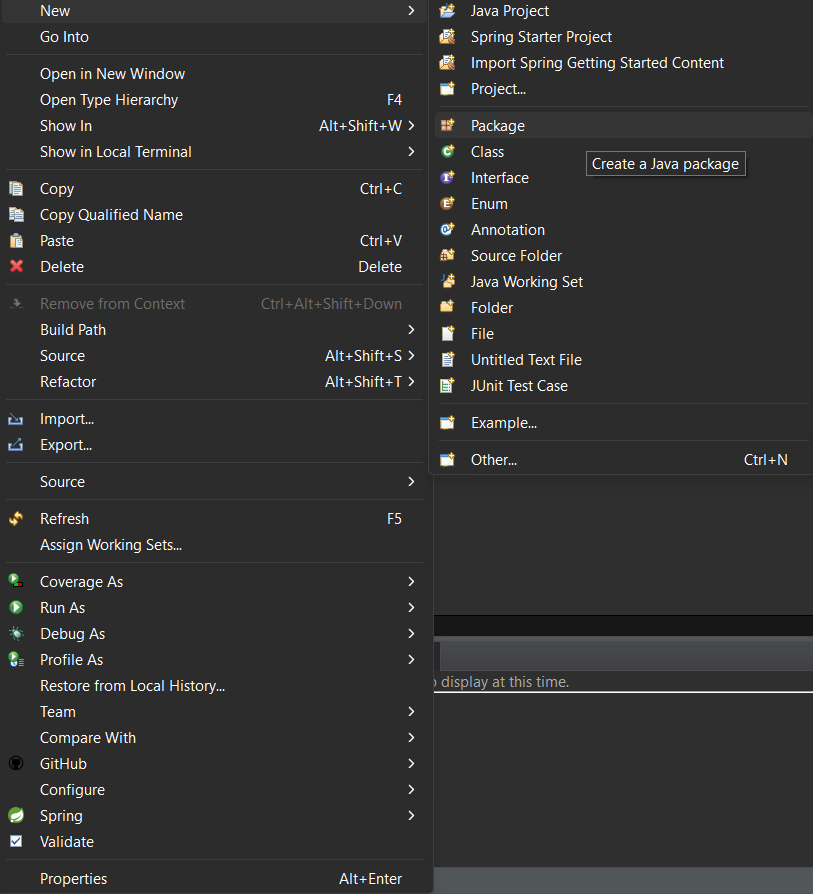
Provide a name to the package. Here we are giving the name as "project".
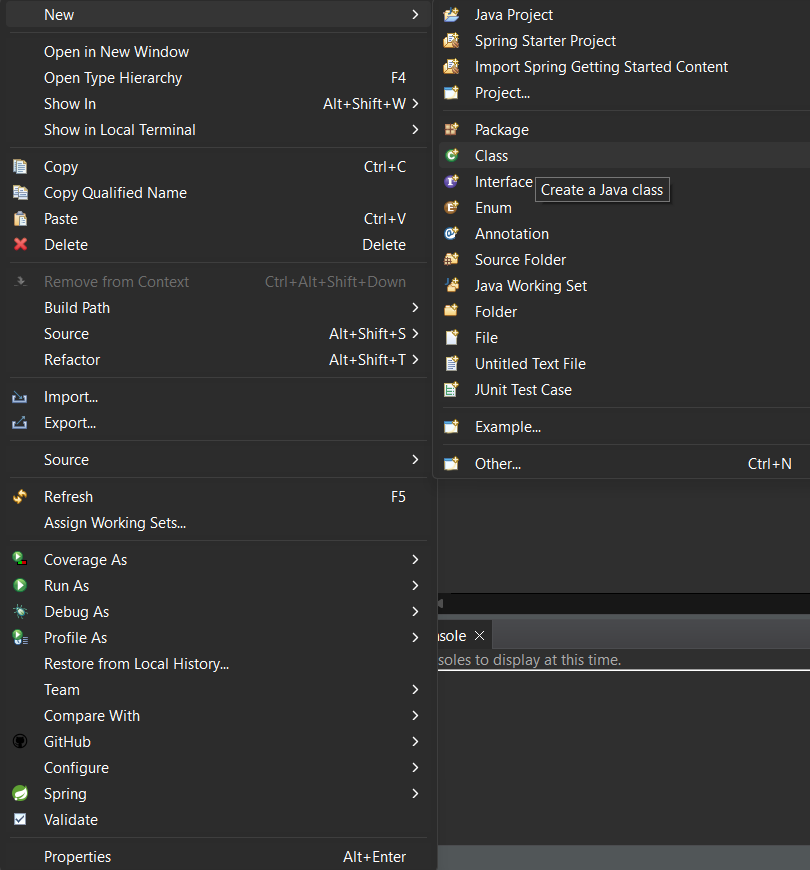
Provide the class name:
Inside the Addition.java class write the following code:
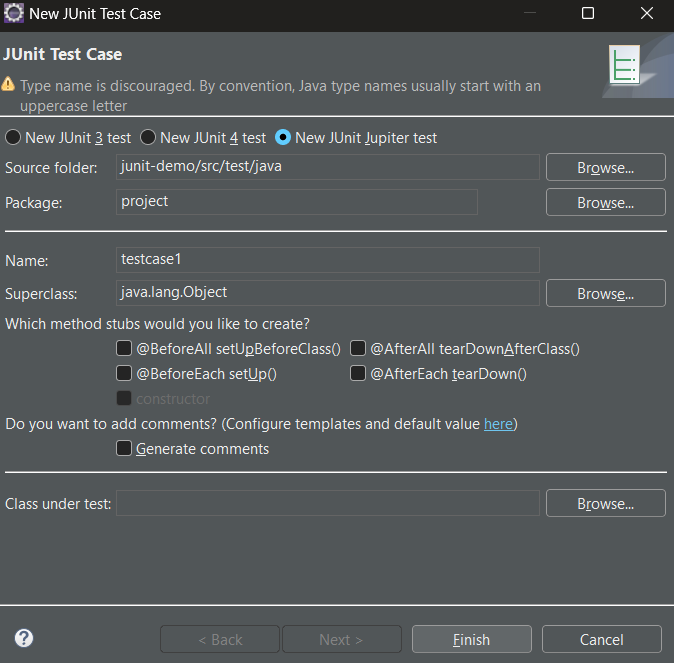
Create a test case in src/test/java under the same package (project).
Write the following test case to execute the sum method three times:
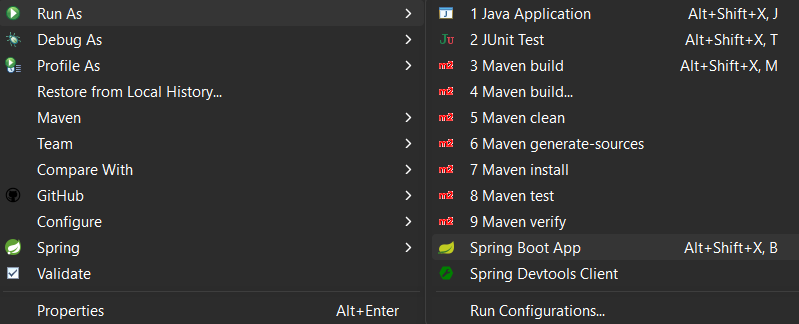
To run the application, Go to project explorer > right click on your project > Run as > Spring Boot App.
Output:
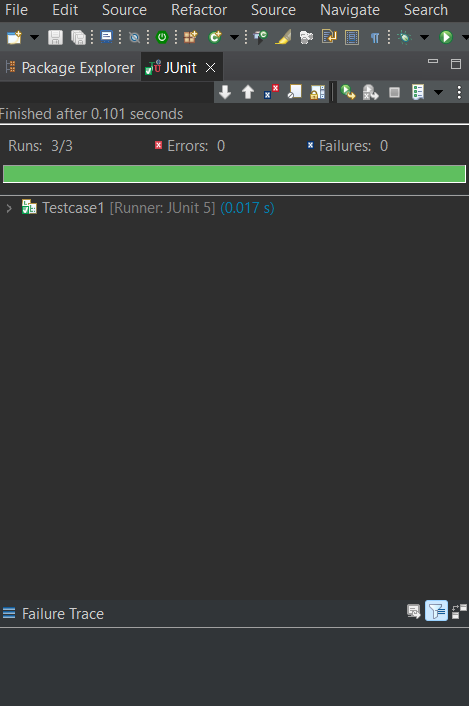
JUnit view:
Console view:
In the above code snippet, the "Testcase1" is annotated with "@RepeatedTest()" along with the "value" as "3" representing that the test should execute 3 times. we have defined the "test1" method in which we have created the "addition" object for "Addition.java" and calculated the sum and stored in "actual" variable. We have asserted the result by comparing the "actual" and "expected" values with "assertEquals" method.
Modify the @RepeatedTest annotation to include a custom name for each repetition.
Output:
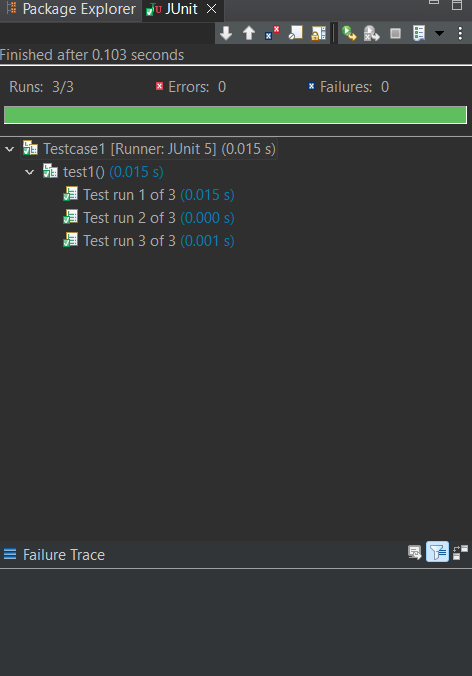
JUnit view:
Console view:
In the above code snippet, the "Testcase2" is annotated with "@RepeatedTest()" along with the "value" as "3" and "name" as "Test run {currentRepetition} of {totalRepetitions}" representing that the test should execute 3 times and displaying the current and total repeatition values. we have defined the "test1" method in which we have created the "addition" object for "Addition.java" and calculated the sum and stored in "actual" variable. We have asserted the result by comparing the "actual" and "expected" values with "assertEquals" method.